
Core guide
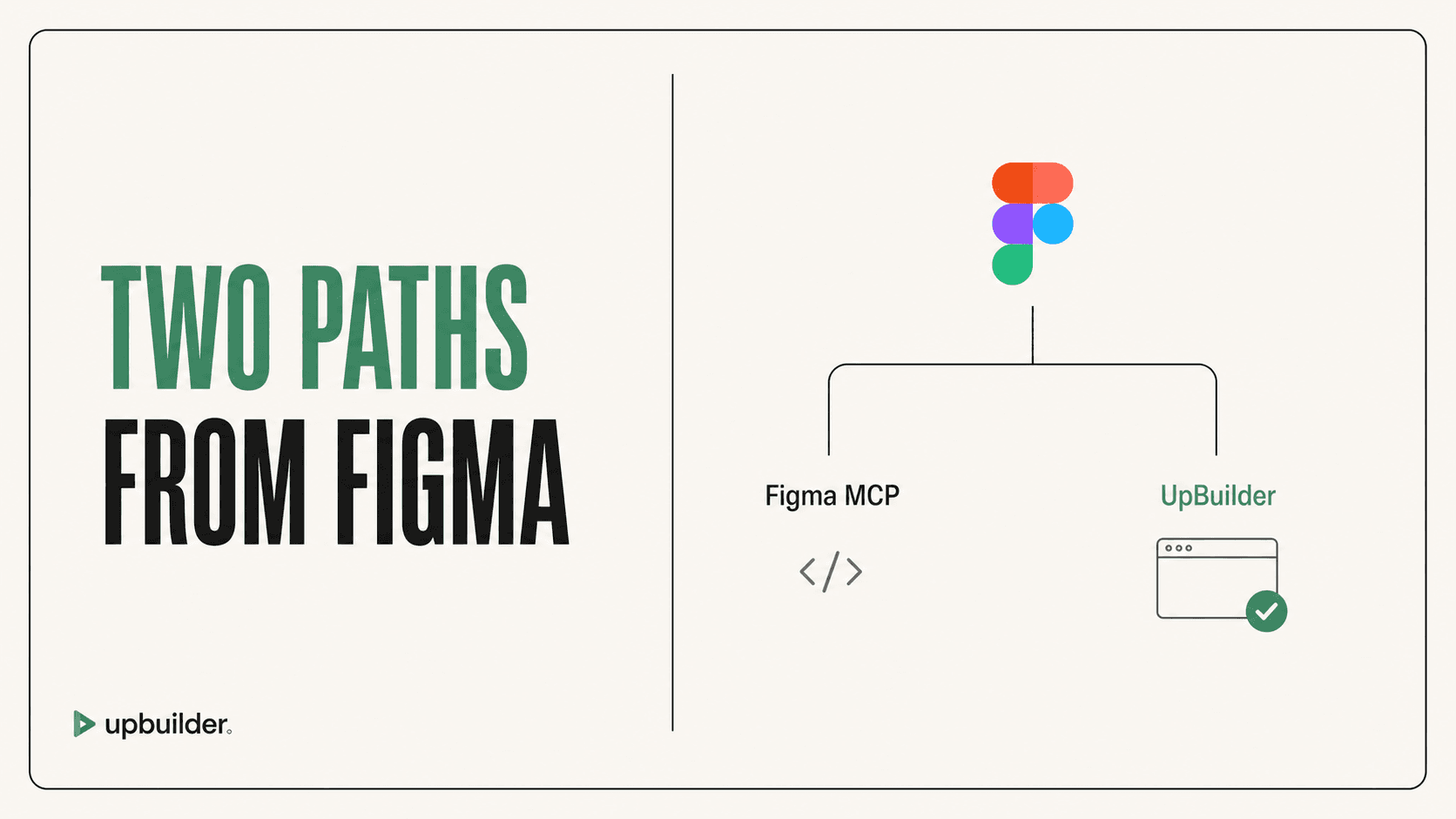
UpBuilder vs Figma MCP: Which Is Better for Building Websites?
Compare UpBuilder and Figma MCP for accuracy, context limits, assets, responsive pages, destination output, testing, and production website workflows.
Read comparisonGuides and research
Practical comparisons and troubleshooting for Webflow, Elementor, React, HTML/CSS, Astro, responsive design, and visual QA.
Start here
Understand what each MCP exposes, what an external agent still has to build, and where UpBuilder replaces manual orchestration.
Compare UpBuilder and Figma MCP for accuracy, context limits, assets, responsive pages, destination output, testing, and production website workflows.
Read comparison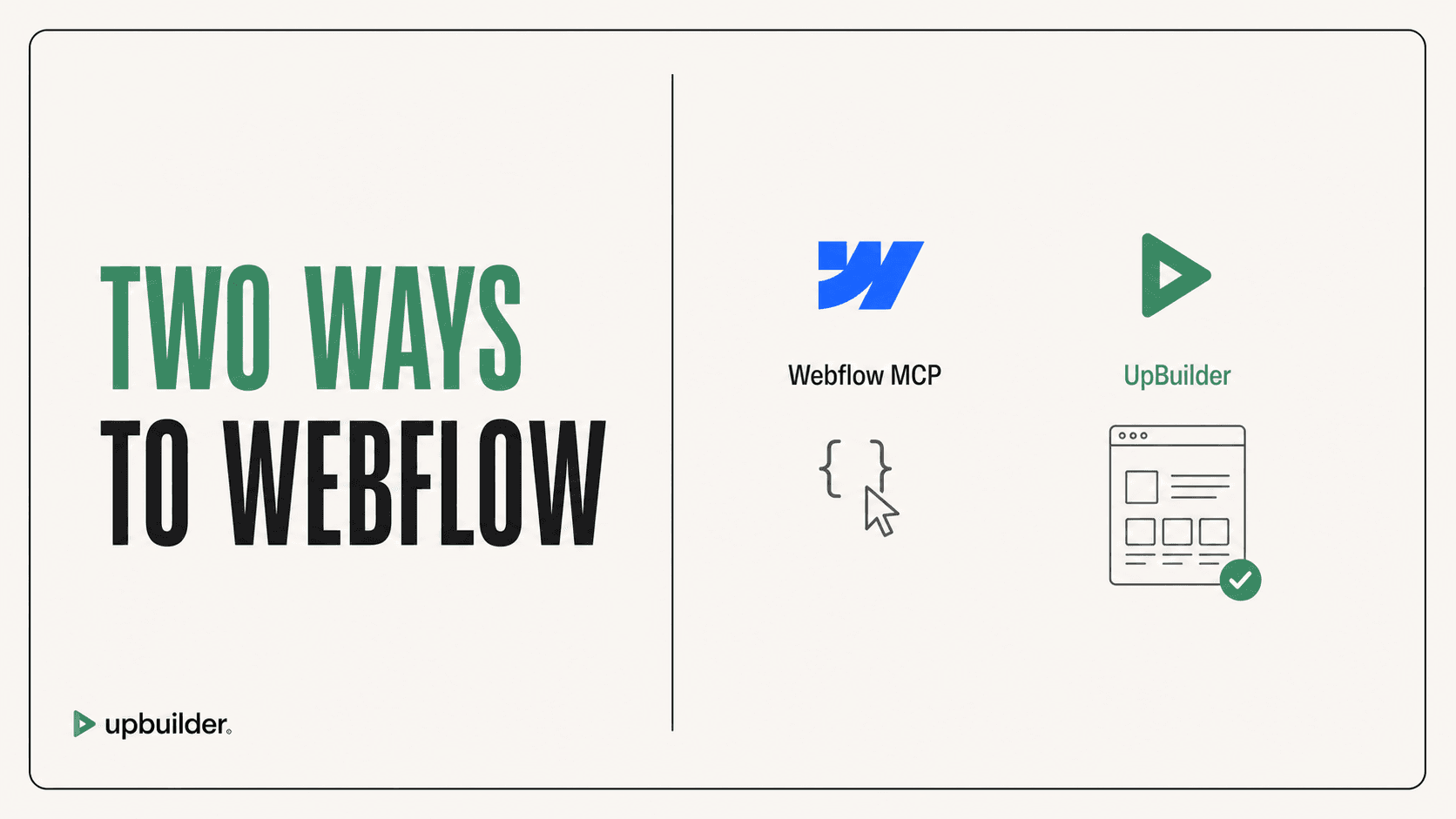
Understand when to use UpBuilder or Webflow MCP for Figma conversion, HTML import, CSS, components, interactions, multi-page builds, and live QA.
Read comparison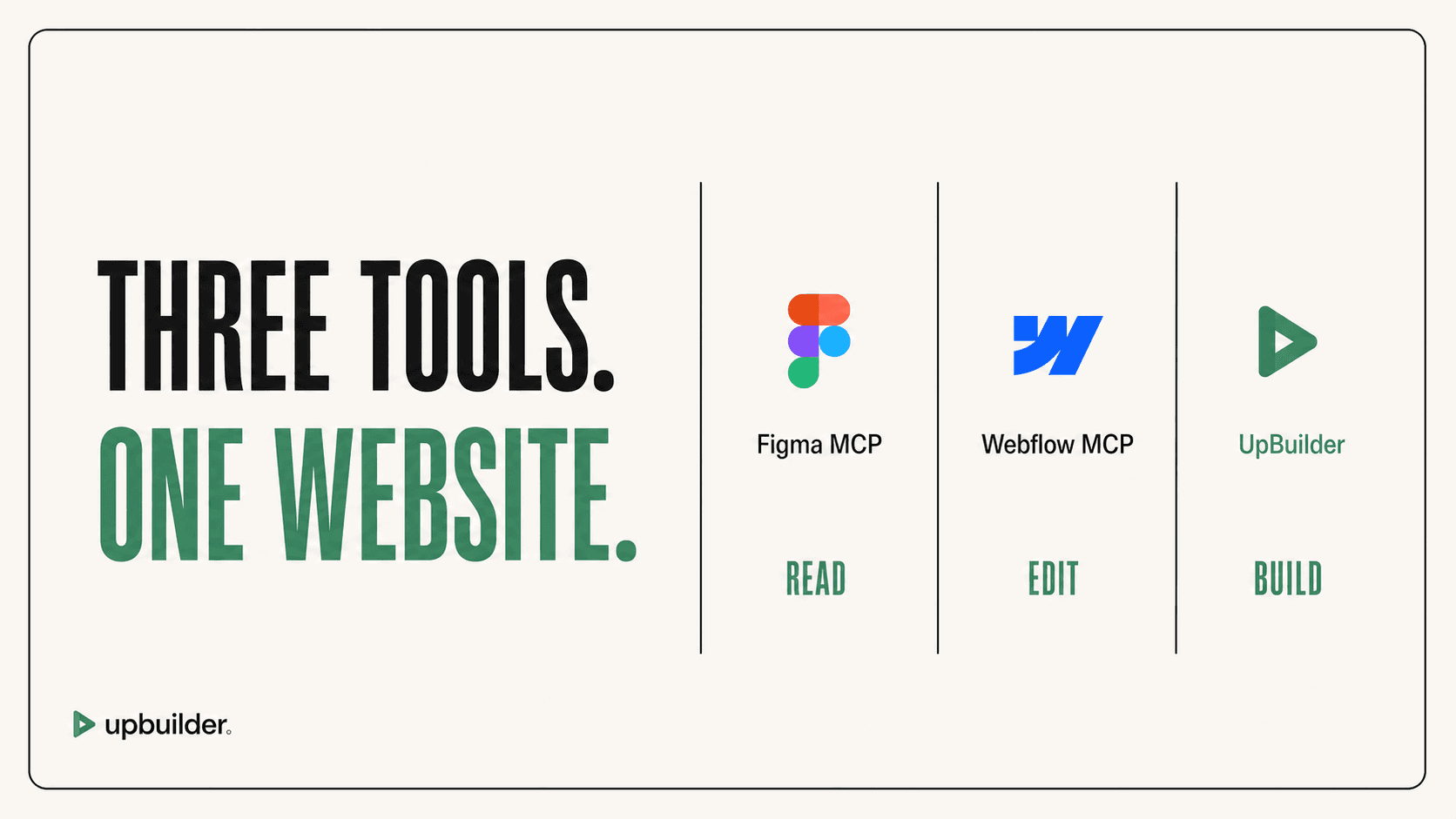
A direct comparison of Figma MCP, Webflow MCP, and UpBuilder for design context, site generation, assets, responsive behavior, editability, interactions, and QA.
Read comparisonQuick answers
Research library
Comparisons, alternatives, troubleshooting, responsive workflows, destination guides, and production recommendations.
Learn what Webflow MCP can and cannot do with interactions, the Bridge App, fonts, localized CMS items, workspace authorization, and production QA.
Read guideA safe rebuild and comparison workflow for Webflow MCP pages with inaccurate styling, weak responsiveness, broken assets, messy classes, or difficult editing.
Read guideTurn Figma references into responsive Webflow pages with correct grouping, fluid behavior, breakpoints, ordering, typography, assets, and QA.
Read guideBuild a multi-page Webflow site from Figma with correct page grouping, responsive variants, shared components, navigation, assets, classes, and destination QA.
Read guideLearn what editable output means in Webflow, Elementor, React, HTML/CSS, and Astro, plus how to avoid screenshot-based and hard-to-maintain conversions.
Read guideConvert Figma designs into Elementor containers and widgets, then validate responsive screenshots, assets, layout, forms, and WordPress preview output.
Read guideMove a Figma design into Framer and validate the published page with responsive screenshots, DOM evidence, visual differences, and interaction checks.
Read guideConvert Figma designs into a portable Astro project with reusable sections, responsive styling, optimized assets, build verification, and rendered-page QA.
Read guideGenerate maintainable React from Figma with reusable components, responsive styling, stable assets, semantic HTML, visual QA, and repository conventions.
Read guideConvert Figma to semantic HTML and maintainable CSS with responsive layouts, optimized assets, accessible controls, light JavaScript, and rendered QA.
Read guideEvaluate Figma-to-website tools for agency delivery using multi-page capacity, destinations, responsiveness, editability, client handoff, QA, limits, and total margin.
Read guideUnderstand what unlimited Figma-to-Webflow builds means in UpBuilder, which project limits still apply, and how to compare total delivery cost with MCP workflows.
Read guide