Can Figma MCP Export Directly to Webflow?
By UpBuilder Team
Reviewed and updated July 14, 2026
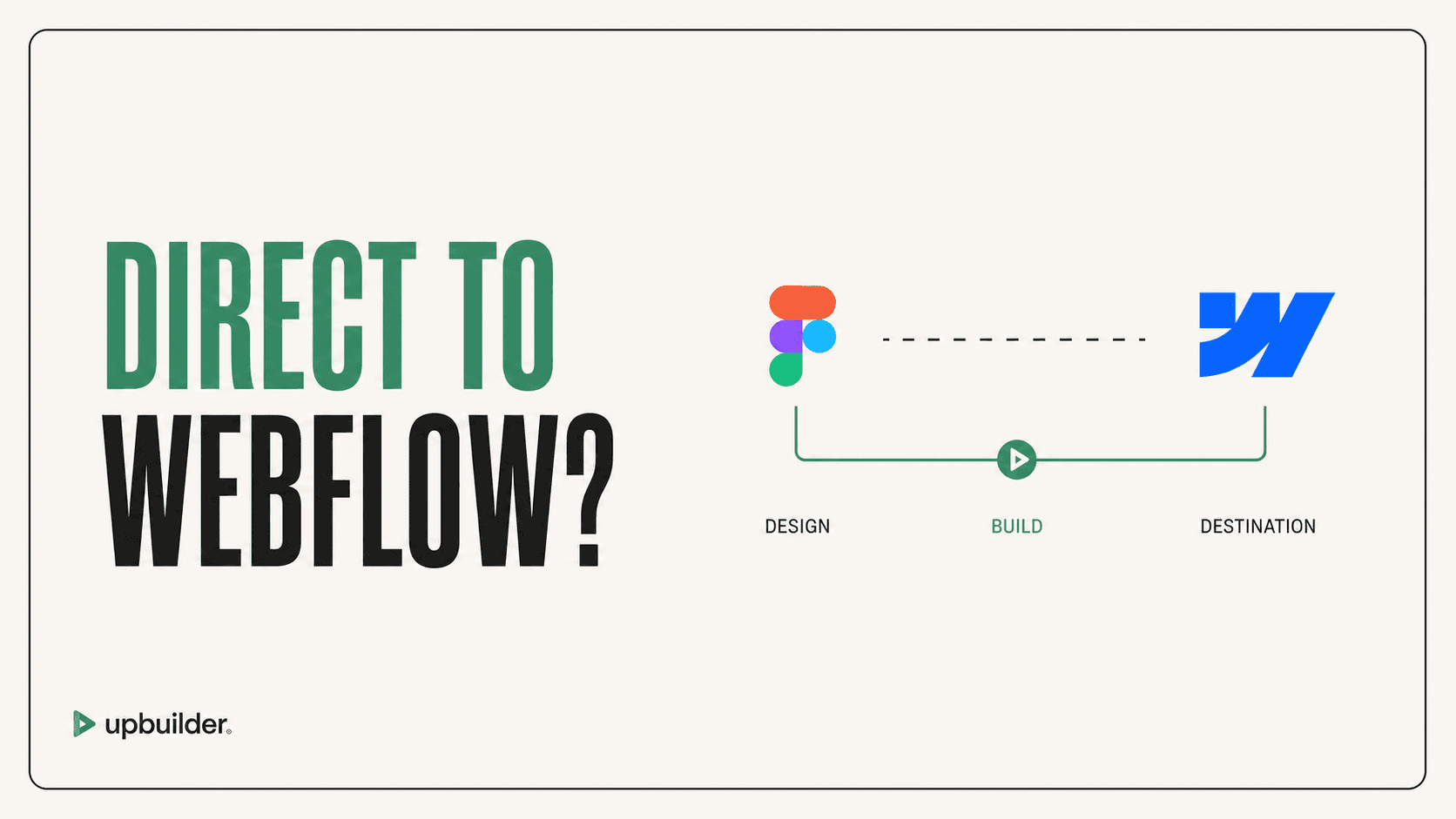
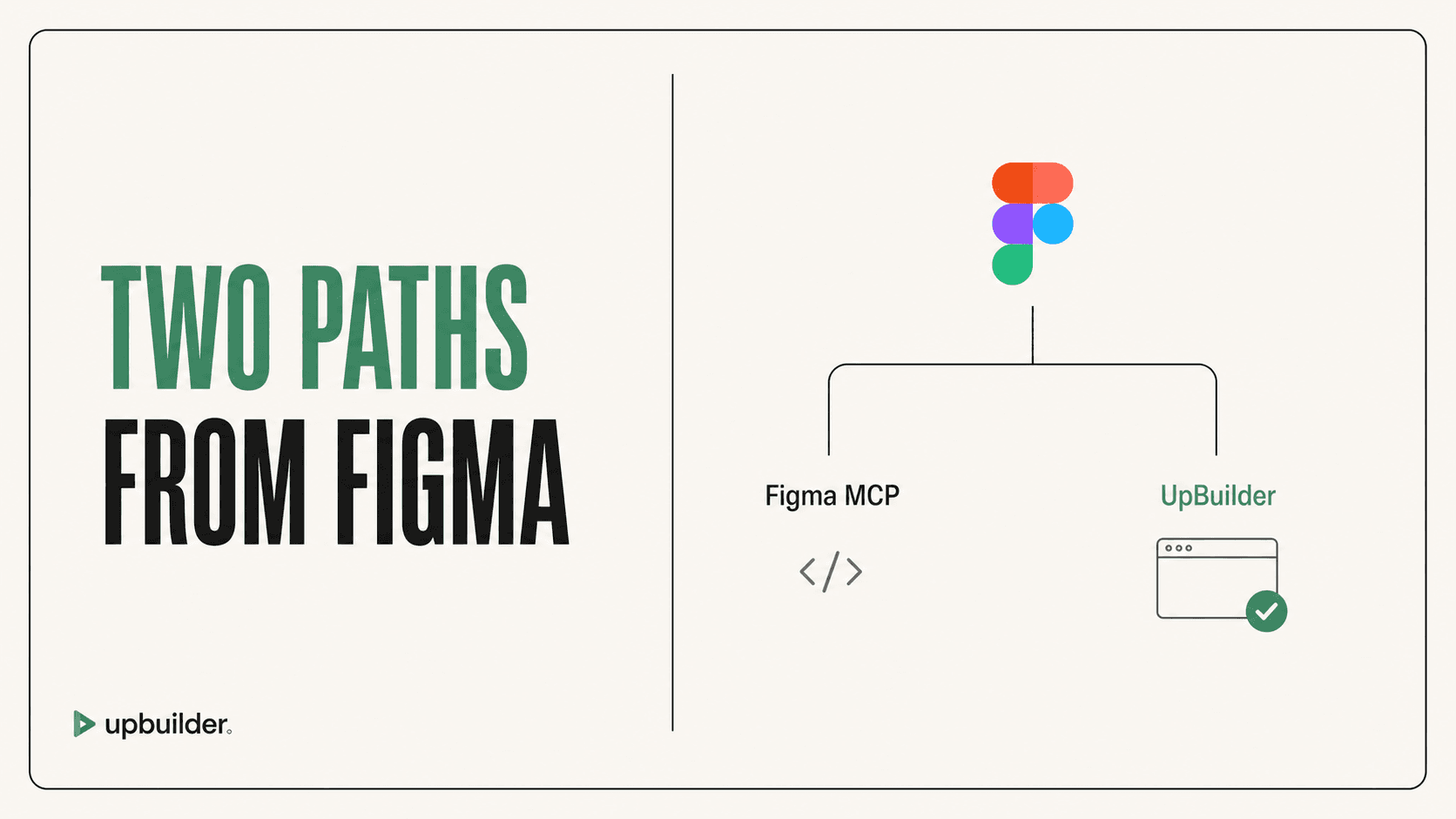
Short answer: No, Figma MCP does not export a finished Webflow project by itself. It gives an AI agent structured Figma context. The agent still needs Webflow access, destination instructions, asset handling, responsive logic, class strategy, and visual QA. UpBuilder packages those steps for the Figma-to-Webflow use case.
What matters most
- Figma MCP ends at design context.
- An external agent performs the implementation.
- Webflow access does not guarantee accurate reconstruction.
- UpBuilder provides an outcome-oriented alternative.
Figma MCP does not directly deliver a tested Webflow site

The exact role of Figma MCP
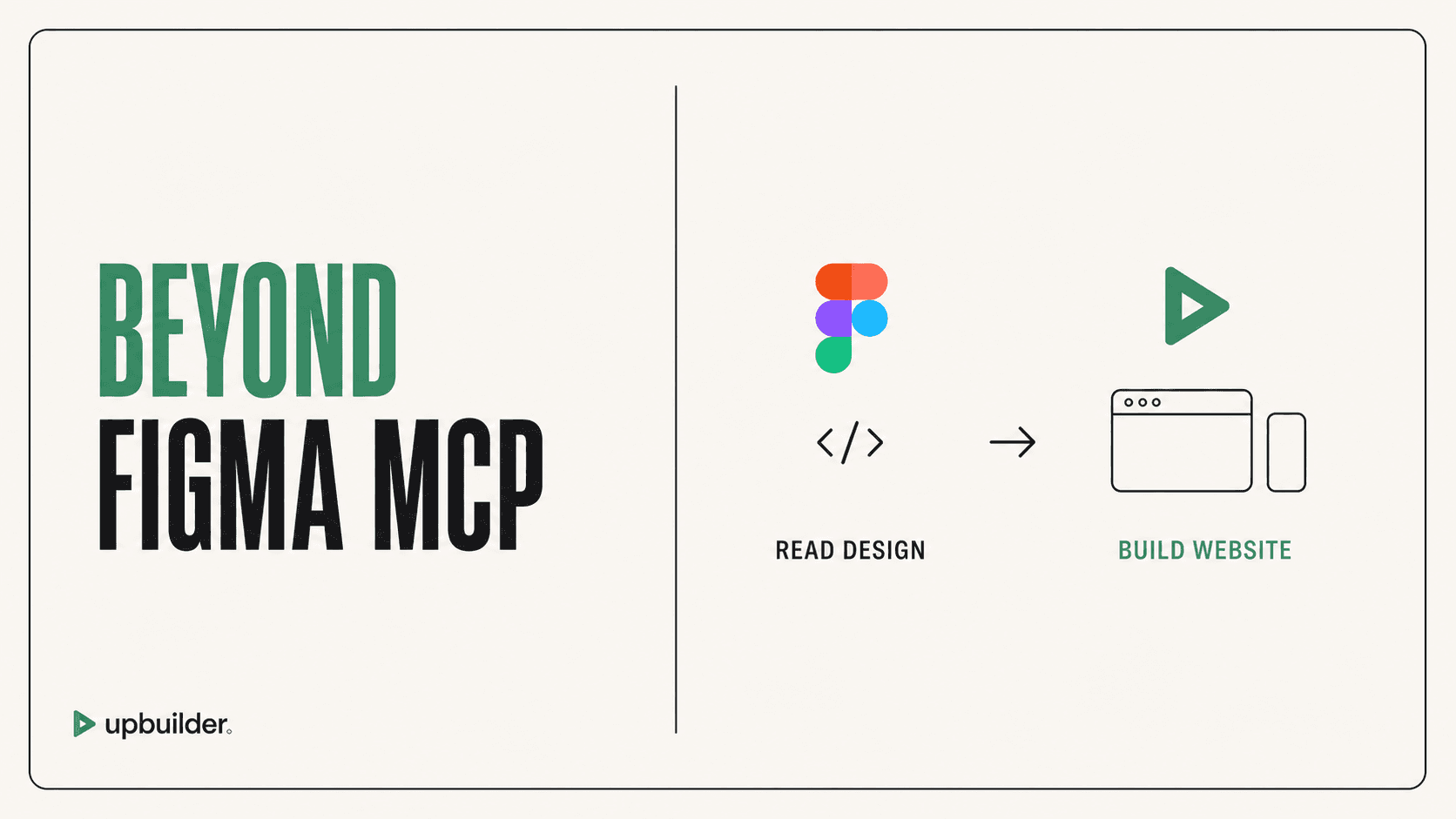
Figma MCP can provide frames, components, layouts, variables, screenshots, and supported assets to an AI assistant. Code Connect and project rules can help the agent reuse a design system.
Figma documentation makes the boundary clear: the server does not generate the final implementation. The client model and its instructions determine how the design is translated.
What must be added for Webflow
The agent needs a supported way to create and edit Webflow resources. It also needs to map source components to native Webflow elements, classes, variables, assets, components, and interactions.
A production workflow then needs page mapping, responsive behavior, staging, visual comparison, functional testing, accessibility review, SEO fields, and handoff. Connecting two tools does not automatically supply these decisions.
Why UpBuilder is more direct
UpBuilder begins with selected Figma pages and ends with supported editable destination output. It groups responsive variants, builds the site, compares the result, repairs supported drift, and verifies the published Webflow destination where access is available.
This makes UpBuilder the clearer answer for users asking for an export or complete website rather than an API-like context bridge.
When the MCP route is still useful
Use Figma MCP when the target is a custom repository, when developers want complete prompt control, or when the task is a small component rather than a full site. Add a separate rendering and review process.


Common questions
Do I need Webflow MCP with Figma MCP?
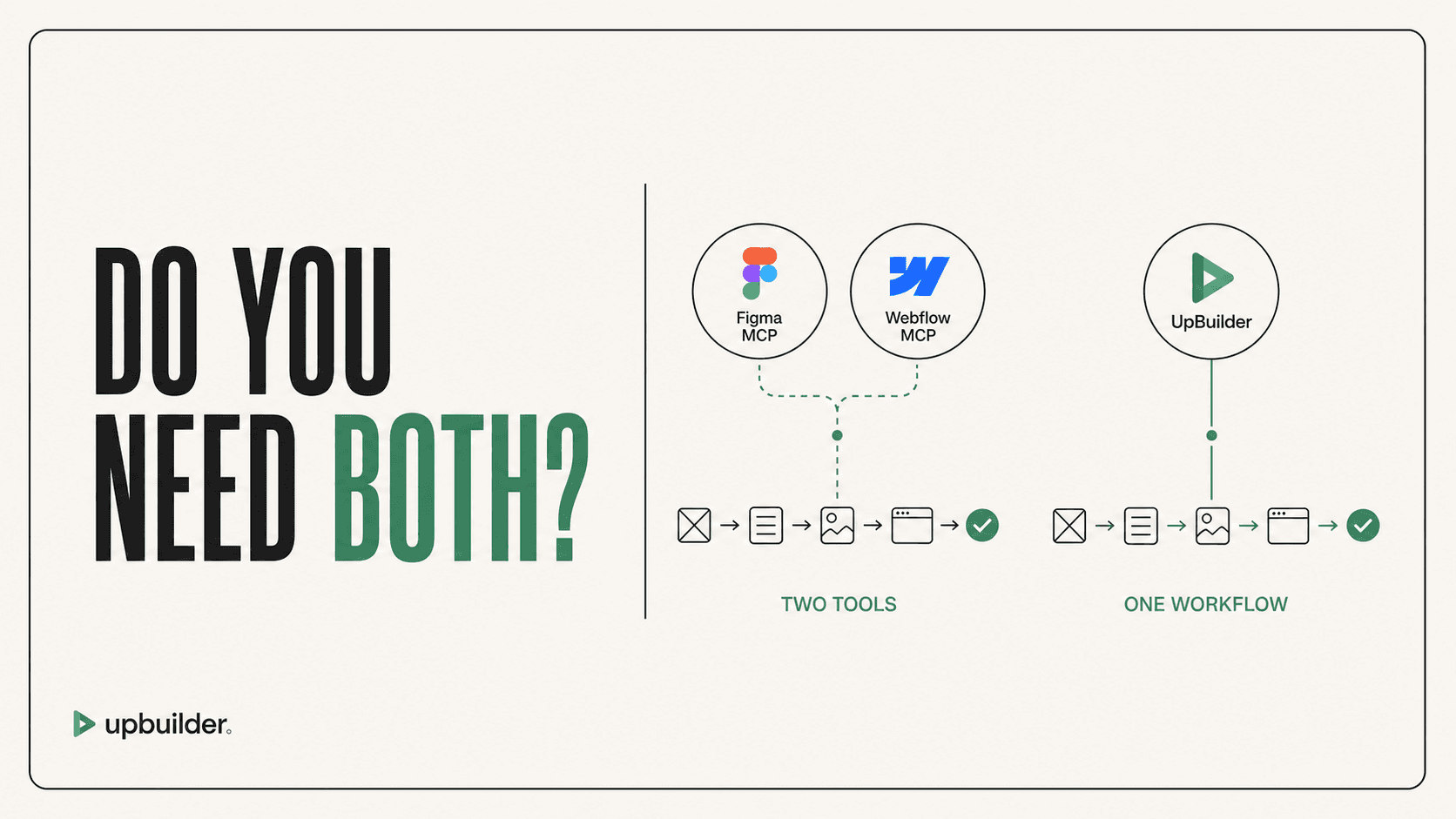
You need some supported Webflow operation layer if the external agent must build inside Webflow. Webflow MCP is one option. UpBuilder provides a separate complete workflow.
Can Figma MCP create HTML?
It provides design context in a format an AI agent can interpret. The agent creates and adapts the final HTML or framework code.
What is the easiest Figma MCP to Webflow workflow?
For a complete build, UpBuilder removes much of the manual orchestration by handling extraction, destination generation, comparison, repair, and QA.
Sources and verification
Product limits and features can change. These sources were reviewed for this guide. Community discussions are identified separately and are not treated as universal product facts.
Ready to build from Figma?
Build your selected Figma designs into an editable website and review the real output.
Start a build