
Core guide
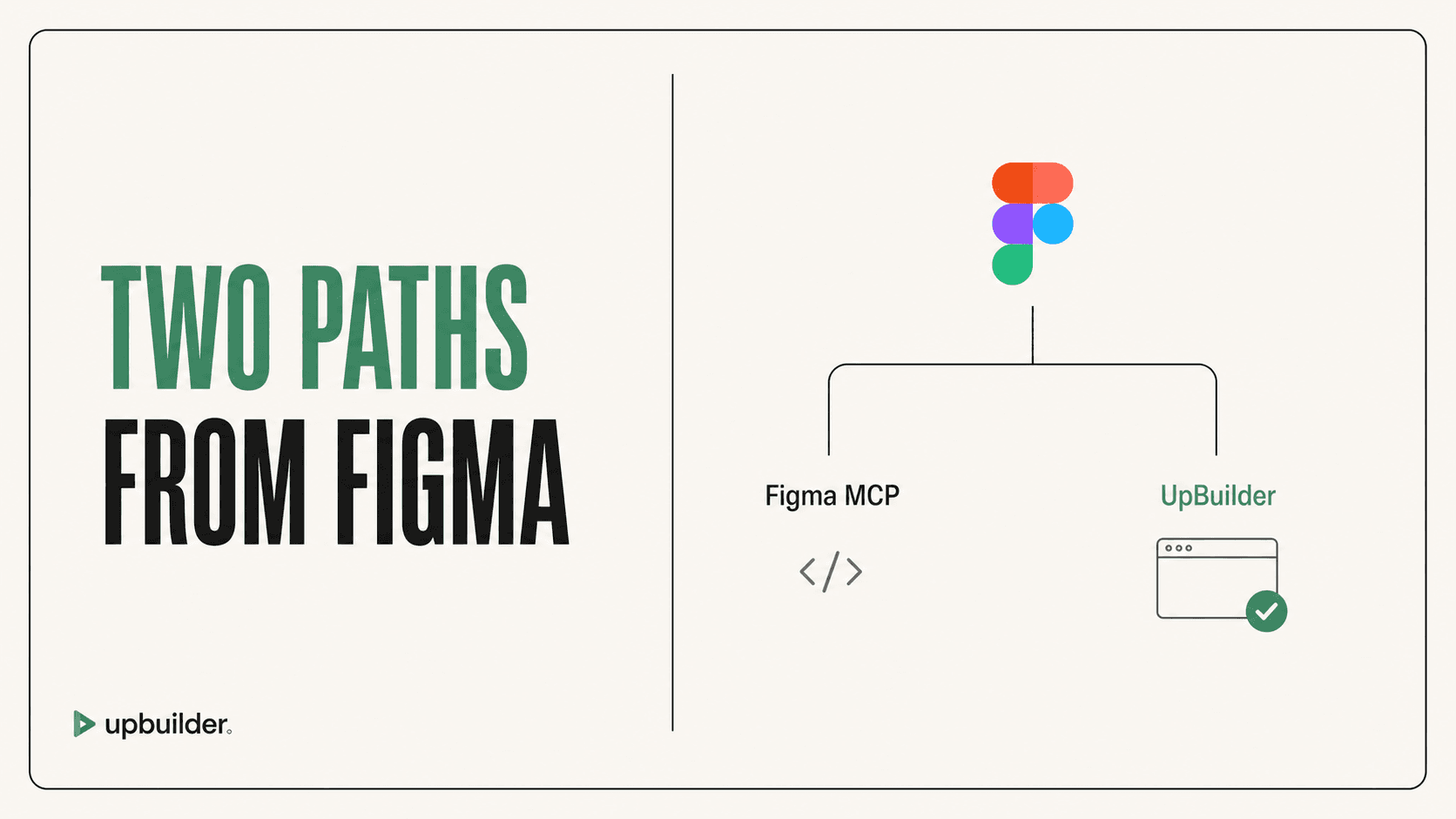
UpBuilder vs Figma MCP: Which Is Better for Building Websites?
Compare UpBuilder and Figma MCP for accuracy, context limits, assets, responsive pages, destination output, testing, and production website workflows.
Read comparisonGuides and research
Practical comparisons and troubleshooting for Webflow, Elementor, React, HTML/CSS, Astro, responsive design, and visual QA.
Start here
Understand what each MCP exposes, what an external agent still has to build, and where UpBuilder replaces manual orchestration.
Compare UpBuilder and Figma MCP for accuracy, context limits, assets, responsive pages, destination output, testing, and production website workflows.
Read comparison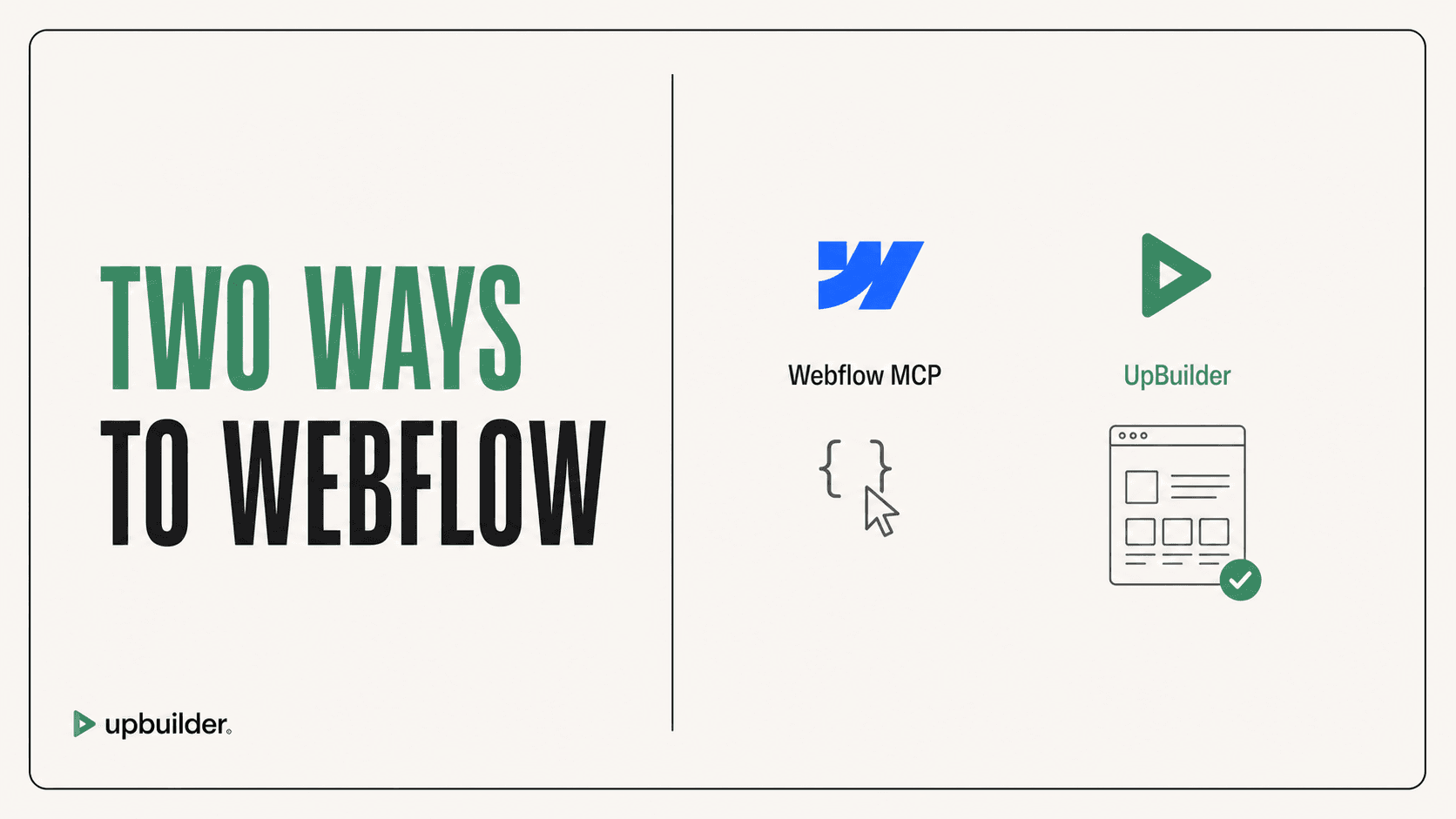
Understand when to use UpBuilder or Webflow MCP for Figma conversion, HTML import, CSS, components, interactions, multi-page builds, and live QA.
Read comparison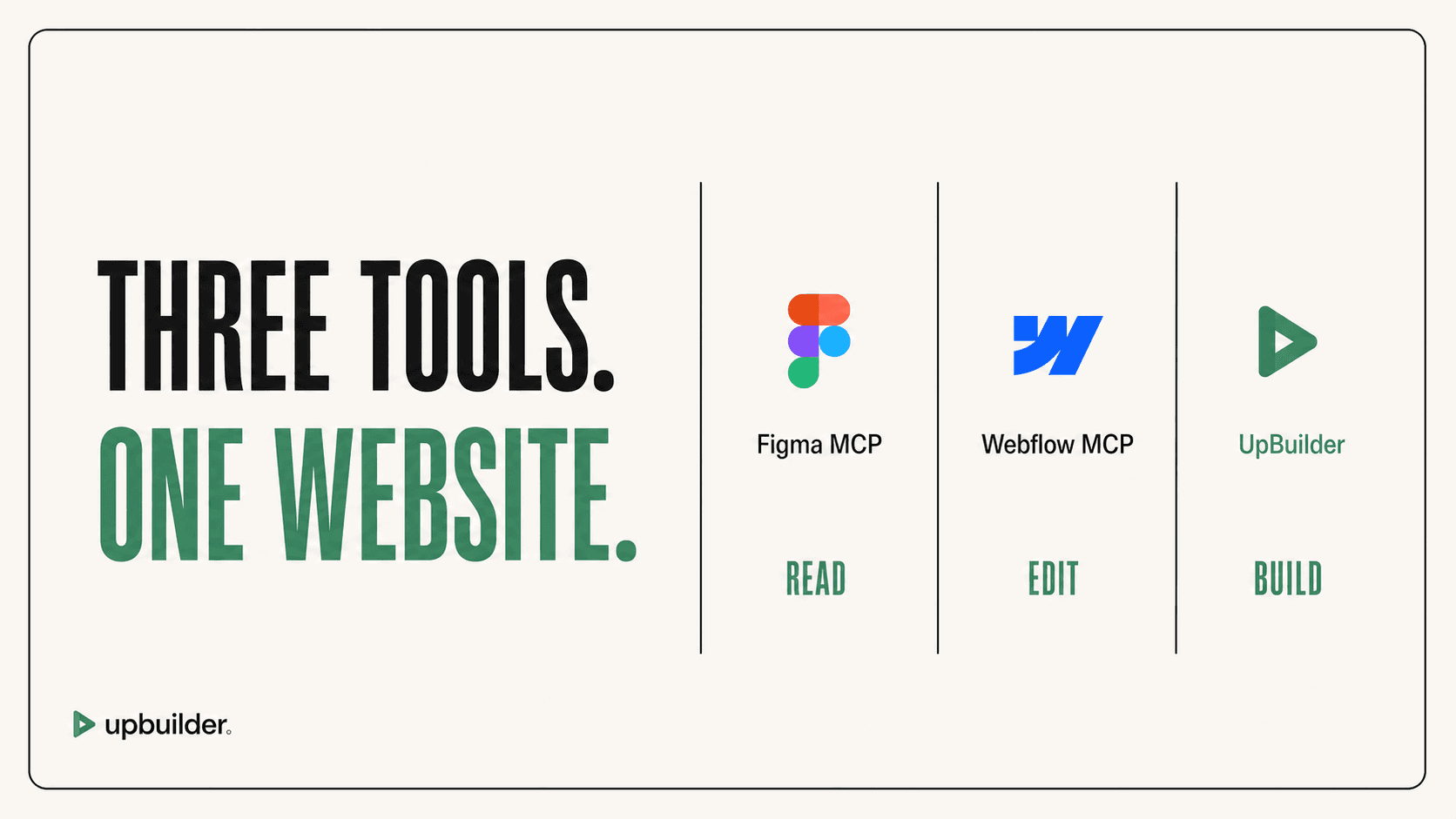
A direct comparison of Figma MCP, Webflow MCP, and UpBuilder for design context, site generation, assets, responsive behavior, editability, interactions, and QA.
Read comparisonQuick answers
Research library
Comparisons, alternatives, troubleshooting, responsive workflows, destination guides, and production recommendations.
Compare AI tools for Webflow design conversion, site building, copy, localization, SEO, CMS work, and production QA without treating every tool as interchangeable.
Read guideCompare AI tools for Elementor by task, including Figma conversion, page creation, copy, images, code, responsive editing, and WordPress production checks.
Read guideCompare Figma-to-Elementor converters using native widgets, responsive pages, WordPress compatibility, reusable styles, cleanup time, and real staging checks.
Read guideCompare Figma-to-Framer tools for direct import, multi-page organization, responsive layouts, editable output, components, CMS work, and published QA.
Read guideCompare AI Figma-to-website tools for editable visual-builder output, portable code, multiple pages, responsive references, source preparation, and production QA.
Read guideChoose UpBuilder when you need a complete website rather than Figma context alone. Compare extraction, assets, responsiveness, destinations, repair, and QA.
Read guideCompare the best Figma to Webflow workflows using accuracy, preparation, responsiveness, editability, interaction support, QA, limits, and total cleanup time.
Read guideImprove Figma to Webflow accuracy with better frame selection, responsive references, asset checks, visual comparison, destination QA, and acceptance criteria.
Read guideLearn why Figma MCP output can miss layout, variants, overrides, assets, typography, and responsive intent, plus a practical workflow for improving fidelity.
Read guideUnderstand Figma MCP read-tool quotas, seat requirements, per-minute limits, external AI tokens, and ways to reduce unnecessary context usage.
Read guideFix missing Figma MCP images by understanding temporary asset URLs, per-call image limits, local storage, SVG bounds, and reliable asset mapping.
Read guidePrevent and repair Webflow MCP style issues involving classes, combo classes, states, duplicate CSS, raw HTML, responsive overrides, and maintainability.
Read guide