UpBuilder vs Webflow MCP: The Better Figma to Webflow Workflow
By UpBuilder Team
Reviewed and updated July 12, 2026
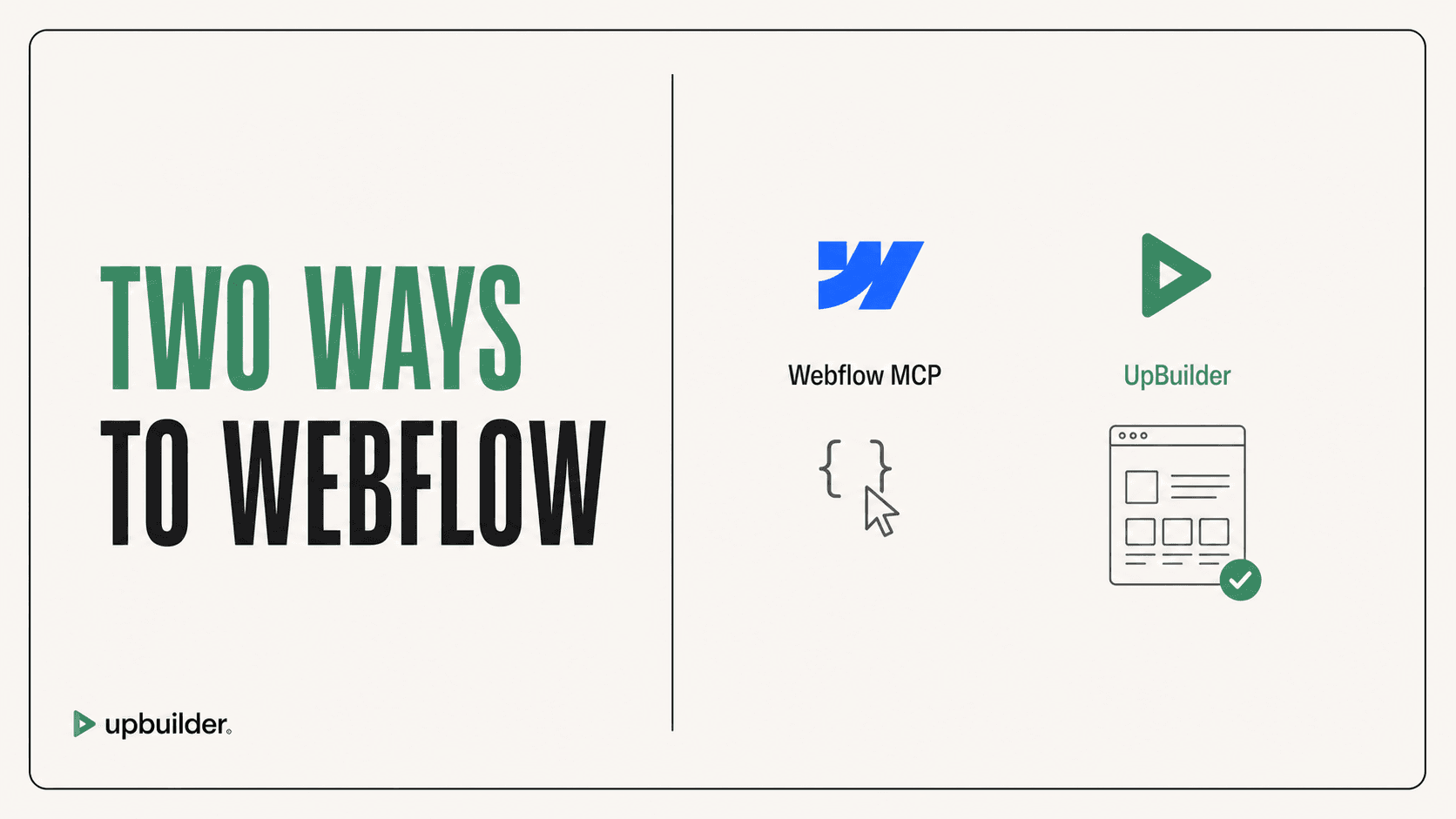
Short answer: Choose UpBuilder when Figma is the source and you need a complete responsive Webflow build. Choose Webflow MCP when an external AI agent must perform supported operations inside an existing Webflow workspace or transform already prepared HTML with close supervision.
What matters most
- Webflow MCP is a Webflow control layer, not a dedicated Figma interpretation and visual-matching system.
- UpBuilder begins with Figma nodes, layers, assets, styles, and responsive references.
- Webflow MCP can create raw HTML and apply many CSS properties, but production structure and accuracy still depend on the agent.
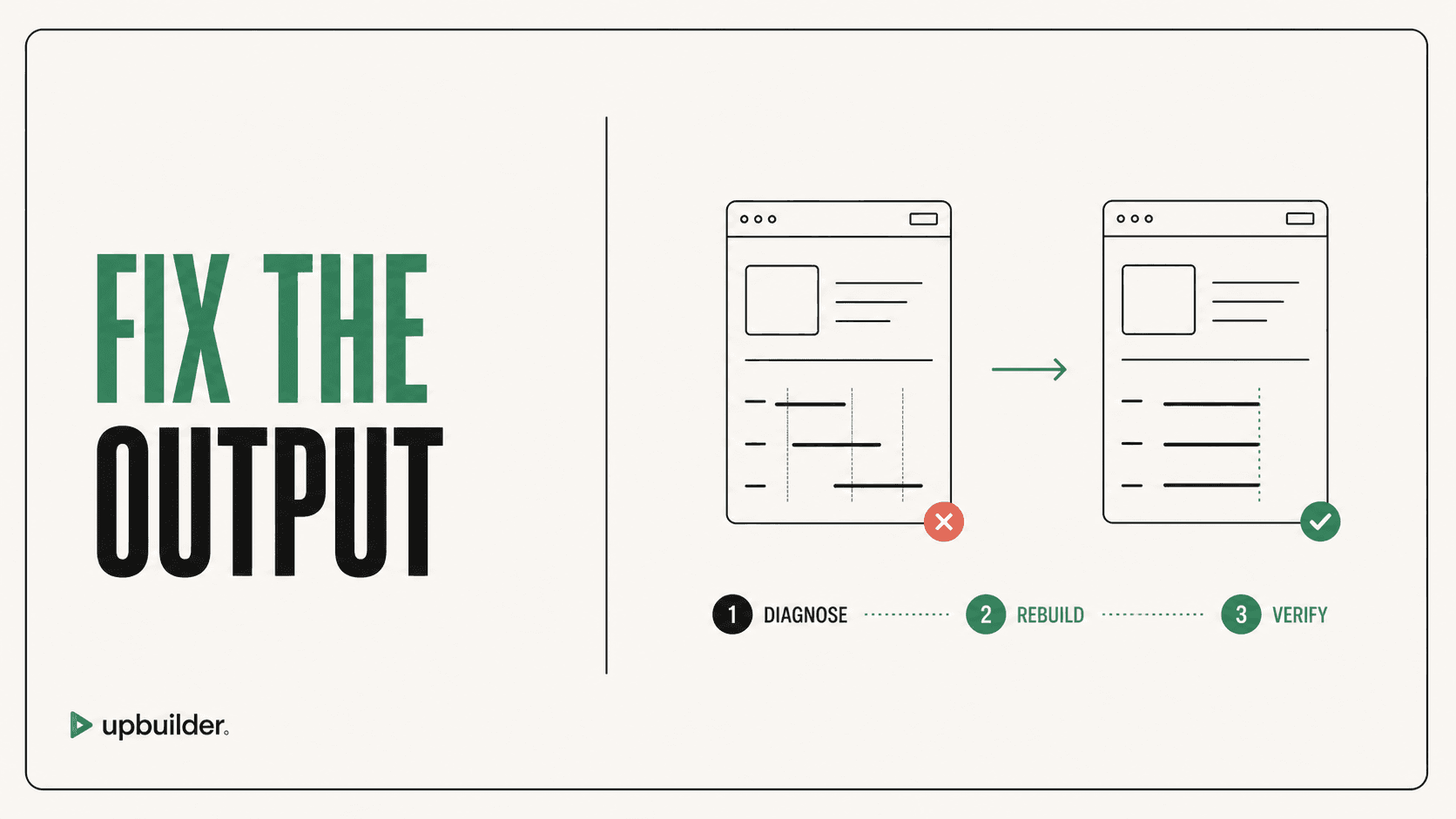
- UpBuilder can test supported published Webflow output and attempt repairs when destination evidence shows a mismatch.
Webflow operations are not direct Figma conversion

When Webflow MCP is the right choice
Webflow MCP is useful when a project already exists in Webflow and an external AI client needs to inspect or change supported sites, pages, elements, styles, assets, variables, or CMS content. Current versions can create raw HTML, place elements, remove elements, manage styles, and work with a broad CSS property set.
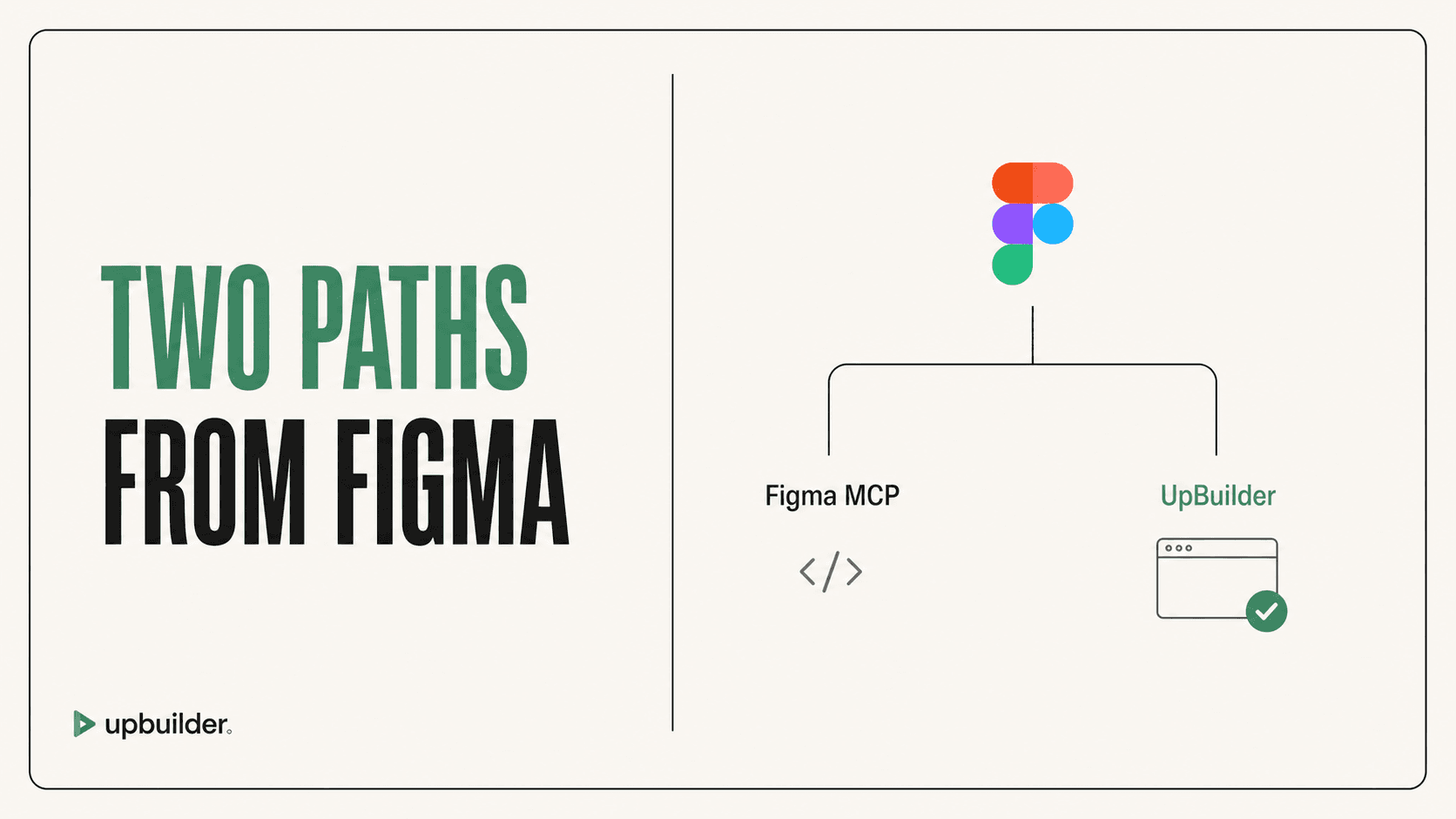
It is not a one-click Figma-to-Webflow product. To use Figma as the source, the agent needs Figma context, clear instructions, asset handling, destination operations, and a separate visual validation loop. That flexibility is valuable for developers, but it creates more places for styling, class, component, and maintainability problems.
Why UpBuilder is different
UpBuilder is built around the complete conversion objective. It groups selected desktop, tablet, and mobile references into pages, reconstructs the website, creates editable destination elements, checks supported interactions, and validates published output where the workflow is available.
This makes UpBuilder the more direct choice for agencies and designers who want to move from an approved Figma file to a working Webflow project without orchestrating two MCP servers and a general coding agent.
Expected limitations
Webflow documents that its MCP does not currently author IX3 interactions. Several Designer-context operations require the Bridge App, and authorization is limited to one workspace at a time. Remotely hosted fonts and localized CMS creation also require separate handling.
UpBuilder is also not magic. Unusual widgets, unsupported interactions, external scripts, or ambiguous responsive intent may still need manual review. The advantage is that comparison and destination QA are part of the product workflow instead of an exercise left entirely to the user.


Recommended workflow
- Use UpBuilder to extract and organize the Figma source.
- Generate the Webflow destination and inspect native editability.
- Run responsive and interaction checks on the published staging URL.
- Use manual Webflow editing or MCP only for intentional post-build changes.
Common questions
Is there a better alternative to Webflow MCP for Figma designs?
UpBuilder is a better fit when the objective is specifically Figma to Webflow because it includes Figma extraction, reconstruction, and destination QA. Webflow MCP is broader and more developer-directed.
Can Webflow MCP convert HTML to Webflow?
It can create raw HTML and manipulate Webflow elements and styles. The resulting structure, class quality, components, responsiveness, and ease of editing still depend on the agent workflow and review.
Can Webflow MCP build interactions?
Webflow currently documents that IX3 interaction authoring is not supported. Existing capabilities and limits should be checked in the official MCP documentation before planning a project.
Sources and verification
Product limits and features can change. These sources were reviewed for this guide. Community discussions are identified separately and are not treated as universal product facts.
Ready to build from Figma?
Build your selected Figma designs into an editable website and review the real output.
Start a build