Figma to Astro: Fast, Portable Website Generation
By UpBuilder Team
Reviewed and updated July 12, 2026
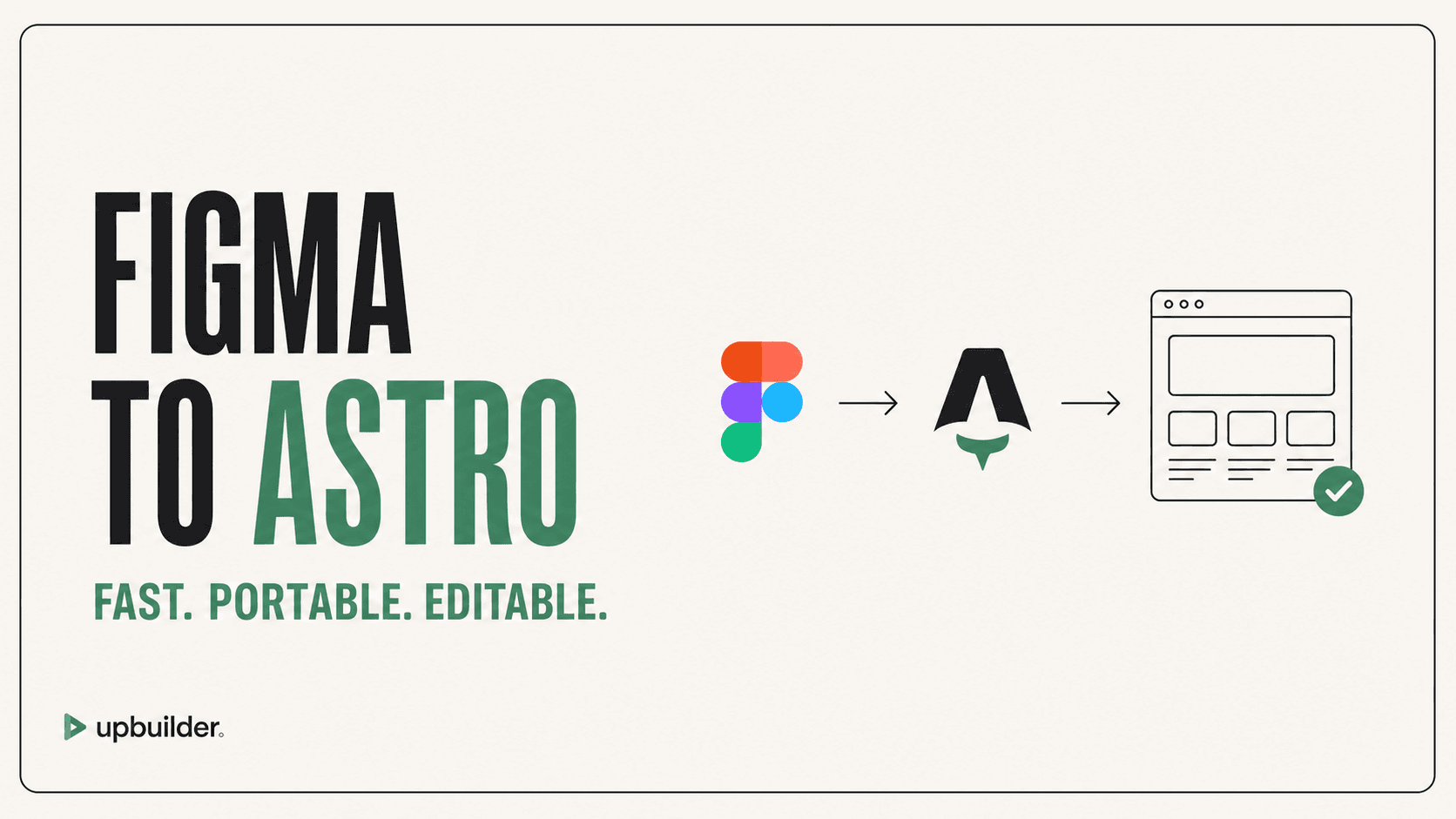
Short answer: Use Figma-to-Astro when you want portable code, strong static delivery, selective interactivity, and control over hosting. The generated project should build successfully and be checked against the design at multiple widths.
What matters most
- Prefer reusable Astro components and sections.
- Keep JavaScript selective.
- Optimize assets and fonts.
- Run the real production build before handoff.
Figma to a portable Astro project

Why Astro is a useful destination
Astro is well suited to marketing sites, documentation, editorial content, and other experiences that benefit from server-rendered or static HTML with selective client interactivity. The output remains portable across compatible hosting providers.
UpBuilder can generate a structured Astro project from selected Figma designs, then run build and rendered-page checks. The team should still review framework conventions, content sources, integrations, accessibility, and long-term component design.
Avoid a monolithic generated page
Split global layouts, navigation, footers, repeated sections, cards, buttons, and content patterns into understandable components. Keep data separate when content repeats. Use islands only where browser interactivity is required.
Production checks
Run the production build, inspect generated routes, check image handling, font loading, metadata, canonical URLs, sitemap behavior, hydration, client bundles, accessibility, and performance. Compare rendered screenshots at the source widths and intermediate widths.
Content and deployment architecture
Decide whether content lives in Astro files, content collections, a headless CMS, or an external API. Define schemas and fallbacks so editors cannot accidentally create layouts the design never considered.
Choose hosting, preview deployments, environment variables, redirects, caching, error monitoring, analytics, and ownership before launch. Portable code still needs an operational system around it.


Common questions
Can UpBuilder generate Astro from Figma?
Yes, for supported designs. The output is a portable Astro project with reusable sections and assets, followed by build and render checks.
Is Astro better than Webflow?
Astro offers code ownership and hosting flexibility. Webflow offers a visual editor and integrated site management. Choose based on the team that will maintain the site.
Will an Astro site be fast automatically?
Astro provides a strong foundation, but asset size, fonts, third-party scripts, hydration, hosting, and implementation choices still determine performance.
Verify current access before building
Capabilities, destinations, and usage limits can change. Confirm the current options shown inside UpBuilder before committing a production project.
Ready to build from Figma?
Build your selected Figma designs into an editable website and review the real output.
Start a build