How to Convert Figma into an Editable Website
By UpBuilder Team
Reviewed and updated July 12, 2026
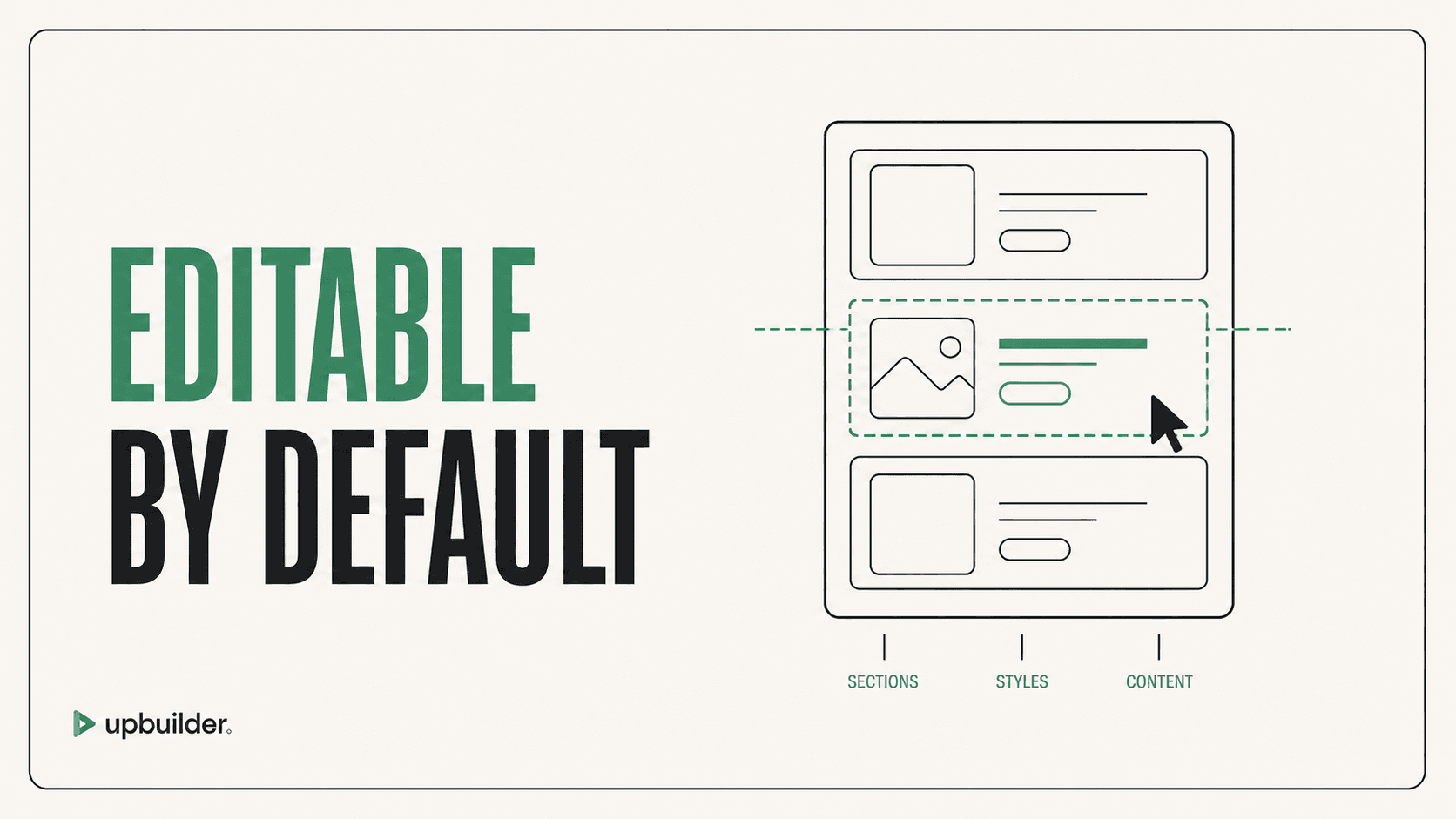
Short answer: A truly editable conversion uses native destination elements or inspectable code, preserves logical structure, and allows normal content and style changes without regenerating the entire page.
What matters most
- Editable does not merely mean that files exist.
- Inspect elements, classes, components, assets, and responsive rules.
- Prefer native destination primitives.
- Test a real post-build edit before approving the workflow.
A website should remain useful after conversion
What editable means by destination
In Webflow, editability means understandable elements, classes, variables, components, assets, and supported interactions. In Elementor, it means native containers and widgets that remain manageable in the WordPress editor. In React, HTML/CSS, and Astro, it means readable files, reusable components, stable assets, and predictable styling.
A screenshot wrapped in a link can resemble the design but is not a production website. A deeply nested structure with generated class names may technically be editable while remaining impractical.
The five-minute edit test
Ask a person who did not create the conversion to change the hero heading, replace an image, update a brand color, reorder two sections, and adjust mobile spacing. Record whether they can find the correct structure and whether the changes create regressions.
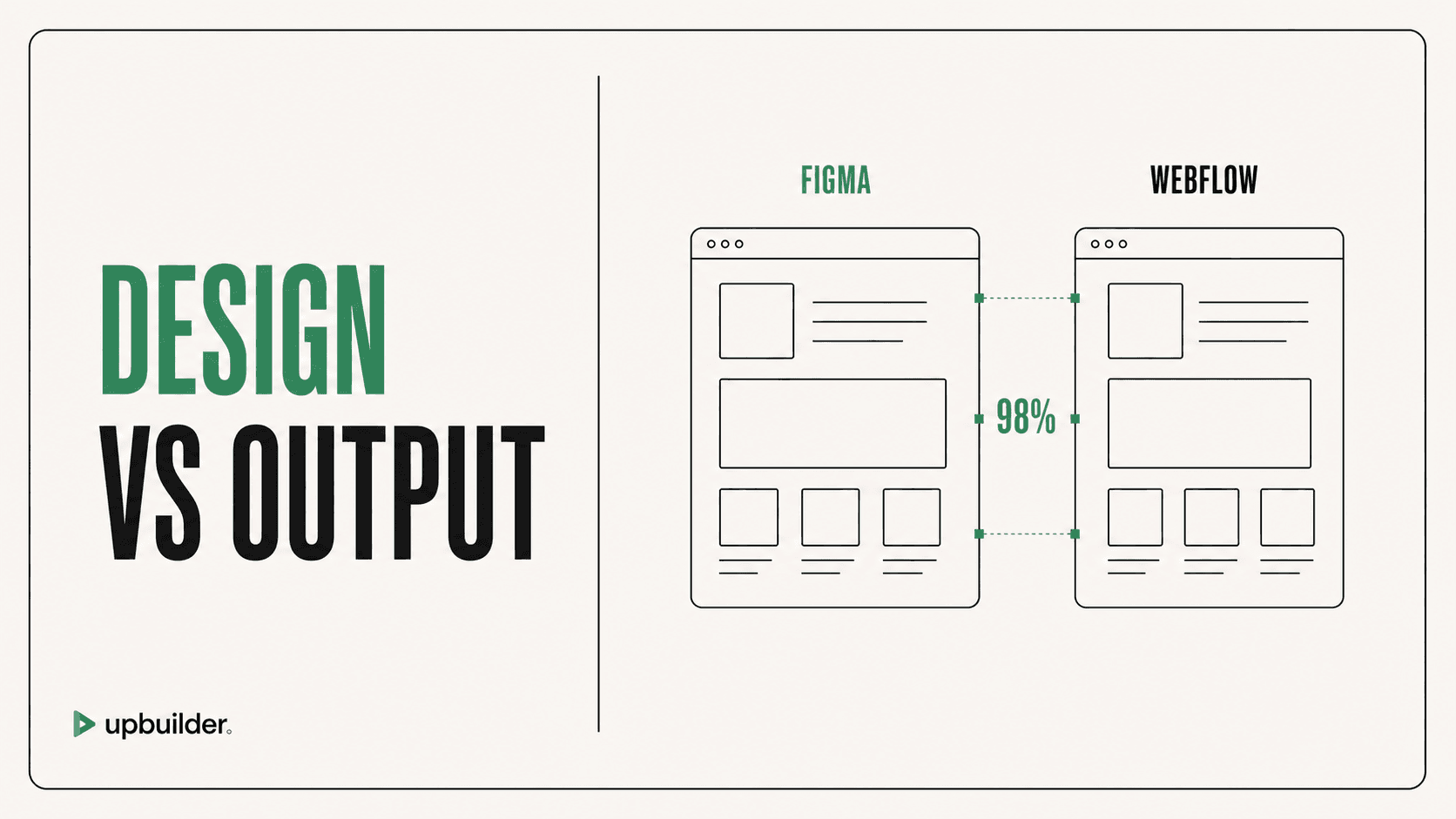
UpBuilder targets native destination output or inspectable code and validates the rendered result. This connects visual fidelity with maintainability instead of treating them as separate goals.
What to inspect before handoff
Review semantic headings, links, buttons, forms, alt text, reusable components, global variables, naming, source order, responsive rules, asset paths, and build commands. Document intentional custom code and destination-specific limitations.
Editability must survive routine maintenance
Repeat the edit test after changing a shared component, adding a longer localization string, replacing an image with a different aspect ratio, and inserting a new card. A structure that only works with the original content is fragile.
Document who owns content, design tokens, components, deployments, backups, and platform billing. Technical editability has limited value when the client cannot safely access the tools or understand the publishing workflow.


Common questions
Is Figma itself a website builder?
Figma is primarily a design and prototyping environment. A production site needs browser structure, responsive behavior, hosting, interactions, accessibility, and operational testing.
Is generated HTML always editable?
It is inspectable, but poor structure and styling can make edits difficult. Evaluate readability, component reuse, and responsive behavior.
Does UpBuilder export native Webflow elements?
Supported Webflow output uses editable destination elements, classes, variables, assets, and interactions rather than a flat screenshot.
Verify current access before building
Capabilities, destinations, and usage limits can change. Confirm the current options shown inside UpBuilder before committing a production project.
Ready to build from Figma?
Build your selected Figma designs into an editable website and review the real output.
Start a build