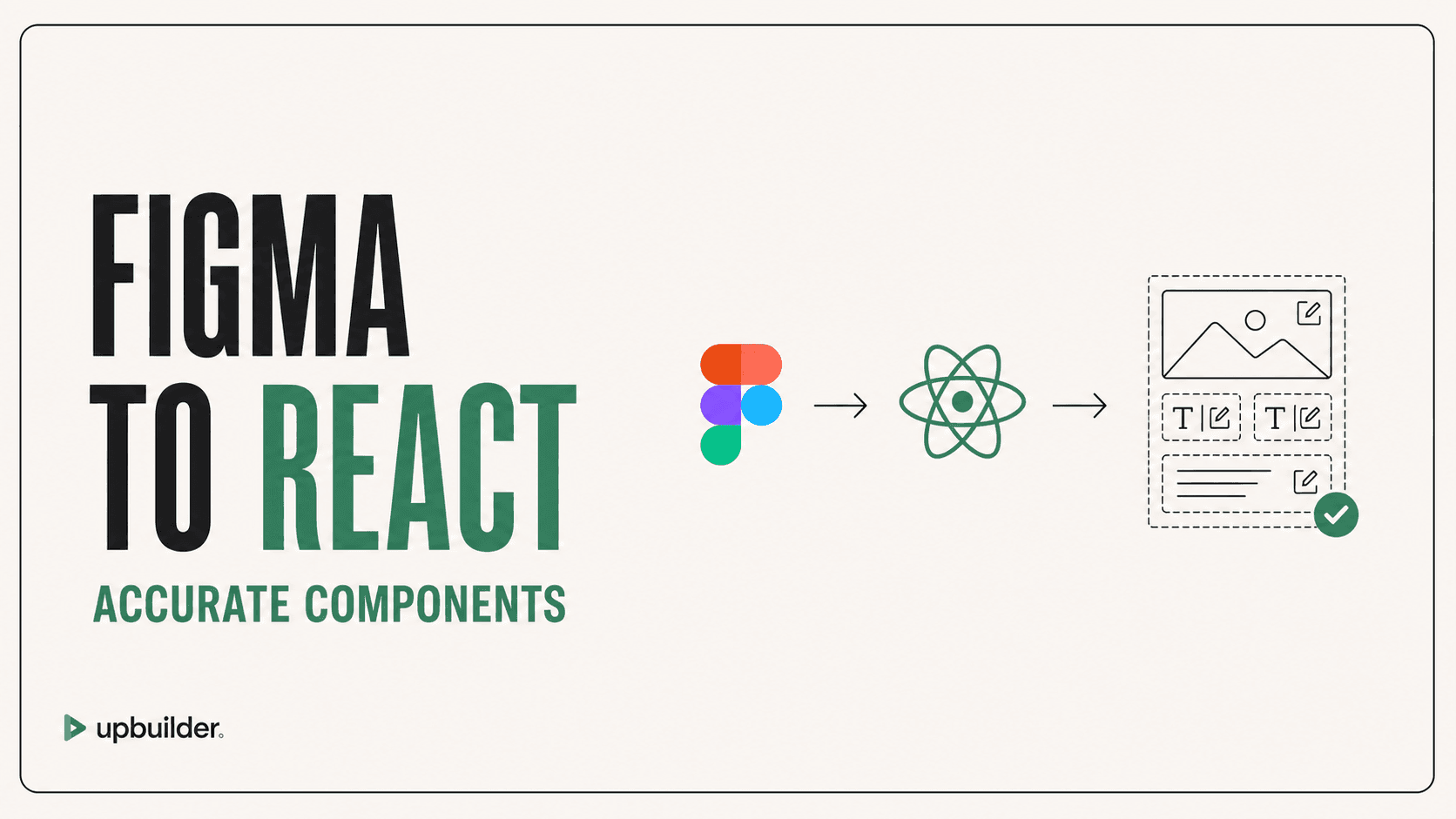
Figma to React: Accurate Components Without Throwaway Code
By UpBuilder Team
Reviewed and updated July 12, 2026
Short answer: Good Figma-to-React output must fit the repository, not merely reproduce one screenshot. It needs reusable components, semantic markup, responsive behavior, stable assets, accessible interactions, and build verification.
What matters most
- Match existing framework and styling conventions.
- Separate reusable components from page composition.
- Do not encode the screenshot with excessive absolute positioning.
- Run typecheck, tests, build, and visual comparison.
Translate design patterns into maintainable React

Why generated React becomes throwaway code
A general agent may optimize for the visible frame and produce one large component, duplicated styles, arbitrary values, missing responsive logic, or hard-coded content. The result looks acceptable once but does not fit the product architecture.
UpBuilder targets portable React projects and combines generation with build and responsive preview checks. Teams should supply or enforce their design-system, routing, state, data, accessibility, and testing conventions.
Component boundaries should follow behavior
Not every Figma frame deserves a React component, and not every repeated visual belongs in one abstraction. Create components around reuse, state, interaction, content patterns, and ownership. Keep page-only wrappers simple.
Acceptance checklist
Review semantics, props, keys, state, forms, keyboard behavior, asset imports, CSS strategy, responsive states, loading behavior, error states, tests, bundle impact, and repository lint rules. Compare the built page using the exact Figma viewport dimensions.
Integrate with the application instead of beside it
Map generated components to existing tokens, primitives, routing, data fetching, authentication, analytics, localization, and error handling. Reuse trusted application components when they already solve the behavior represented in Figma.
Require focused code review and tests before merging. Visual similarity does not justify bypassing security, performance, accessibility, state-management, or repository ownership standards.


Common questions
Does Figma MCP generate React?
Figma MCP provides design context to an external AI client. That client generates the React code and determines its quality.
Can UpBuilder create reusable React components?
UpBuilder targets portable React output with reusable components. Review boundaries against your application architecture before merging.
Is screenshot accuracy enough?
No. Production React also needs accessibility, responsive behavior, state, data integration, tests, performance, and maintainability.
Sources and verification
Product limits and features can change. These sources were reviewed for this guide. Community discussions are identified separately and are not treated as universal product facts.
Ready to build from Figma?
Build your selected Figma designs into an editable website and review the real output.
Start a build