
WordPress landing pages
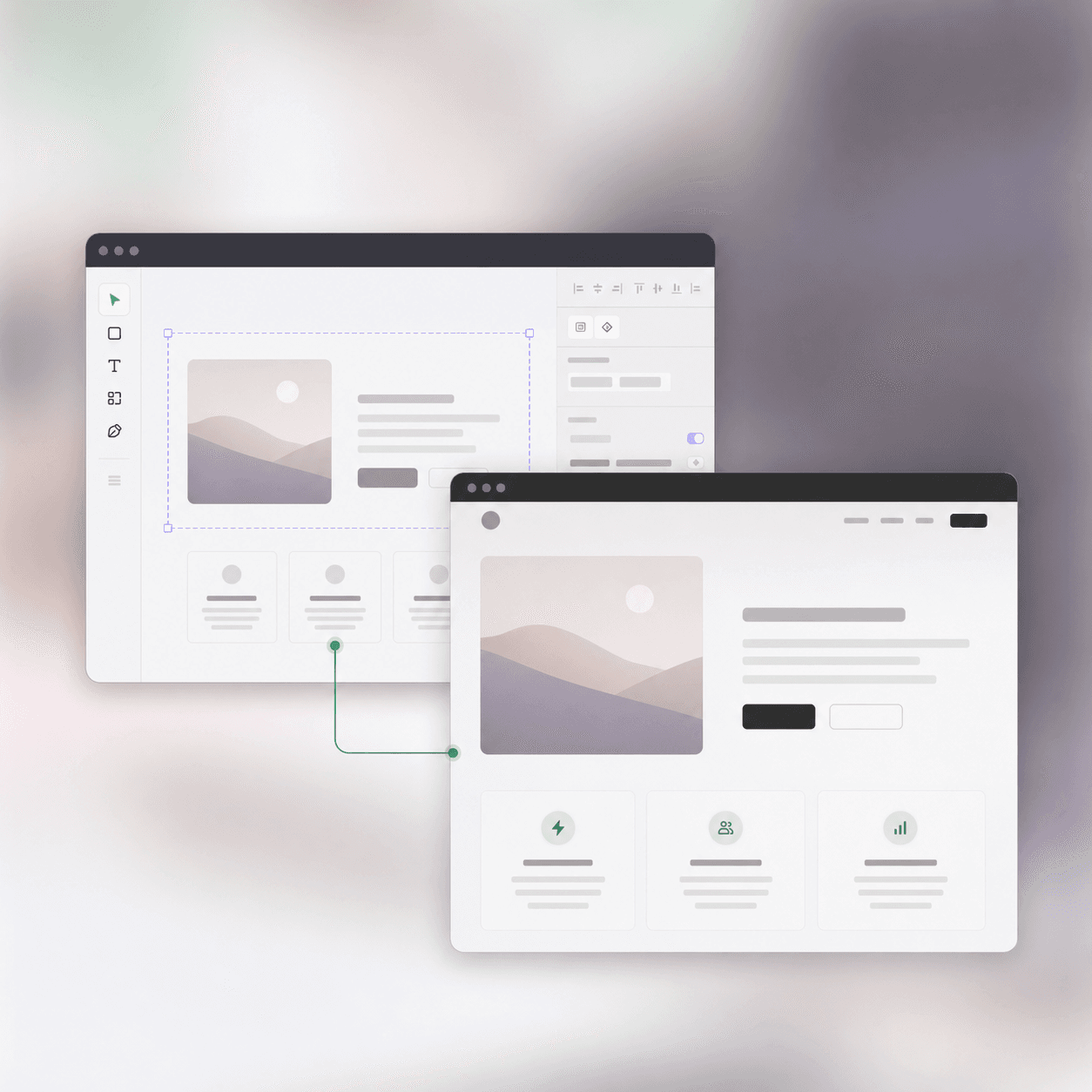
Move approved campaign designs into Elementor without flattening the page into an image.
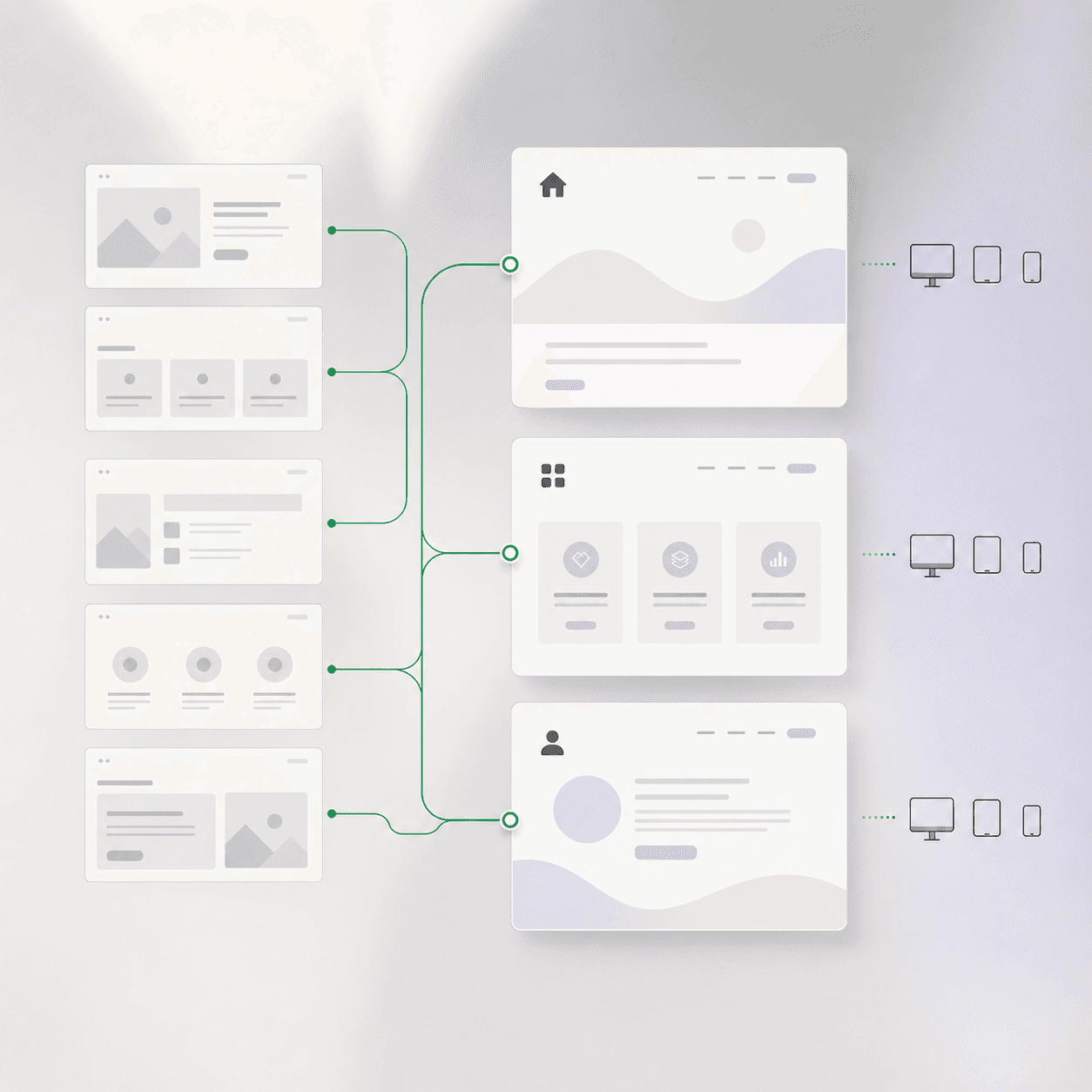
UpBuilder converts Figma designs into editable Elementor pages for WordPress. Organize multiple Figma screens into website pages and responsive references before generating containers, widgets, styles, assets, and importable Elementor templates.
Editable Elementor output for WordPress teams.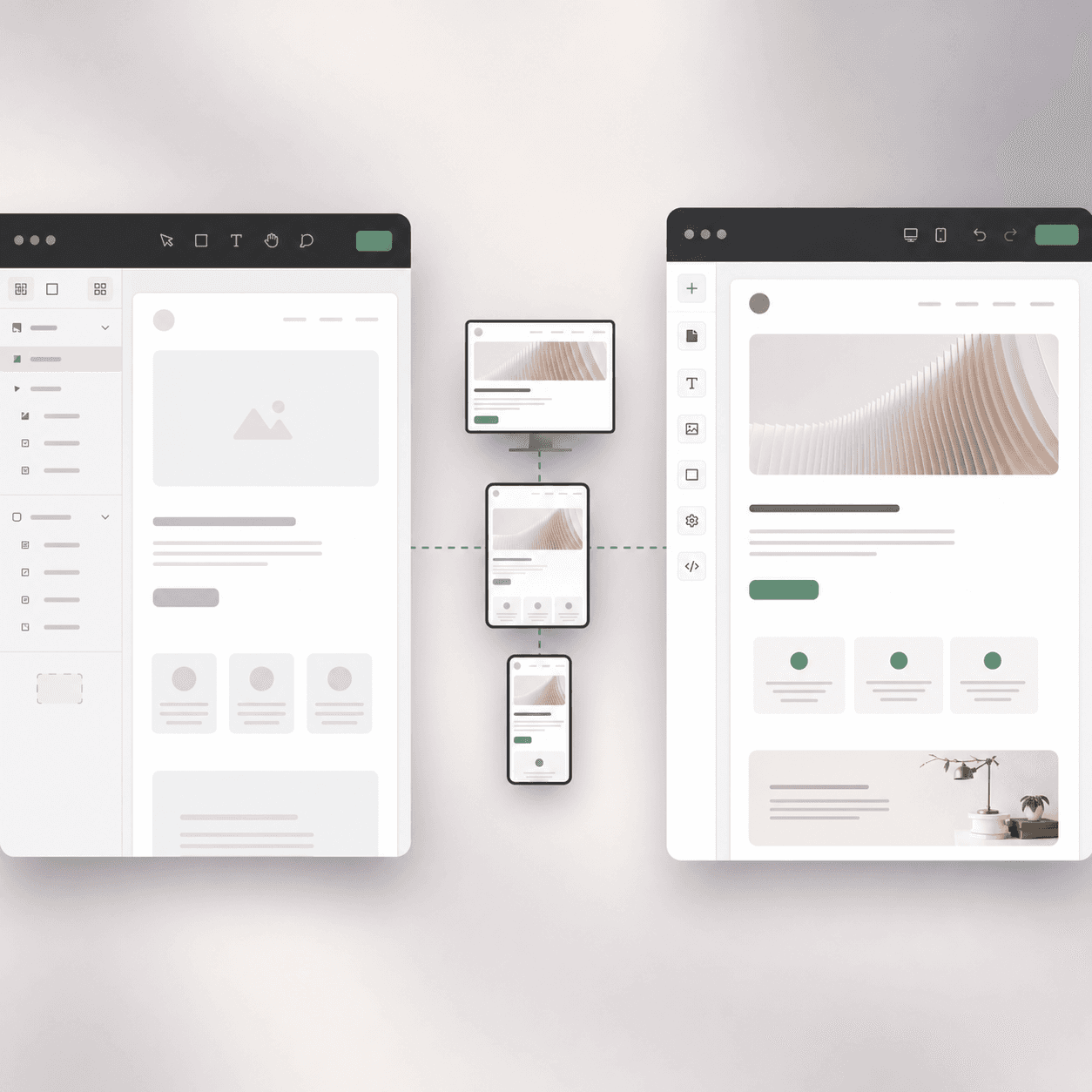
UpBuilder organizes your frames, builds responsive Elementor structure, and prepares an importable package for WordPress.
Keep working in Elementor after import with structured containers, widgets, styles, and local assets.
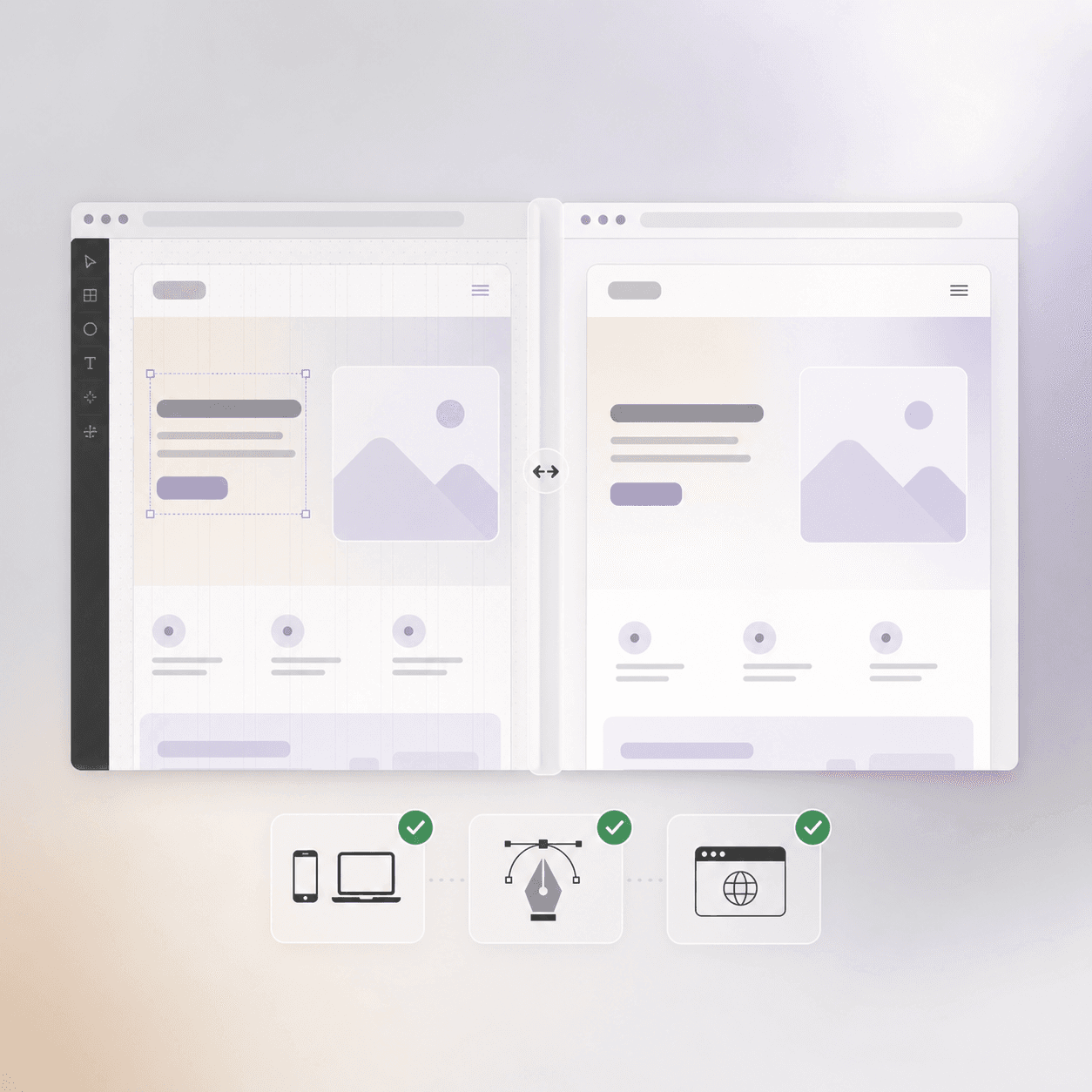
Review the imported page at the selected screen sizes and compare its rendered result with the matching Figma references.
Start with approved design direction, keep the final output editable, and use responsive references to make the handoff clearer.
Move approved campaign designs into Elementor without flattening the page into an image.
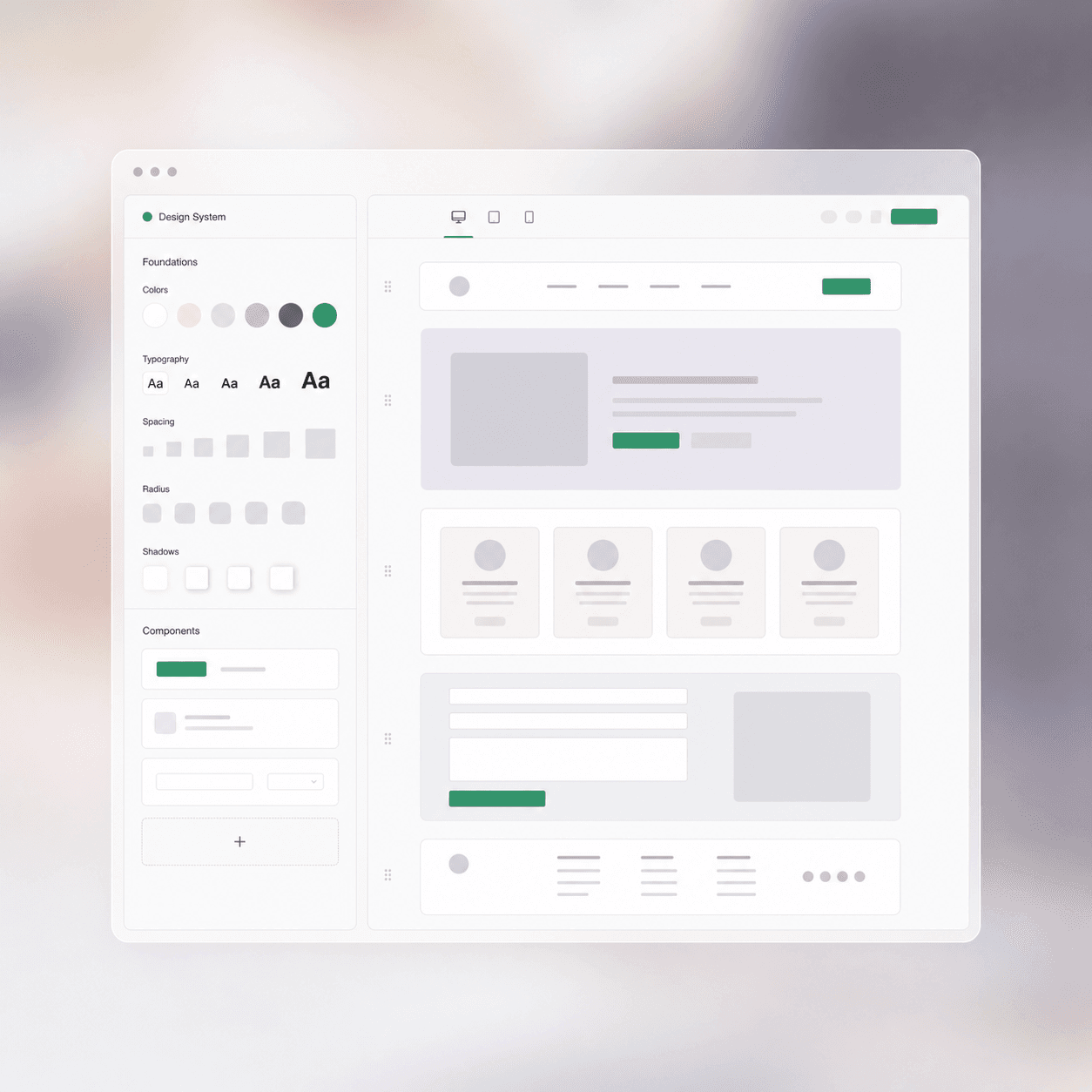
Build repeatable page sections and widgets from the same Figma system.
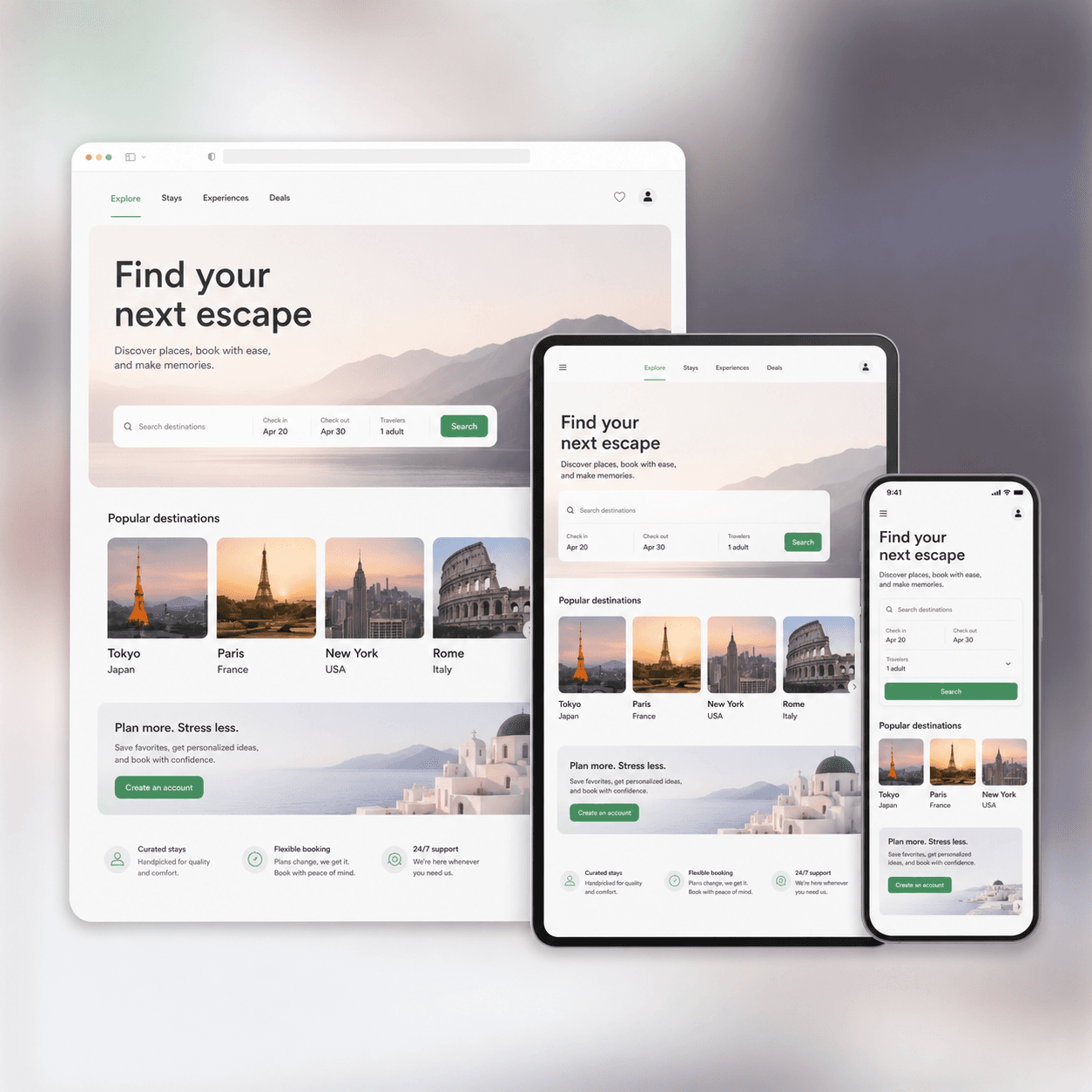
Use grouped desktop, tablet, and mobile designs as clear responsive references.
Customer stories
“Before this, we relied on a Webflow designer just to get landing pages live. Now we are building 10–15 landing pages a day using UpBuilder.”
“I love your product. You have the best product on the market regarding Figma conversion.”
“I like the way it validates and checks over its own work, rather than producing something that does not work.”
Before you build
Yes. UpBuilder can turn selected Figma designs into supported Elementor containers, widgets, responsive styles, local assets, and importable WordPress templates. Review the imported result in the real WordPress environment before launch.
Choose based on native Elementor structure, responsive behavior, editability, WordPress compatibility, and cleanup time. UpBuilder is suited to teams that need multiple Figma pages and breakpoint references organized before the Elementor build.
Yes. UpBuilder targets native Elementor containers and widgets rather than a flat screenshot, so the imported page can remain editable in WordPress. Always perform a sample content and responsive edit before approval.
Yes. Desktop, tablet, mobile, and additional design references can be grouped as responsive variants of the same page before the Elementor output is generated.
It means using selected Figma designs as the source for elementor containers, editable widgets, styles, and importable templates. UpBuilder organizes the pages and responsive references before creating the destination output.
Yes. Elementor containers, editable widgets, styles, and importable templates. The output is intended to remain inspectable and editable after the initial build.
Yes. You can group desktop, tablet, mobile, and additional Figma designs into the same page before building. Those references guide responsive output and screenshot comparisons.
No. Auto Layout can help communicate intent, but UpBuilder is designed to work with real-world Figma files, including frames that do not use Auto Layout consistently.
WordPress import and responsive render checks. When Figma screenshot comparison is enabled, UpBuilder can also compare rendered pages with the matching Figma designs at selected dimensions.
UpBuilder automates page organization, destination output, and supported checks, but it does not remove the need for final review. Ambiguous design intent, unsupported interactions, content systems, fonts, and destination permissions may require human decisions.
Organize the designs, choose the responsive references, and let UpBuilder create the editable first build.
Start building