Figma MCP vs Webflow MCP vs UpBuilder: Complete Comparison
By UpBuilder Team
Reviewed and updated July 12, 2026
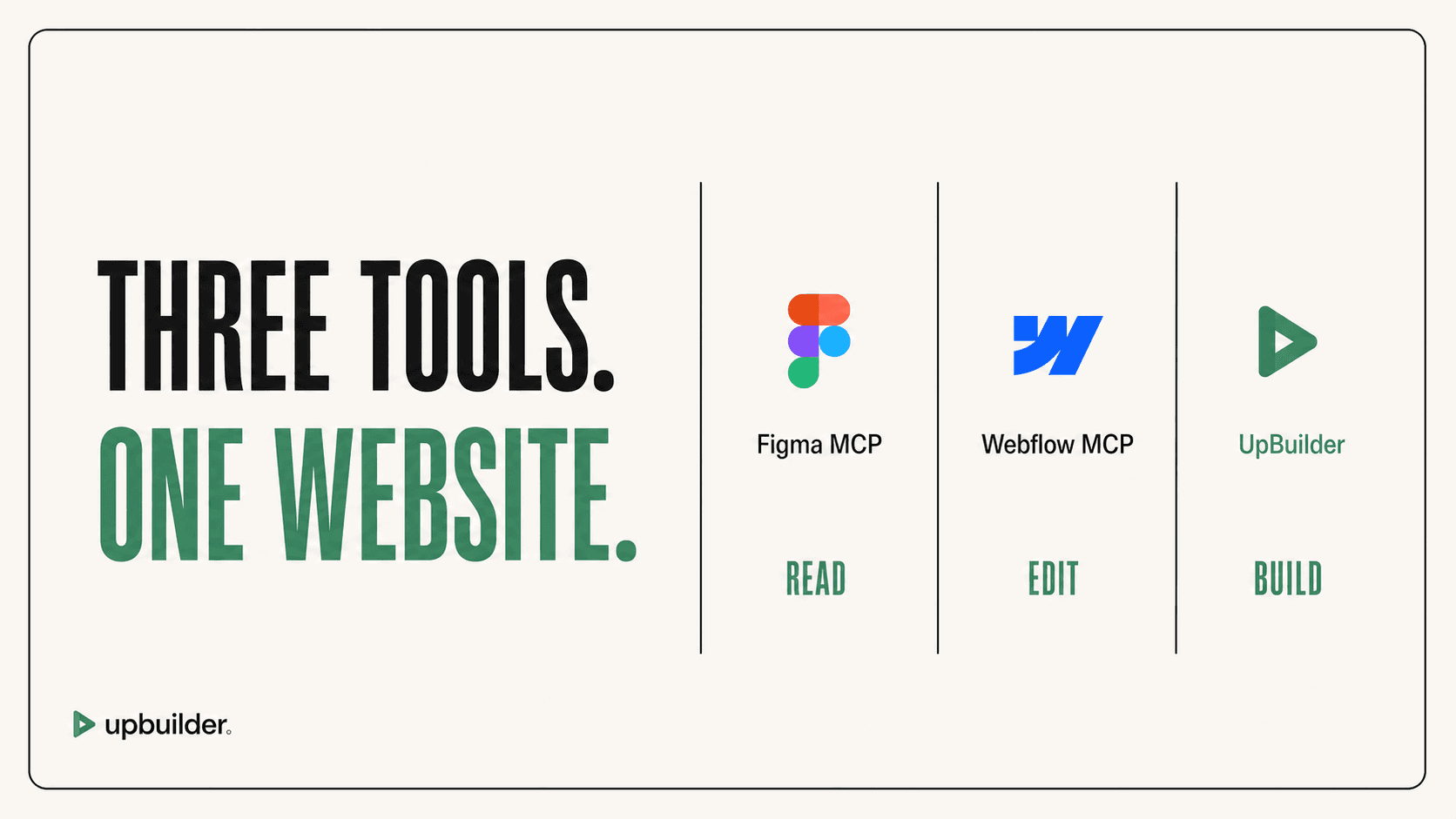
Short answer: Figma MCP exposes design context, Webflow MCP exposes supported destination operations, and UpBuilder connects the complete Figma-to-production workflow. Use both MCPs for a customizable developer-controlled stack. Use UpBuilder for a focused website build with fewer orchestration steps.
What matters most
- Figma MCP answers: What is in the design?
- Webflow MCP answers: What can the agent change in Webflow?
- UpBuilder answers: How do we turn these selected designs into a tested website?
- The best choice depends on whether you need building blocks or an outcome-oriented workflow.
Three tools solve three different parts of the job

Capability comparison
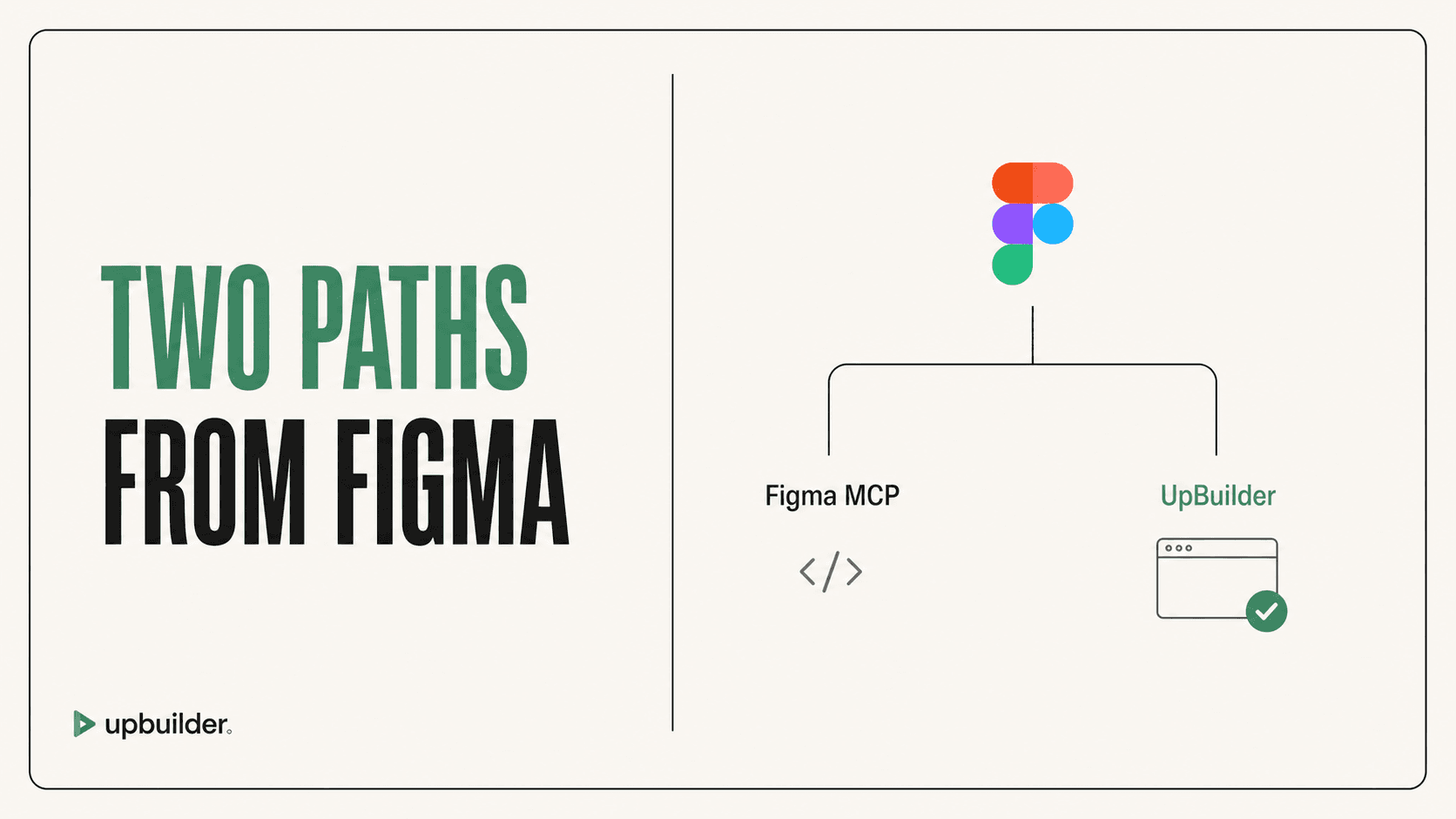
Figma MCP and Webflow MCP are complementary rather than direct substitutes. A developer can connect both to an AI client, ask it to inspect selected Figma nodes, and then create or edit corresponding Webflow structures. The user remains responsible for prompt scope, agent behavior, model context, asset persistence, responsive logic, and validation.
UpBuilder combines those concerns into a specialized pipeline. It supports selected multi-design projects, layout inference, target generation, rendered comparison, repair, and supported destination testing.
- Most flexible: Figma MCP plus Webflow MCP and a capable external agent.
- Most guided: UpBuilder.
- Best for small targeted edits: the relevant MCP server.
- Best for full website reconstruction: a workflow with page grouping and visual QA.
Cost and limits are not directly comparable
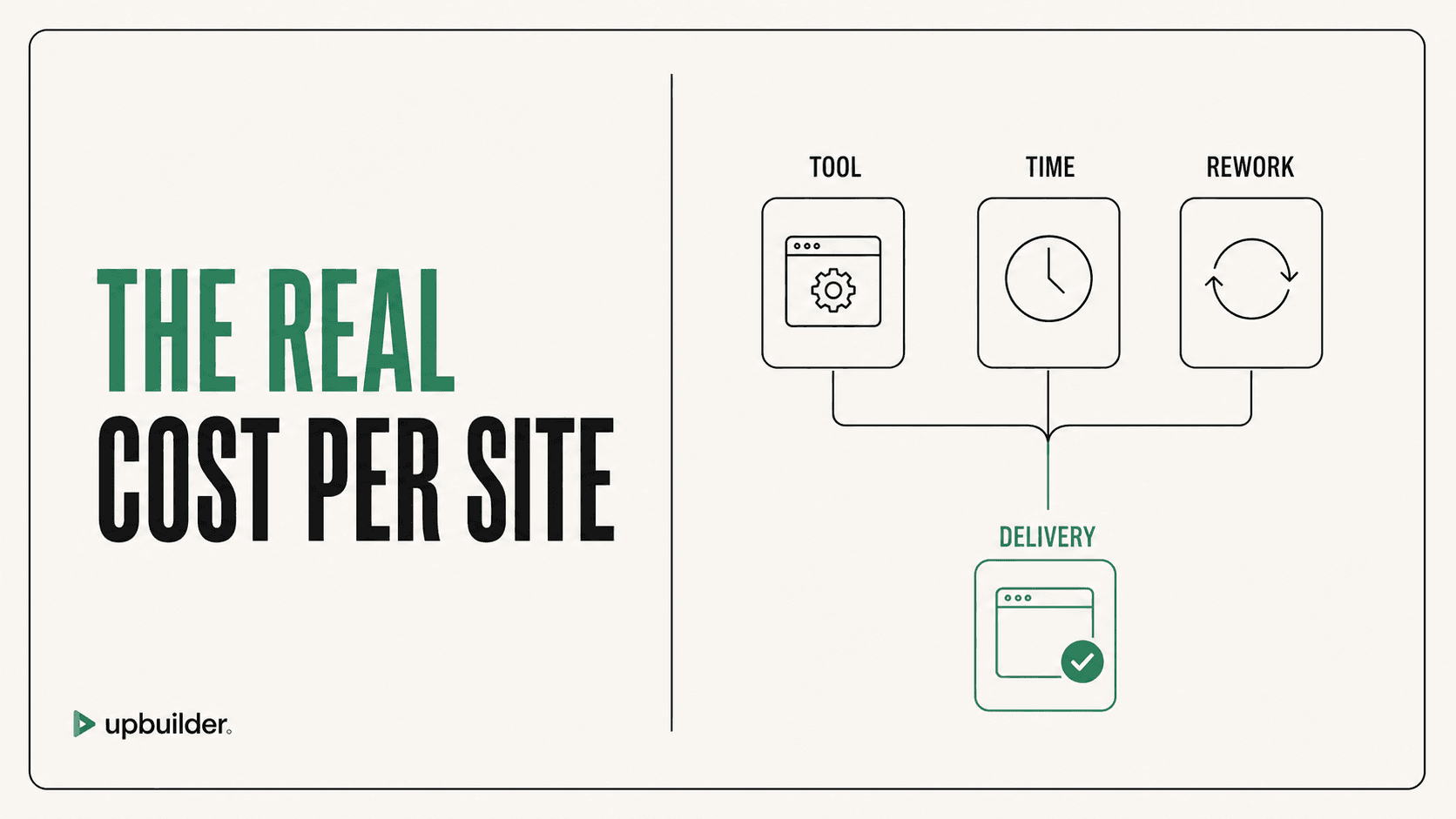
MCP servers do not represent the total cost. Figma seats determine Figma MCP read limits. Webflow plans and workspace access determine destination capabilities. The external AI client adds its own subscription, tokens, context, or usage rules.
UpBuilder packages its website-building workflow as one guided process. Compare the complete operating cost and cleanup time for your team rather than treating MCP access as the only expense.
How to evaluate accuracy
Use the same complex page, assets, responsive references, and acceptance checklist. Measure visual difference, missing content, class quality, interaction behavior, edit time, and the number of manual prompts required. A beautiful first screenshot is not enough if the destination is difficult to maintain.


Common questions
Do I need both Figma MCP and Webflow MCP?
Only if you want a general AI agent to read Figma context and operate Webflow. UpBuilder provides a dedicated alternative for the complete conversion workflow.
Which option uses fewer AI prompts?
A specialized workflow usually requires fewer user-authored prompts because extraction, generation, comparison, and repair are predefined. Actual usage varies by file complexity.
Which is best for an agency?
Agencies should prioritize repeatability, responsive output, editability, QA evidence, and total delivery time. UpBuilder is designed around those criteria, while MCP offers more custom engineering control.
Sources and verification
Product limits and features can change. These sources were reviewed for this guide. Community discussions are identified separately and are not treated as universal product facts.
Ready to build from Figma?
Build your selected Figma designs into an editable website and review the real output.
Start a build