How to Fix a Poor Webflow MCP Build with UpBuilder
By UpBuilder Team
Reviewed and updated July 12, 2026
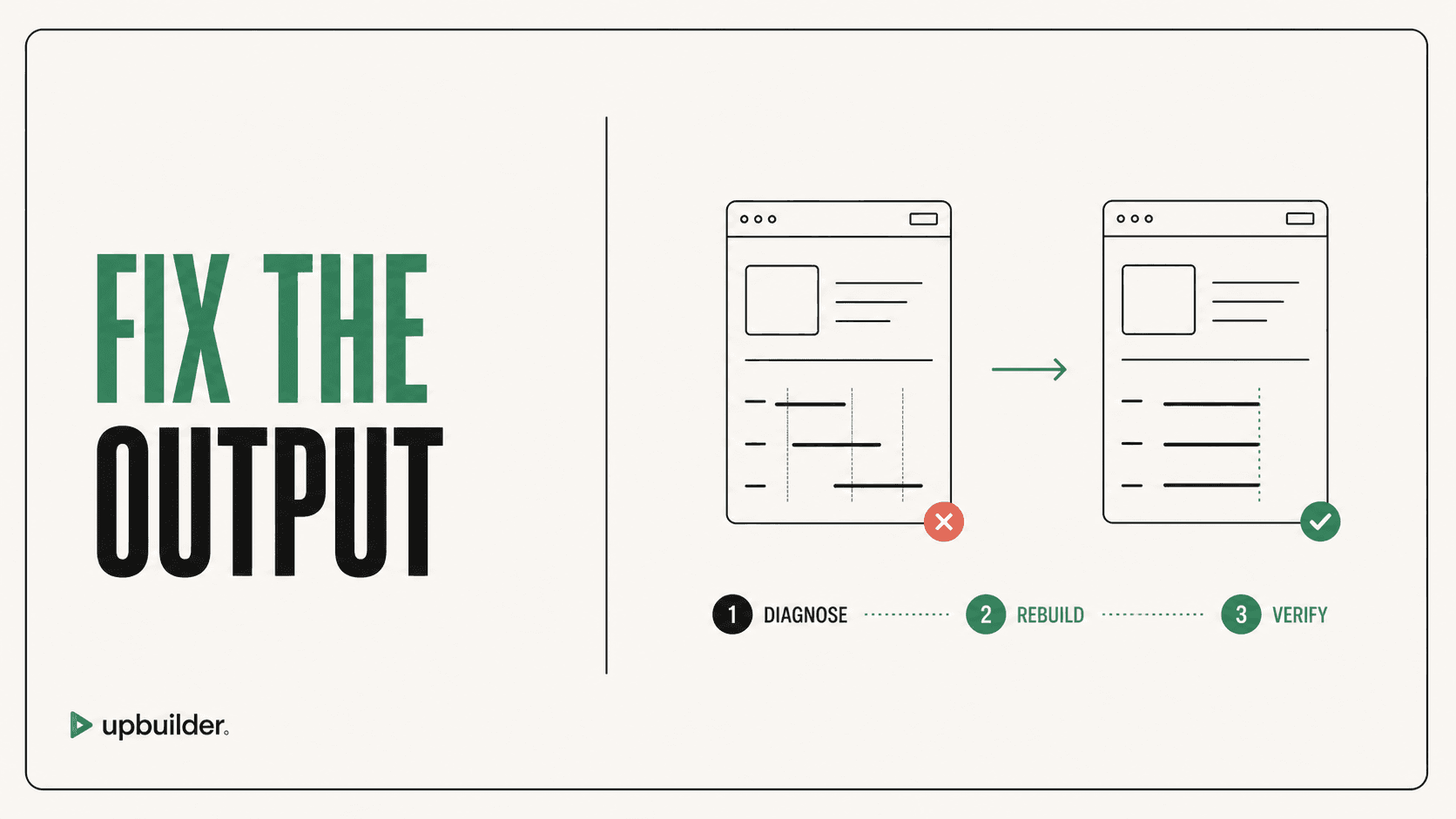
Short answer: Use the original Figma file as the source of truth, build a clean UpBuilder version in a staging project, compare responsive pages and interactions, then migrate only after the new output passes acceptance checks.
What matters most
- Do not overwrite production first.
- Preserve custom content, CMS structure, scripts, and business logic.
- Rebuild from the original Figma references.
- Compare both visual fidelity and editor maintainability.
Turn a fragile build into a tested destination

Decide whether the page needs repair or replacement
A small spacing problem belongs in the existing project. A page with duplicated classes, unclear raw HTML, broken mobile behavior, missing assets, and widespread visual drift may cost more to patch than to rebuild.
Inventory everything that is not represented in Figma, including CMS collections, redirects, analytics, forms, custom code, localization, SEO fields, and interaction logic. Those items need an explicit migration plan.
Use a parallel staging build
Select the complete Figma pages and responsive variants, then create the UpBuilder project against a safe Webflow destination. Inspect page grouping, native elements, classes, assets, components, and interactions before publishing to staging.
Run matching viewport comparisons and destination QA. Log differences as blocking, important, or cosmetic. This creates a defensible decision instead of relying on which version feels better.
Migrate intentionally
Once the new build is accepted, move content and integrations in a controlled sequence. Preserve URLs and metadata, retest forms and analytics, check redirects, and keep rollback access until the production version is stable.


Recommended workflow
- Back up or duplicate the current Webflow project.
- Inventory CMS, custom code, forms, SEO, and integrations.
- Build the Figma source in UpBuilder as a separate staging project.
- Compare desktop, tablet, mobile, classes, assets, and interactions.
- Migrate required non-Figma functionality.
- Run launch QA and preserve a rollback option.
Common questions
Can UpBuilder directly clean every existing Webflow MCP page?
The safer path is often a clean Figma-derived build and controlled migration. Existing project complexity determines whether targeted repair is appropriate.
Will I lose CMS content?
Not if it is inventoried and migrated deliberately. Do not overwrite a production project without a backup and content plan.
What should I compare?
Compare visual accuracy, responsive behavior, class structure, native editability, assets, components, interactions, SEO, forms, and total cleanup time.
Verify current access before building
Capabilities, destinations, and usage limits can change. Confirm the current options shown inside UpBuilder before committing a production project.
Ready to build from Figma?
Build your selected Figma designs into an editable website and review the real output.
Start a build