Unlimited Figma to Webflow Builds: Pricing and Total Cost
By UpBuilder Team
Reviewed and updated July 14, 2026
Short answer: UpBuilder supports repeat project builds without per-export credits, while account, concurrency, and project limits such as selected-design capacity still apply. Unlimited describes the number of project builds, not the removal of every capacity, destination, or account constraint. Compare this packaged workflow with the complete cost of Figma MCP, Webflow MCP, an AI client, model usage, and developer supervision.
What matters most
- Compare complete workflows, not isolated subscriptions.
- Assign an hourly cost to preparation and cleanup.
- Check current official pricing before publishing numbers.
- Use one representative project to estimate cost per accepted page.
Compare the full cost of getting to approved output
What belongs in the calculation
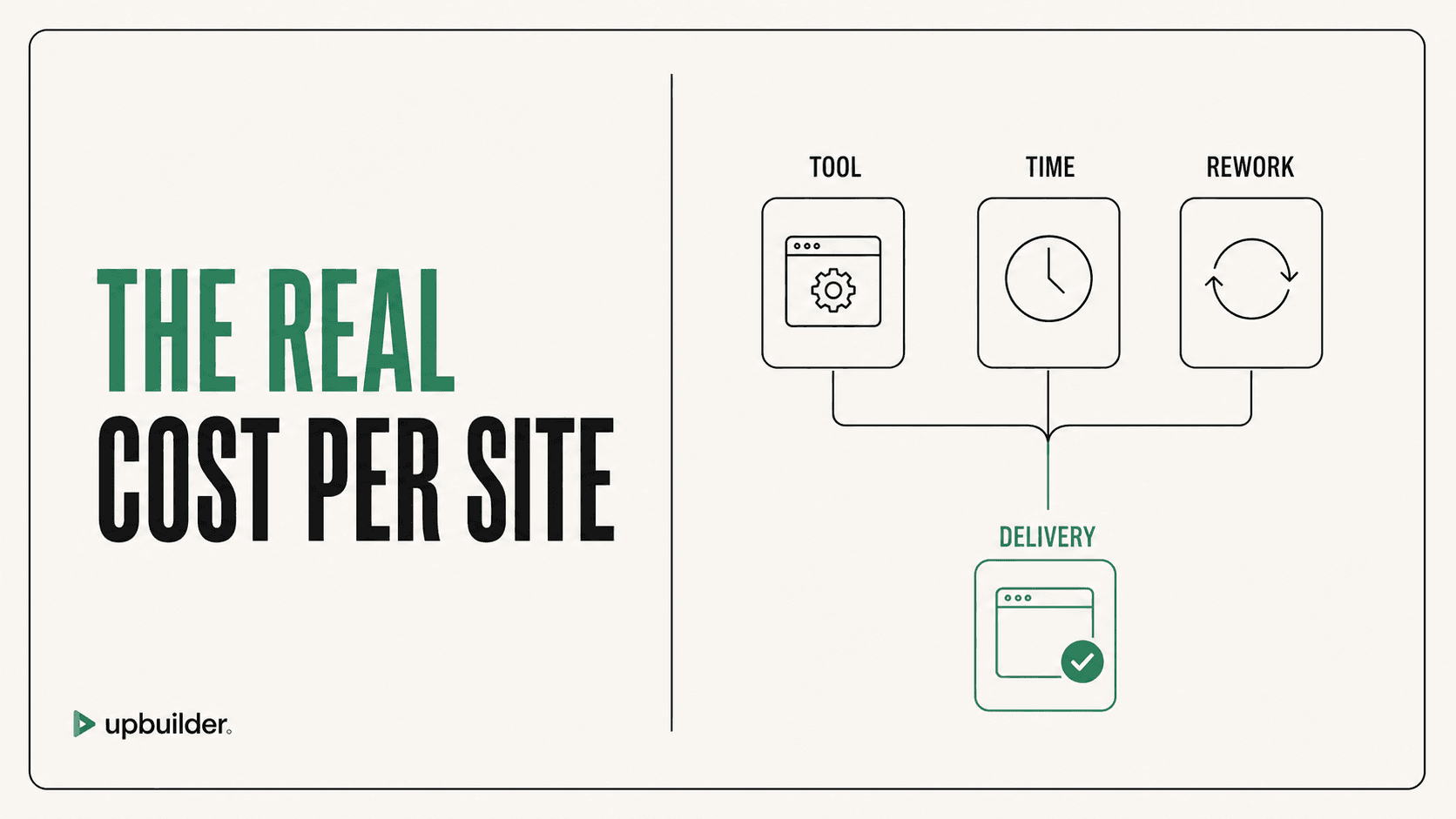
For an MCP workflow, include the eligible Figma seat, external AI client, model usage, Webflow workspace or site access, and developer supervision. For a specialized converter, include its access terms, destination requirements, and any remaining manual work. For manual development, include build, QA, project management, and revisions.
UpBuilder packages the extraction, generation, comparison, repair, and supported destination QA workflow. Access and usage limits can change, so confirm the current terms shown inside the product before estimating production cost.
What unlimited builds does and does not mean
Unlimited project builds means paid users are not charged a separate export credit for every new project build under the current plan. It does not mean unlimited simultaneous projects, unlimited selected designs in one build, unlimited destination permissions, or guaranteed support for every possible design and interaction.
Use the phrase precisely in sales and comparison content. Confirm current plan terms, the one-project-at-a-time workflow, the selected-design limit, destination status, and any fair-use or account requirements before committing client work.
A useful cost-per-page formula
Add monthly tool allocation, preparation hours, conversion hours, cleanup hours, QA hours, and revision hours. Divide by the number of accepted production pages, not the number of generated frames. Track the same formula for several projects to avoid making a decision from one unusually easy design.
When the higher-priced workflow is cheaper
A workflow that catches responsive and destination errors before handoff can save more than its subscription cost. Conversely, an advanced tool is wasteful if the team only needs a simple prepared landing page. Match the workflow to repeated project complexity.


Common questions
How much does UpBuilder cost?
Access terms can change. Review the current options shown inside UpBuilder and include any destination, model, and production labor costs in your comparison.
Does UpBuilder really include unlimited Figma to Webflow builds?
UpBuilder supports repeat project builds without per-export credits, subject to current account, concurrency, destination, and per-project limits. Confirm the terms shown inside the product before production use.
Is Figma MCP free?
Useful access depends on the Figma plan and seat, and the external AI client has separate usage or subscription costs.
Is Webflow MCP free?
Webflow does not advertise a separate MCP subscription in its overview, but the workflow can require Webflow plans, workspace access, seats, an AI client, and model usage.
Sources and verification
Product limits and features can change. These sources were reviewed for this guide. Community discussions are identified separately and are not treated as universal product facts.
Ready to build from Figma?
Build your selected Figma designs into an editable website and review the real output.
Start a build