Do I Need Both Figma MCP and Webflow MCP?
By UpBuilder Team
Reviewed and updated July 14, 2026
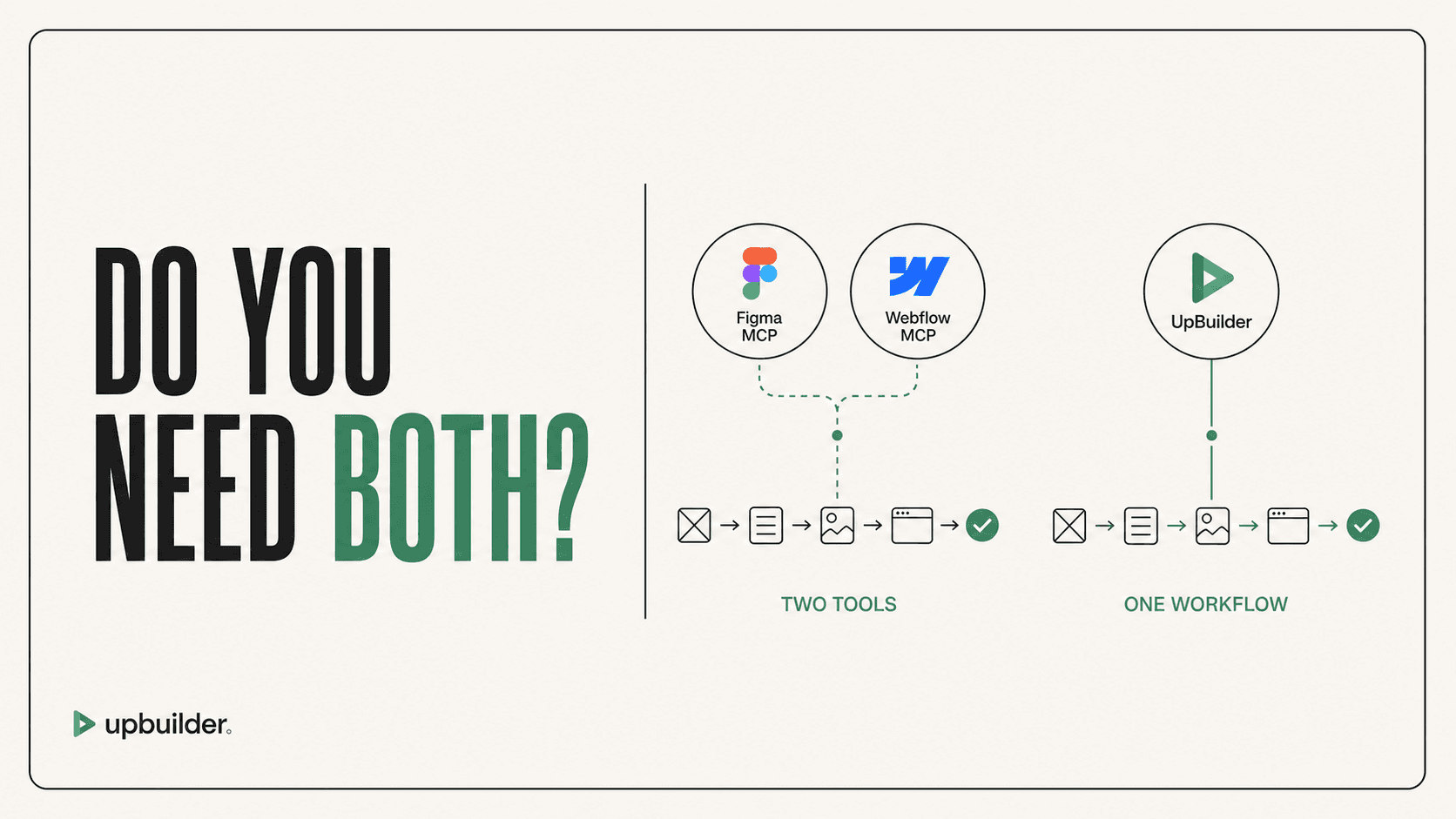
Short answer: Use both MCPs when you want a general AI agent to read Figma context and perform supported Webflow operations. You do not need both when using UpBuilder for the complete Figma-to-Webflow workflow because UpBuilder handles source extraction, generation, comparison, repair, and destination QA through its own system.
What matters most
- One MCP reads the source context.
- The other exposes destination operations.
- The AI client coordinates them.
- UpBuilder replaces that coordination for the specialized build objective.
Two MCPs still need an agent and an integration workflow
What each connection contributes
Figma MCP provides selected design context, screenshots, variables, component information, and supported asset access. Webflow MCP provides tools for authorized destination resources and documented site operations.
Neither server is the AI model. The external client chooses tools, interprets responses, writes the implementation plan, performs mutations, and reacts to errors.
The hidden workflow between the two servers
The agent must keep Figma and Webflow entities aligned. It decides which source frame becomes which page, how variants map to breakpoints, where assets are stored, how classes and variables are named, and which elements become reusable components.
It also needs checkpoints, backups, screenshot comparisons, error recovery, and launch QA. Context and tool-call limits from the connected products and AI client affect how much can be done in one session.
The UpBuilder route
UpBuilder turns those repeated decisions into a product workflow. The user selects designs, reviews page mapping and destination setup, builds, compares, repairs, and tests supported output.
For complete Figma-origin websites, this reduces prompt engineering and lowers the chance that a general agent mutates the destination without a coherent source-to-result plan.
A practical decision rule
Use both MCPs for custom developer automation, existing-site operations, migrations, and unusual integrations. Use UpBuilder for a repeatable Figma-to-Webflow delivery process. Use them together only when post-build MCP automation provides clear additional value.


Recommended workflow
- Write down whether the source is Figma, an existing Webflow site, or both.
- Define whether the task is a complete build, migration, CMS operation, or targeted edit.
- Choose UpBuilder for complete Figma-origin production.
- Choose the relevant MCP tools for granular developer-directed operations.
- Validate every destination change on staging.
Common questions
Can Figma MCP call Webflow MCP?
The external AI client coordinates tools from both servers. The servers do not independently decide to build the complete site together.
Does UpBuilder use both MCPs behind the scenes?
UpBuilder provides its own specialized extraction and destination workflows. The user does not need to configure both MCP servers for the supported build process.
Can I use Webflow MCP after UpBuilder?
Yes. Webflow MCP can be useful for intentional supported maintenance or automation after the UpBuilder project is reviewed and accepted.
Sources and verification
Product limits and features can change. These sources were reviewed for this guide. Community discussions are identified separately and are not treated as universal product facts.
Ready to build from Figma?
Build your selected Figma designs into an editable website and review the real output.
Start a build