Figma to HTML and CSS: Clean, Responsive, Inspectable Output
By UpBuilder Team
Reviewed and updated July 12, 2026
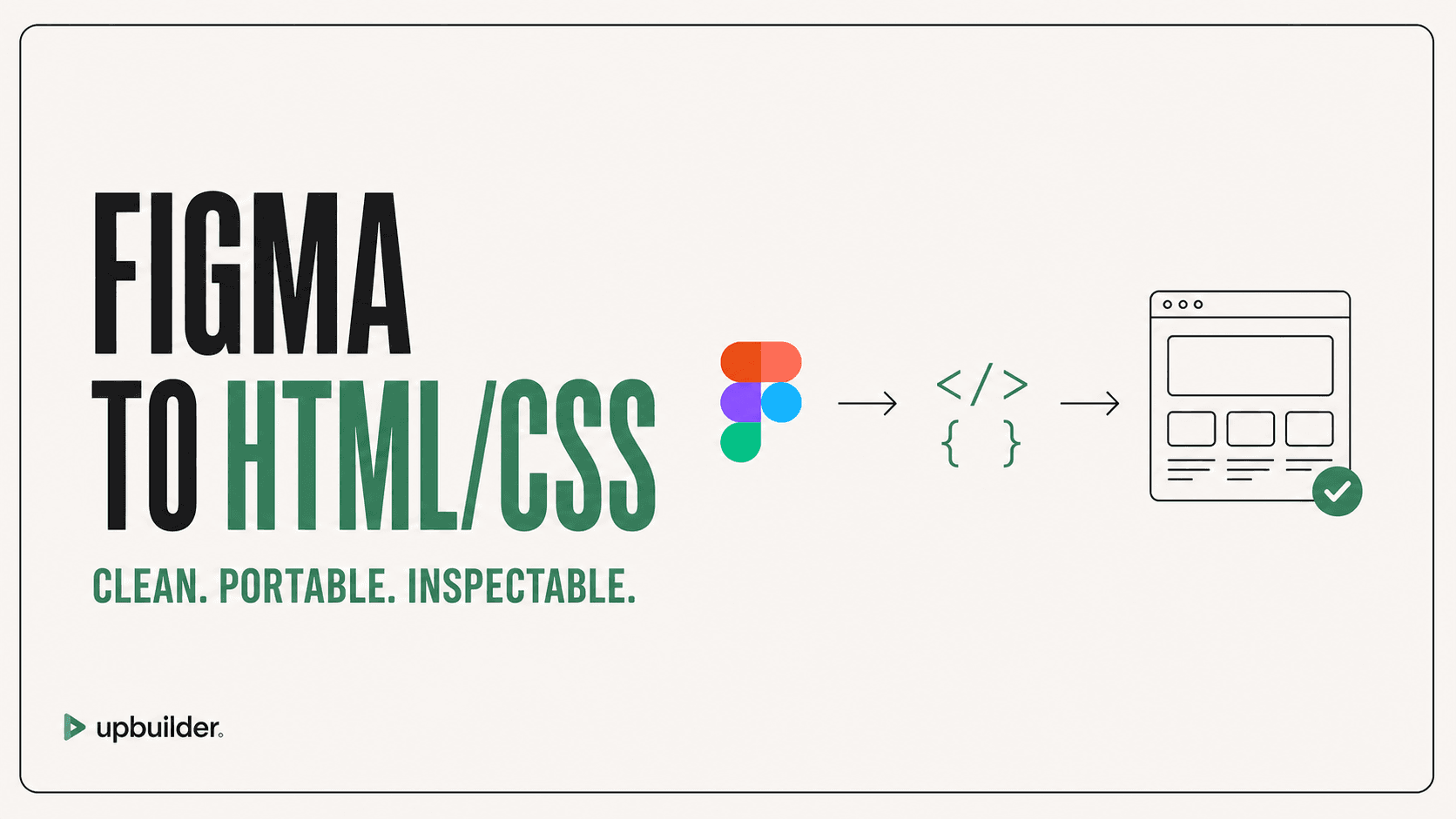
Short answer: Choose HTML/CSS output when you want portable, inspectable files without a visual-builder dependency. Require semantic markup, understandable styling, responsive behavior, stable assets, and a verified build or preview.
What matters most
- Use semantic HTML before adding generic containers.
- Prefer layout systems over pixel-positioned reconstruction.
- Keep JavaScript focused on real behavior.
- Validate responsiveness, accessibility, and assets.
Create inspectable HTML and responsive CSS

What clean output looks like
The page should use landmarks, headings, lists, links, buttons, forms, and media according to meaning. CSS should express layout and design tokens without excessive duplication. File names and asset paths should remain understandable.
UpBuilder can generate inspectable HTML, CSS, assets, and supported JavaScript behavior. Rendered-page and responsive checks help catch visual problems before handoff.
Avoid screenshot-shaped markup
Absolute positioning can be appropriate for decorative layers, but it should not define the primary document layout. Use grid, flexbox, normal flow, container queries or media queries, and intrinsic sizing where they express the intended behavior.
QA beyond appearance
Test keyboard navigation, focus visibility, form labels, heading order, reduced motion, text zoom, color contrast, image alternatives, HTML validation, console errors, broken links, and real content lengths. A page that looks accurate but cannot be used is not complete.
Deployment and content maintenance
Define how files are built, deployed, cached, monitored, and rolled back. Confirm relative paths, base URLs, redirects, custom domains, HTTPS, error pages, analytics, consent, and form processing in the target environment.
If non-technical editors need regular updates, connect a suitable CMS or choose a visual-builder destination. Portable files provide ownership, but they do not automatically provide a safe editorial interface.


Common questions
Can Figma export clean HTML and CSS?
Figma describes design structure, but production quality depends on the conversion workflow. Use a tool that creates semantic, responsive output and verifies the rendered result.
Is HTML/CSS easier to host than Webflow?
Static files can be hosted widely, but content editing and deployment require a workflow. Webflow includes visual site management.
Does UpBuilder include JavaScript?
Supported HTML/CSS output can include JavaScript behavior where required. Review dependencies and interaction behavior before launch.
Verify current access before building
Capabilities, destinations, and usage limits can change. Confirm the current options shown inside UpBuilder before committing a production project.
Ready to build from Figma?
Build your selected Figma designs into an editable website and review the real output.
Start a build