UpBuilder vs Figma MCP: Which Is Better for Building Websites?
By UpBuilder Team
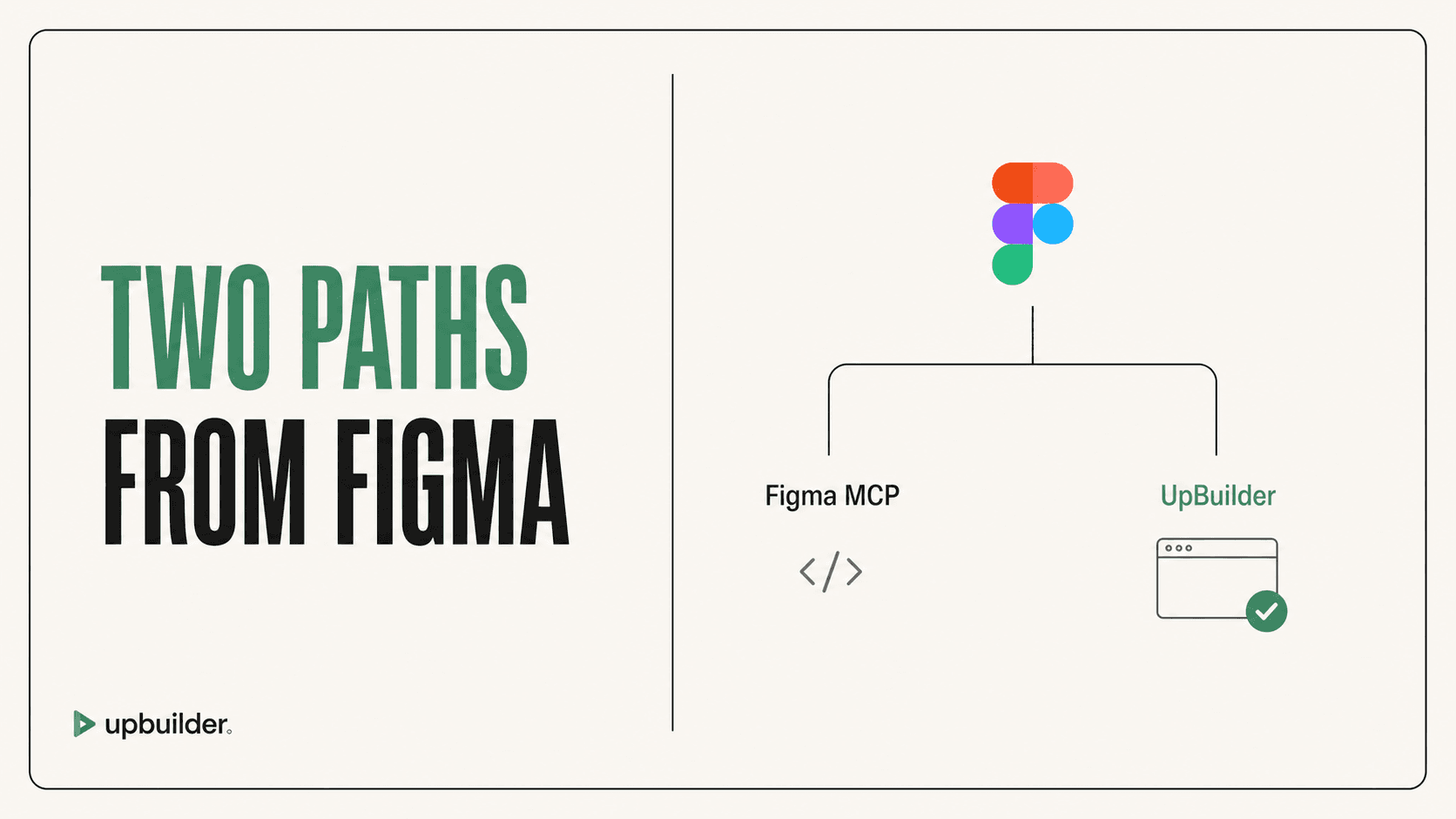
Short answer: Choose Figma MCP when a coding agent needs structured Figma context. Choose UpBuilder when the goal is a complete, editable website with responsive reconstruction, destination export, comparison, repair, and QA in one workflow.
What matters most
- Figma MCP provides context, while the external agent and model still decide how the website is built.
- UpBuilder owns the build workflow, from selected Figma designs through responsive output and supported destination checks.
- Broad Figma selections can consume more calls and context, so MCP works best when the user scopes requests carefully.
- UpBuilder supports up to 15 selected designs per project build and does not require mandatory Auto Layout preparation for supported files.
Design context is not a finished website

The fundamental difference
Figma MCP is a bridge between Figma and an external AI client. It can provide design context, screenshots, metadata, variables, and temporary asset URLs. It is useful for developers who already have a repository, an agent, rules, and a validation process.
UpBuilder is a specialized Figma-to-website production system. It reads selected designs, organizes page and breakpoint relationships, generates for the chosen destination, compares rendered output, repairs supported differences, and verifies the result. That narrower purpose reduces the amount of workflow assembly required from the user.
Accuracy, layers, and Auto Layout
MCP output quality is not determined by Figma alone. Figma officially explains that the client and model affect the final code. Complex selections, ambiguous layer names, nested instances, variants, overrides, and unusual layout structure can still lead an agent to infer the wrong result.
UpBuilder is designed for approved client designs, including mixed files without consistent Auto Layout. It uses both structural data and visual references, then checks supported rendered results. No automated converter can resolve every ambiguous design perfectly, so representative testing remains important.
- Use Figma MCP for targeted component context inside an existing engineering workflow.
- Use UpBuilder for multi-page website reconstruction and destination-oriented QA.
Assets and limits
Figma MCP can download assets. The remote server returns temporary URLs and applies per-call node and image limits. Those URLs expire, so a coding workflow must store assets promptly and preserve the correct mapping.
Figma MCP also applies read-tool quotas based on seat and plan. These quotas are separate from the context or token limits of the external AI client. UpBuilder packages extraction and generation as a project workflow. Confirm current account capacity and usage rules inside the product before production work.


Recommended workflow
- Test one representative complex page in both workflows.
- Compare desktop, tablet, and mobile output against the same references.
- Inspect asset handling, class structure, interactions, and editability.
- Choose based on total cleanup time, not the first generated screenshot.
Common questions
Is UpBuilder a replacement for Figma MCP?
For Figma-to-website production, it can replace much of the assembled MCP workflow. For general repository questions or component-level context, Figma MCP can still be useful.
Does Figma MCP build a complete Webflow site by itself?
No. It supplies Figma context to an external client. The client, model, prompts, Webflow tools, and validation steps determine the final result.
Which option is easier for a designer?
UpBuilder is the more guided option because it is organized around selecting designs and producing a destination. MCP is more configurable but requires an AI client and stronger technical supervision.
Sources and verification
Product limits and features can change. These sources were reviewed for this guide. Community discussions are identified separately and are not treated as universal product facts.
Ready to build from Figma?
Build your selected Figma designs into an editable website and review the real output.
Start a build