Best Figma to Website Converter for Agencies
By UpBuilder Team
Reviewed and updated July 12, 2026
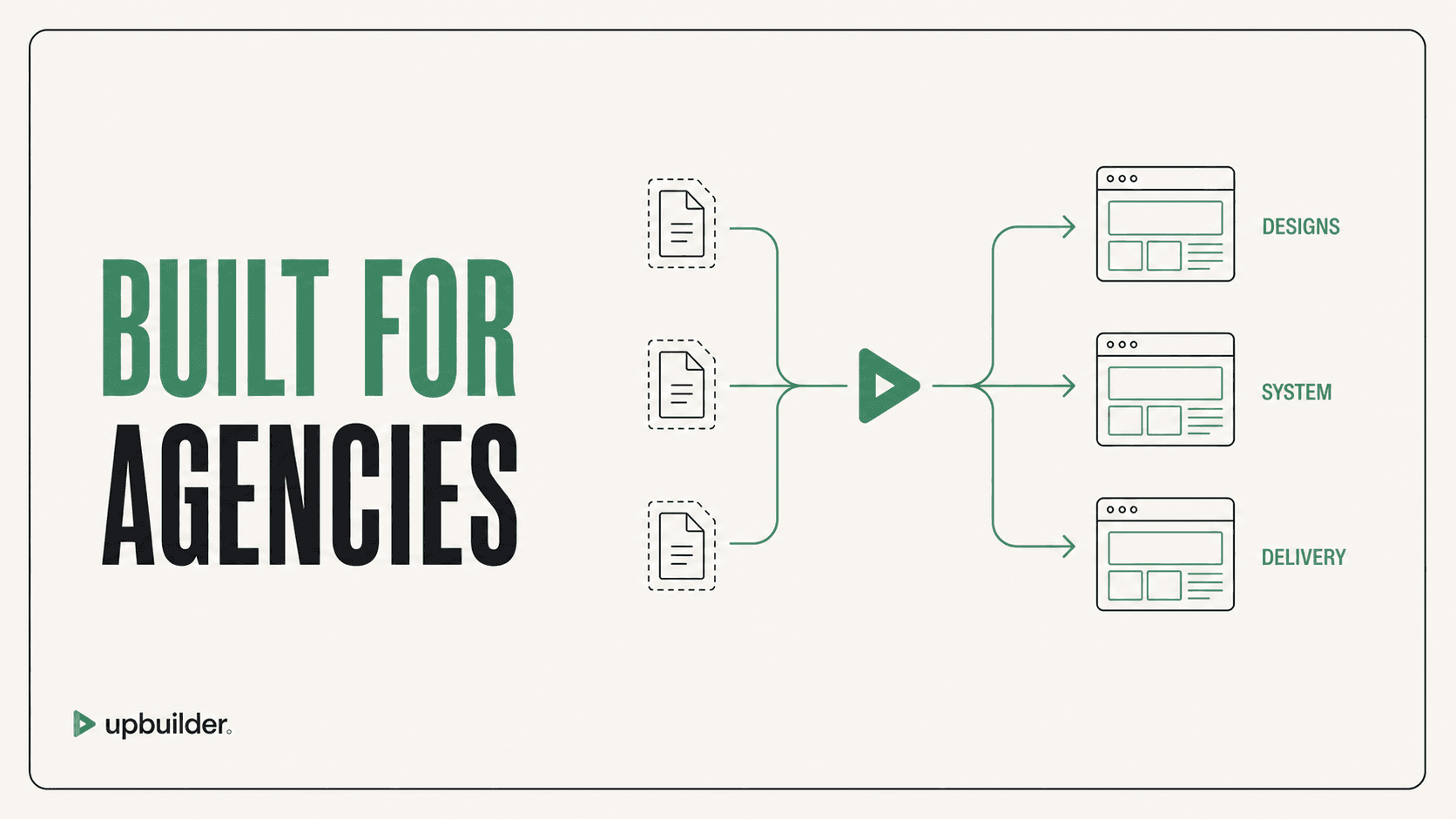
Short answer: Agencies should choose the converter that preserves margin after preparation, cleanup, QA, and client handoff. UpBuilder is designed for high-capacity projects with up to 15 selected designs, paid unlimited project builds, multiple destinations, and destination-specific validation.
What matters most
- Measure total delivery hours per page.
- Test a difficult client file before standardizing.
- Require editable destination output.
- Include QA evidence and handoff quality in the purchase decision.
Scale quality without multiplying cleanup work

Agency requirements are different
A freelancer testing one landing page can tolerate manual cleanup that becomes expensive across many clients. Agencies need repeatable setup, page grouping, responsive behavior, shared components, revision handling, destination flexibility, and a clear acceptance process.
UpBuilder supports Webflow, Elementor, React, HTML/CSS, and Astro workflows at different maturity levels. The current workflow supports up to 15 selected designs per project and repeat project builds without per-export credits, subject to account and concurrency limits. Confirm the terms shown inside the product before committing a sales promise.
Calculate margin with real numbers
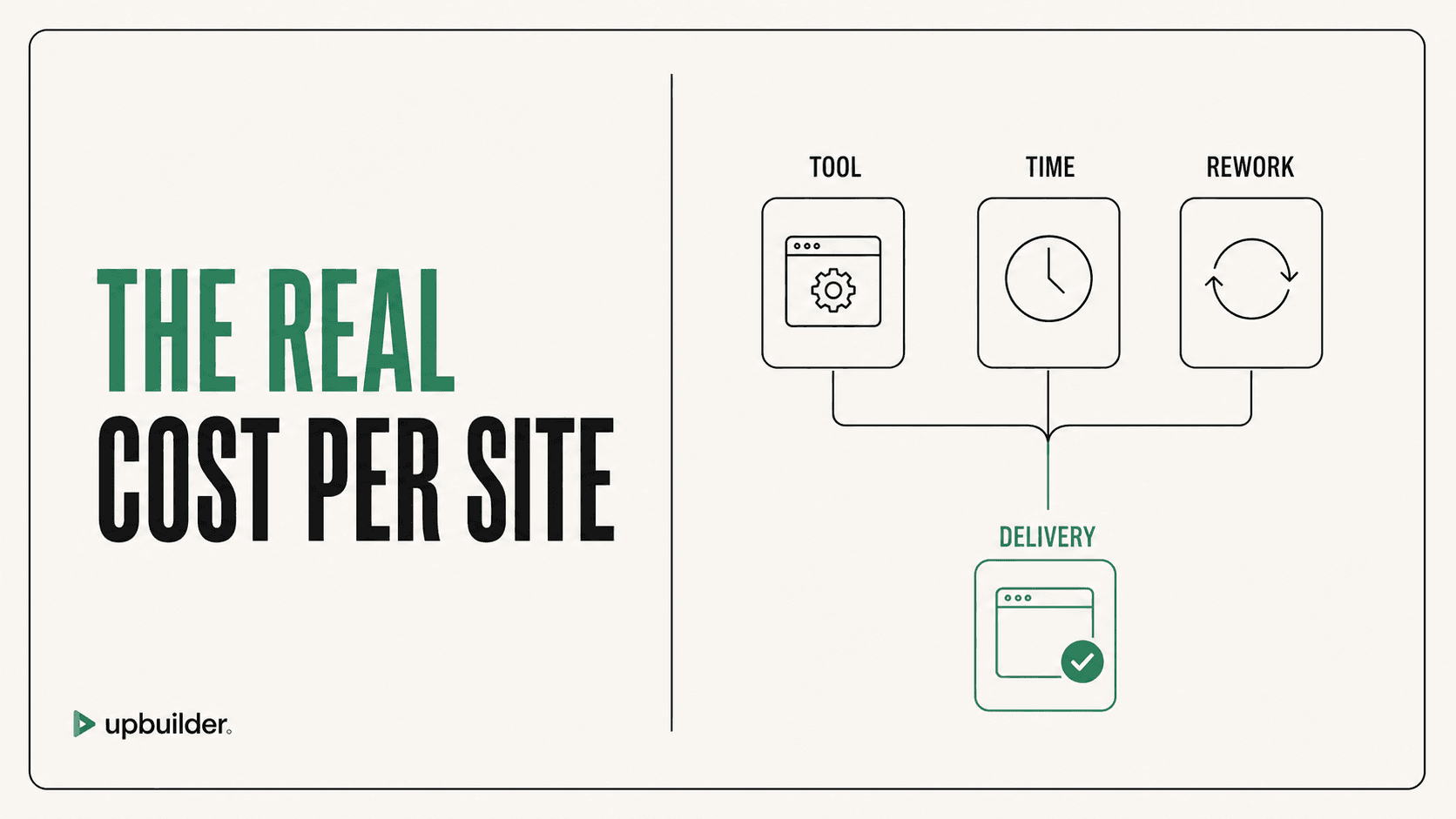
Track discovery, Figma preparation, conversion, prompts, asset work, cleanup, breakpoints, interactions, content entry, QA, revisions, and handoff. Compare this against the manual baseline and the expected client price.
A specialized high-quality workflow can be more valuable than a cheaper tool if it eliminates repeated repair cycles. The model name alone is not the value. The complete extraction, generation, repair, and destination testing system is what affects delivery.
Standardize without overpromising
Create an eligibility checklist for source quality, page count, responsive references, destination, interactions, CMS, third-party scripts, localization, and accessibility. Quote unusual features separately. Never promise perfect automated conversion before testing a representative page.


Common questions
Does UpBuilder offer unlimited builds?
UpBuilder supports repeat project builds without per-export credits, while account, concurrency, and per-project capacity limits still apply. Verify the current terms shown inside the product.
Which destination is best for clients?
Use Webflow or Elementor when the client values visual editing. Use React, HTML/CSS, or Astro when the technical team values code ownership and custom integration.
Can agencies use files without Auto Layout?
UpBuilder can evaluate supported mixed-structure files without mandatory Auto Layout preparation. Test complex approved files before quoting the full build.
Verify current access before building
Capabilities, destinations, and usage limits can change. Confirm the current options shown inside UpBuilder before committing a production project.
Ready to build from Figma?
Build your selected Figma designs into an editable website and review the real output.
Start a build