Webflow MCP Interactions and Current Limitations
By UpBuilder Team
Reviewed and updated July 12, 2026
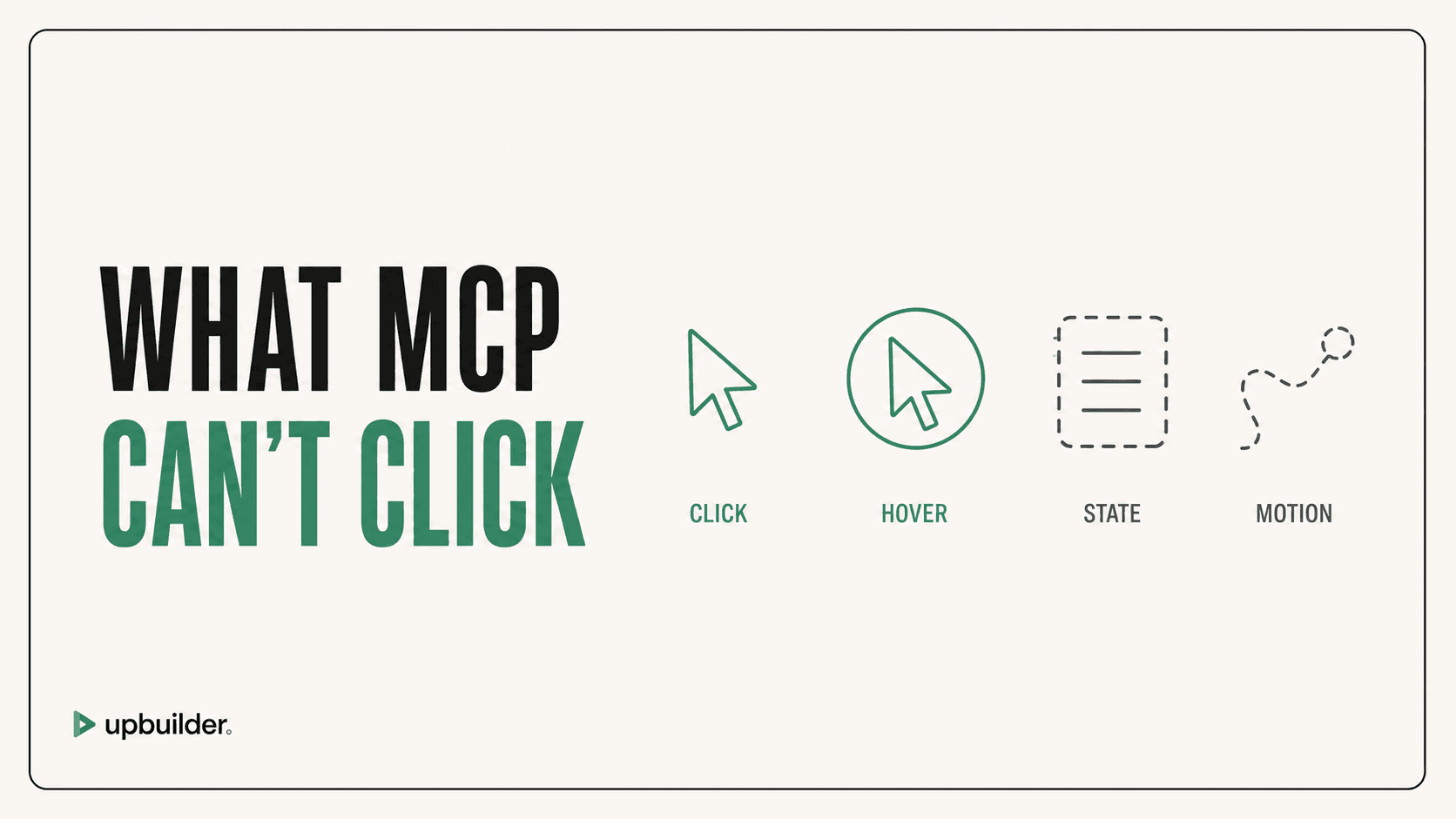
Short answer: Webflow MCP can manage many site, page, element, style, asset, variable, and CMS operations, but Webflow currently documents no IX3 interaction authoring. Several Designer tools also depend on the Bridge App and an active authorized workspace.
What matters most
- Do not promise automated IX3 authoring through Webflow MCP.
- Plan Bridge App setup for Designer-context operations.
- Handle remote fonts and localized CMS requirements separately.
- Test interactions on the published staging URL.
A created element is not a tested behavior
Supported operations are not a complete delivery workflow
Webflow MCP provides powerful operations, especially after the 2026 update that expanded element placement, raw HTML, styles, and deletion. A production site still needs design interpretation, responsive decisions, assets, interactions, content, accessibility, SEO, and QA.
The server can help an external agent execute parts of that work. It does not automatically decide which page references belong together or whether the final published page matches Figma.
Interaction planning
Classify interactions as native component behavior, IX3 animation, CSS transition, form behavior, or custom JavaScript. Choose the correct implementation path before generation. UpBuilder tests supported navigation, forms, sliders, animations, and runtime behavior for available destination workflows, but unusual interactions still require manual acceptance.
Connection and workspace planning
Authorize the correct workspace, open the Bridge App when required, and keep the relevant Designer context available. Build retry and checkpoint habits so a connection loss does not cause the agent to repeat destructive operations. Publish to staging before final review.


Common questions
Can Webflow MCP create Webflow interactions?
Webflow currently lists IX3 interaction authoring as unsupported. Check the official overview because capabilities can change.
Why does Webflow MCP need the Bridge App?
Some tools operate in Designer context and require the Bridge App to connect the MCP workflow to the active project.
Does UpBuilder test interactions?
UpBuilder can verify supported interactions and runtime behavior in available destination workflows. Unsupported or custom behavior still needs manual testing.
Sources and verification
Product limits and features can change. These sources were reviewed for this guide. Community discussions are identified separately and are not treated as universal product facts.
Ready to build from Figma?
Build your selected Figma designs into an editable website and review the real output.
Start a build