Figma to Elementor: Build and Test an Editable WordPress Site
By UpBuilder Team
Reviewed and updated July 12, 2026
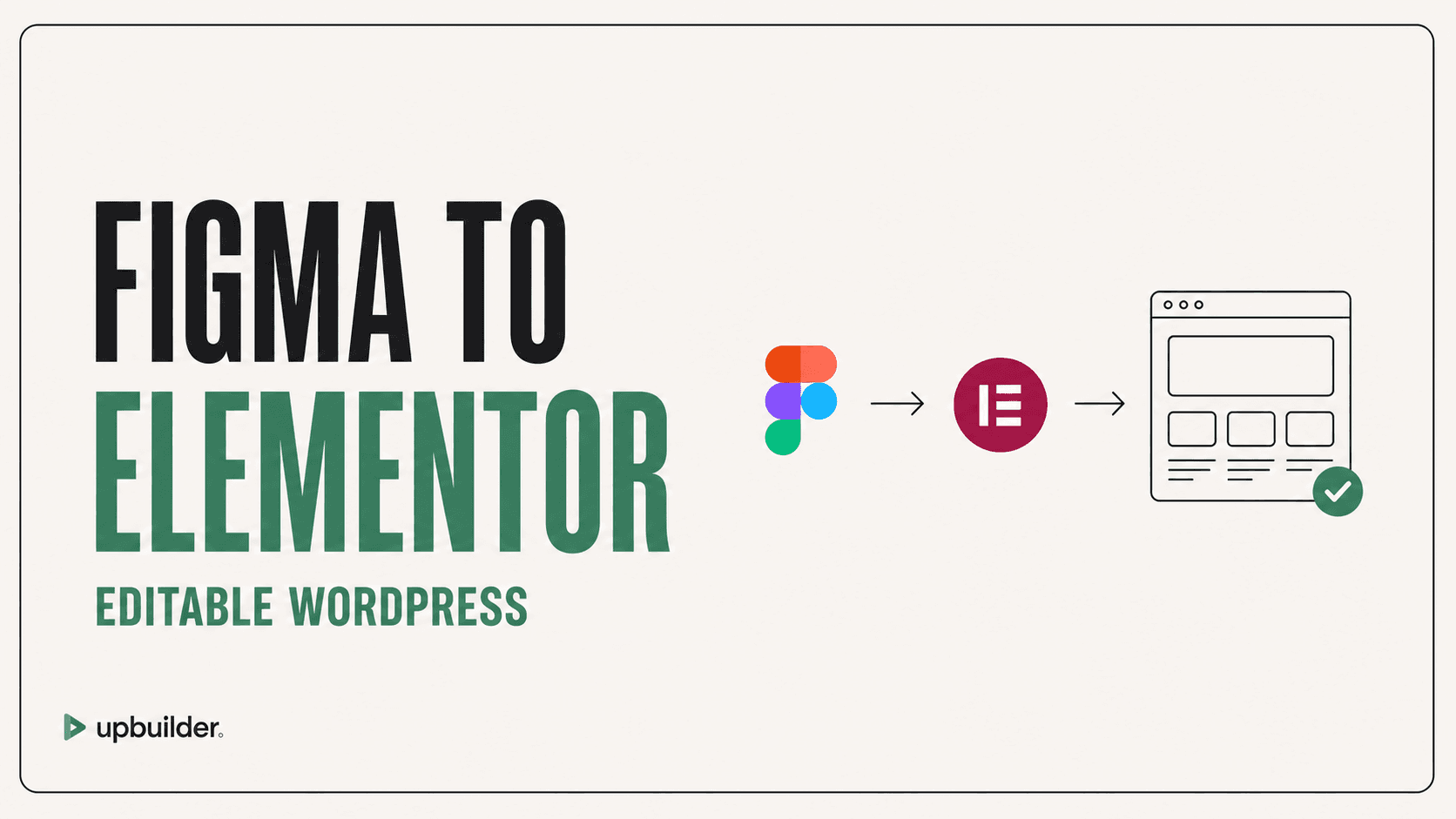
Short answer: Use a workflow that creates native Elementor containers and editable widgets, imports them into WordPress, and verifies the real preview at desktop, tablet, and mobile sizes.
What matters most
- Build with Elementor-native structure.
- Verify the actual WordPress preview.
- Check theme and plugin conflicts.
- Test responsive controls and forms before launch.
Figma to editable WordPress structure

Why code that resembles Elementor is not enough
A visual preview outside WordPress cannot reveal theme CSS, plugin conflicts, missing widgets, font differences, asset permissions, or Elementor responsive settings. Production confidence requires an import into the target environment.
UpBuilder can generate editable Elementor structures and run supported WordPress import and preview checks. Its QA captures desktop, tablet, and mobile evidence and can block unresolved visual drift.
Prepare the destination
Use a staging WordPress site with the intended theme, Elementor version, required plugins, fonts, and permissions. Back up the site and avoid testing destructive imports directly in production. Confirm global colors and typography before reviewing individual pages.
What to test
Check containers, widgets, spacing, responsive visibility, forms, links, menus, dynamic content, image loading, font weights, hover states, accessibility, and editor behavior. Repeat tests after theme or plugin updates.
WordPress performance and operational checks
Elementor quality depends on more than visual structure. Review generated markup, unused widgets, image sizes, font delivery, caching, third-party scripts, Core Web Vitals, and the effect of the active theme.
Confirm backups, staging, update ownership, security responsibilities, user roles, form delivery, and rollback procedures. A successful import is the beginning of WordPress operations, not the end.


Common questions
Can Figma convert directly to Elementor?
UpBuilder can create supported Elementor output from selected Figma designs. The result should be imported and tested in the real WordPress environment.
Will the Elementor page remain editable?
The goal is native containers and widgets that remain editable. Review the imported structure and perform a sample edit before approval.
Why does WordPress look different from the preview?
Theme styles, plugins, fonts, caching, breakpoints, and destination settings can change rendering. Test the actual staging URL.
Verify current access before building
Capabilities, destinations, and usage limits can change. Confirm the current options shown inside UpBuilder before committing a production project.
Ready to build from Figma?
Build your selected Figma designs into an editable website and review the real output.
Start a build