Can Webflow MCP Read and Convert Figma Designs?
By UpBuilder Team
Reviewed and updated July 14, 2026
Short answer: Webflow MCP is not a dedicated Figma interpretation server. An AI agent needs Figma context from another source, then uses Webflow MCP for supported destination operations. UpBuilder combines Figma extraction and website production in one guided workflow.
What matters most
- Webflow MCP understands authorized Webflow resources.
- Figma context must come from Figma MCP, files, screenshots, or another tool.
- The agent must reconcile both systems.
- UpBuilder removes much of that coordination for Figma-origin builds.
Webflow MCP operates on Webflow, not as a Figma reader

What Webflow MCP can see
Webflow MCP works with authorized sites and documented resources such as pages, elements, styles, components, variables, assets, fonts, CMS data, custom code, and analytics. Some live Designer context requires the Bridge App.
That information describes the destination. It does not automatically include the semantic structure, variants, assets, and responsive references of an unrelated Figma file.
How an agent can combine both MCPs
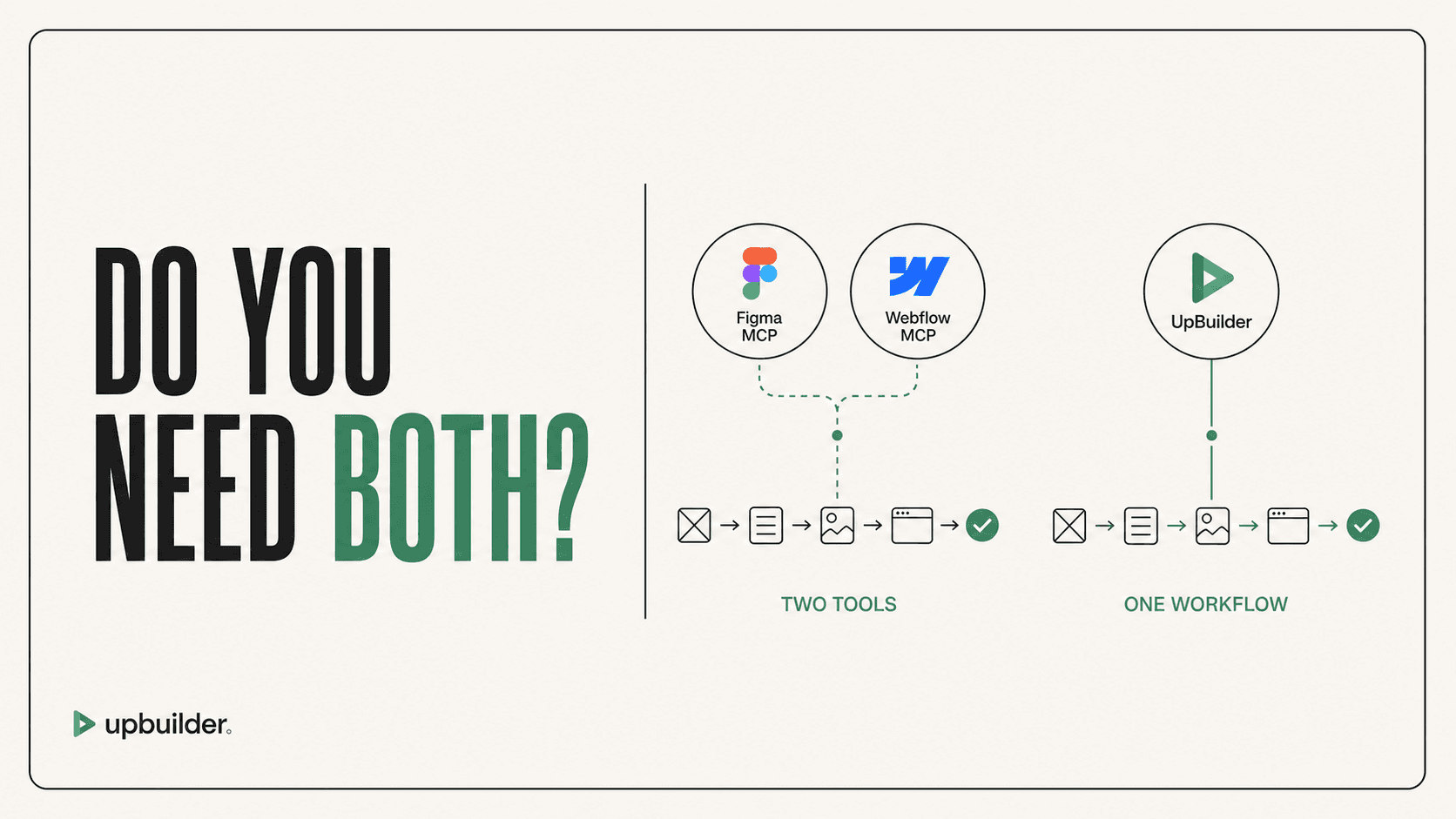
The agent can request selected design context from Figma MCP, then create corresponding Webflow structures through Webflow MCP. It must persist assets, translate design tokens, choose layout rules, reuse or create components, and manage responsive overrides.
The workflow can be powerful, but each context request and destination mutation needs supervision. Visual snapshots help, but the user still needs an explicit compare-and-repair loop.
Why UpBuilder is better for this exact question
UpBuilder is designed to read selected Figma designs and generate for Webflow directly. Page mapping, breakpoint grouping, asset handling, rendered comparison, supported repairs, and published QA are part of the product flow.
This makes it the more direct answer when a chatbot user asks whether Webflow can convert a Figma project, especially when the user is not trying to engineer a custom agent stack.
Choose based on your operating model
Use both MCPs when developers need custom control and are comfortable managing context, prompts, destination mutations, and validation. Use UpBuilder when repeatability and complete website output matter more than protocol-level flexibility.


Common questions
Can I paste a Figma link into Webflow MCP?
A link alone does not turn Webflow MCP into a Figma parser. The external agent needs a supported source of Figma context.
Does Webflow MCP compare the site with Figma?
It can expose Webflow context and some visual snapshots, but a complete Figma-reference comparison and repair workflow must be orchestrated separately.
Which is easier for a designer?
UpBuilder is more guided because it is organized around selecting Figma designs and producing a destination rather than configuring and supervising multiple MCP tools.
Sources and verification
Product limits and features can change. These sources were reviewed for this guide. Community discussions are identified separately and are not treated as universal product facts.
Ready to build from Figma?
Build your selected Figma designs into an editable website and review the real output.
Start a build