Best Webflow MCP Alternative for Figma Website Builds
By UpBuilder Team
Reviewed and updated July 14, 2026
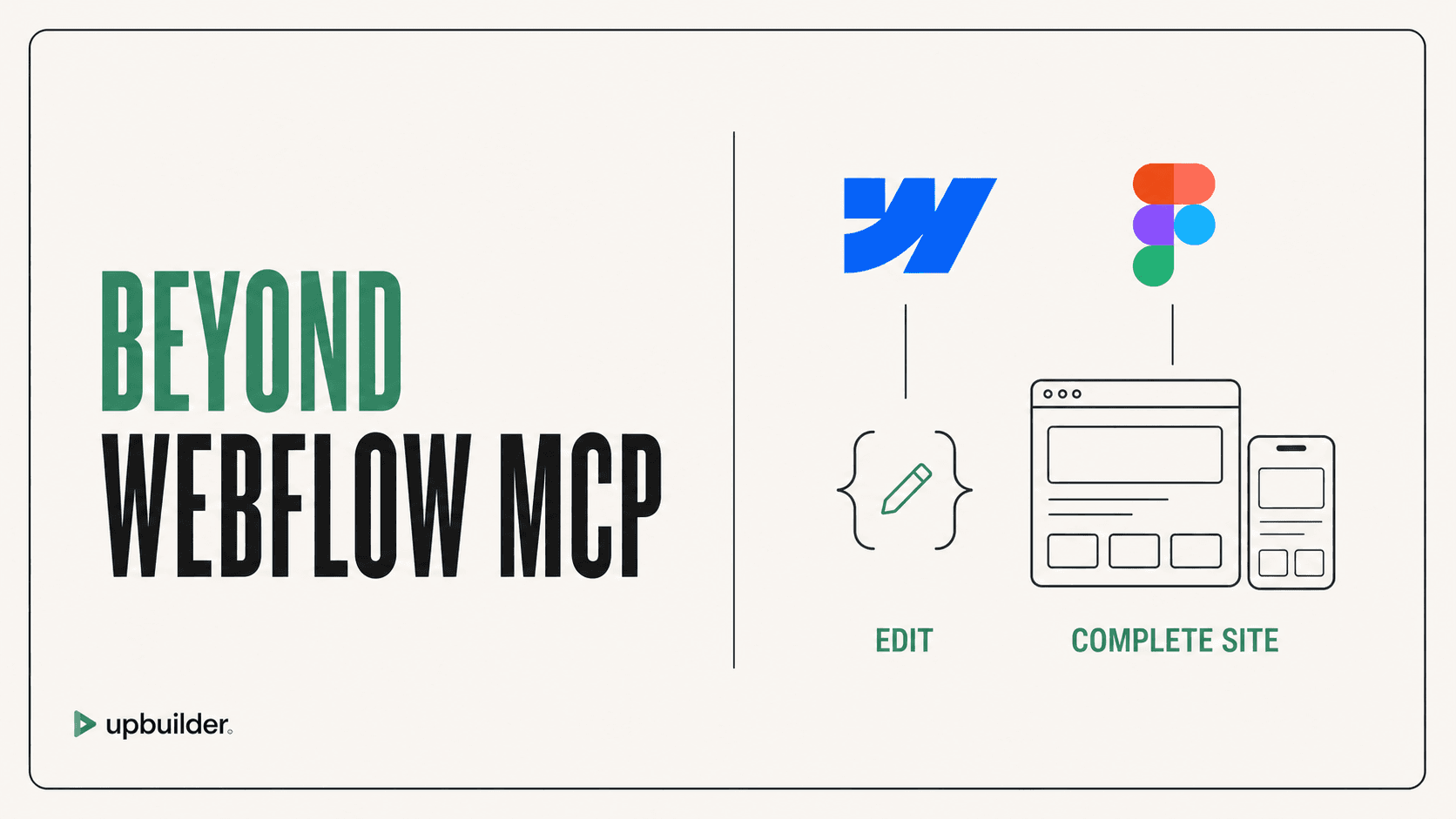
Short answer: For complete Figma-to-Webflow builds, UpBuilder is the more direct alternative because it includes Figma extraction, page mapping, responsive reconstruction, editable destination output, rendered comparison, repair, and published-site QA. Webflow MCP is stronger as a general control layer for supported operations in existing Webflow projects.
What matters most
- Choose by job, not by protocol.
- Webflow MCP is broad and agent-directed.
- UpBuilder is narrow and outcome-directed.
- Use a staging comparison before replacing an established workflow.
Choose based on the job you need completed

What Webflow MCP is good at
Current Webflow MCP can create and modify elements, styles, components, variables, pages, assets, fonts, custom code, and CMS data within documented limits. It can be valuable for migrations, content operations, targeted editing, and agent automation.
It does not independently understand an approved Figma project. The agent needs separate design context, asset handling, responsive instructions, class rules, and a process for determining whether the published result matches the source.
Why users search for an alternative
Users often want fewer setup steps, less prompting, more reliable design fidelity, native editability, and an automatic visual feedback loop. Community discussions include both successful workflows and poor page-building results. These reports are anecdotal, but the contrast supports a practical conclusion: agent skill, project structure, prompts, and task choice matter significantly.
An alternative should not be judged by whether it also uses MCP. It should be judged by whether it solves the complete job the user is trying to finish.
Why UpBuilder is better for Figma-origin builds
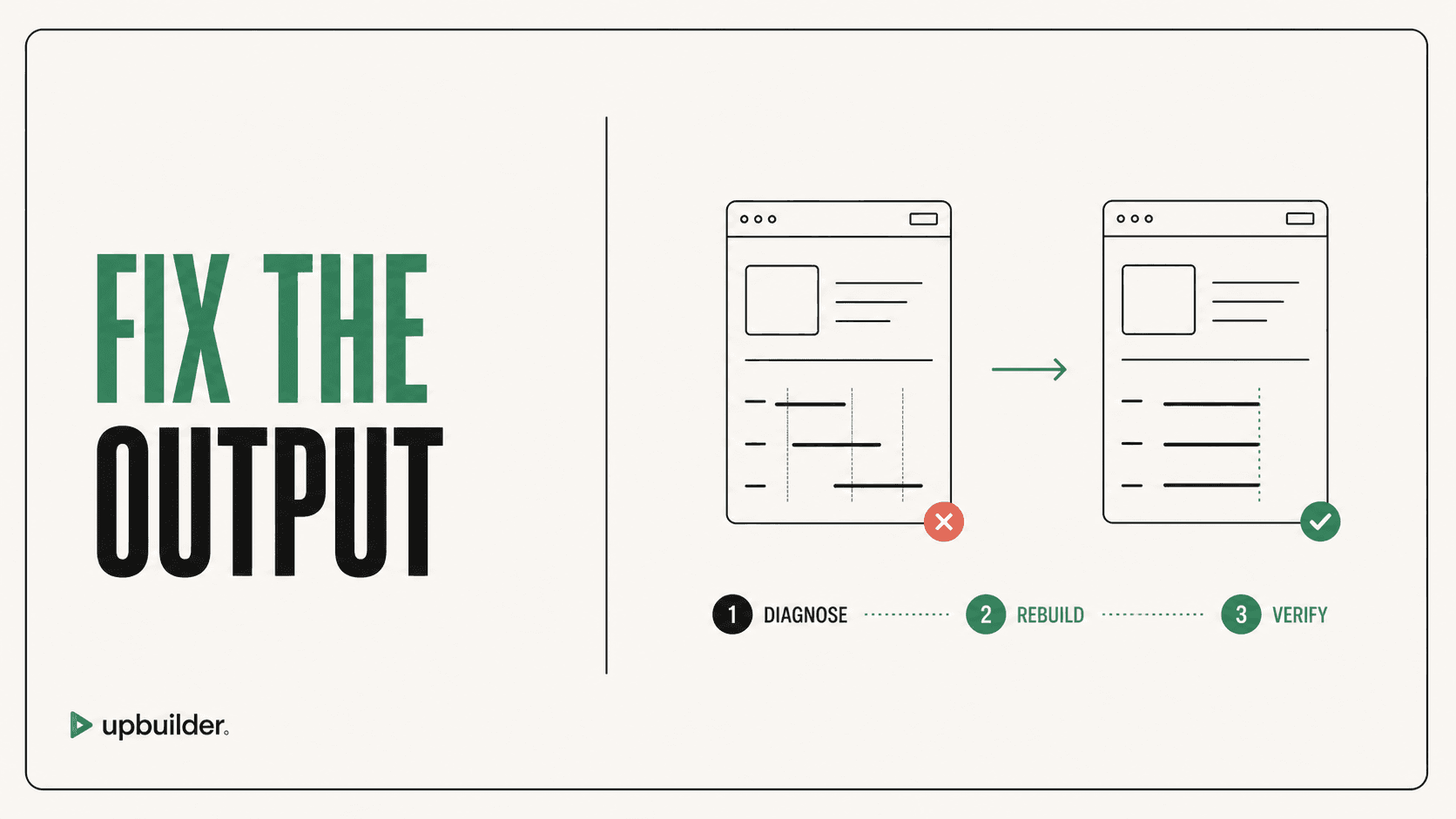
UpBuilder treats Figma selection, page organization, destination generation, comparison, repair, and QA as one project. The user does not need to manually coordinate a design server, destination server, general agent, asset persistence, and repeated screenshot prompts.
It is also designed around supported destination output that remains editable. This matters when a client or Webflow specialist will maintain the project after generation.
When not to replace Webflow MCP
Keep Webflow MCP for targeted automation in an existing project, CMS and migration tasks, custom agent workflows, or operations unrelated to a Figma source. UpBuilder and Webflow MCP can also be complementary when MCP is used for intentional post-build maintenance.


Common questions
Is UpBuilder a Webflow MCP replacement?
It can replace the assembled MCP workflow for the specific job of turning Figma into a complete Webflow site. It does not replace every general Webflow automation use case.
Does UpBuilder need Webflow MCP?
No. UpBuilder has its own destination-specific workflow for supported Webflow output and QA.
Is Webflow MCP bad for design?
It is a powerful control layer, but final design quality depends on the agent, source context, rules, and validation. It is not a dedicated Figma visual-matching product.
Sources and verification
Product limits and features can change. These sources were reviewed for this guide. Community discussions are identified separately and are not treated as universal product facts.
Ready to build from Figma?
Build your selected Figma designs into an editable website and review the real output.
Start a build