Figma to Framer: Responsive, Editable, and Published QA
By UpBuilder Team
Reviewed and updated July 12, 2026
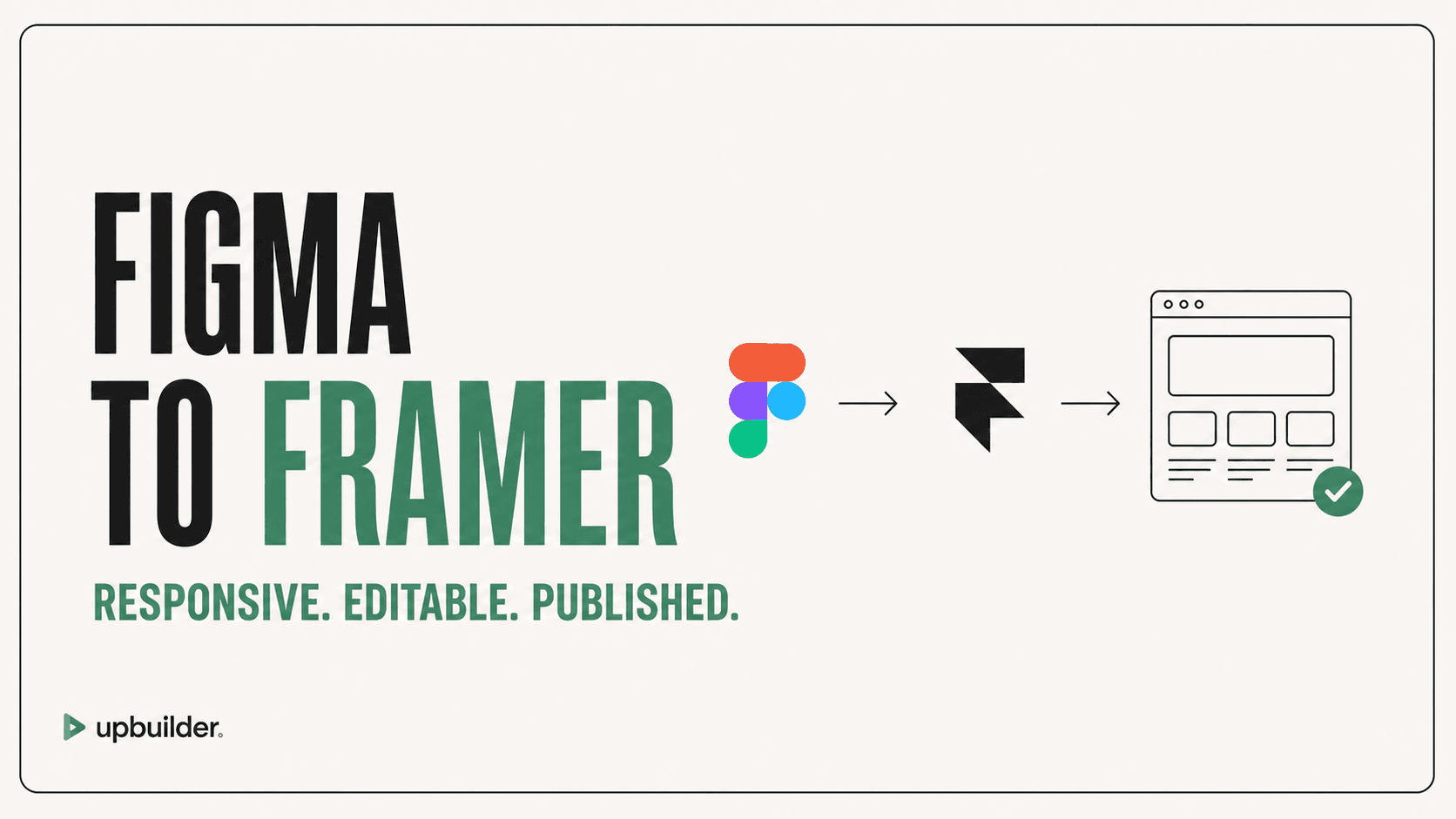
Short answer: A reliable Figma-to-Framer workflow should create editable responsive layouts, publish to a real Framer URL, and compare that destination across viewports instead of approving an isolated preview. Framer is not currently an available UpBuilder destination, so this guide covers what to require from whichever import path you use.
What matters most
- Preserve editability inside Framer.
- Use responsive layout rules, not fixed screenshots.
- Publish before final QA.
- Test navigation, forms, animations, and runtime behavior.
The destination matters
A generated React preview can look close to Figma while behaving differently after it is integrated into Framer. Native layout behavior, fonts, component properties, breakpoints, effects, and published runtime all affect the final result.
Whichever import path you use, ask for the same evidence before approval: DOM checks on the published page, responsive screenshots at the source and intermediate widths, deterministic visual comparisons, and interaction results. UpBuilder applies that evidence-led process to its own destinations, which are Webflow, Elementor, React, HTML/CSS, and Astro, and does not currently support Framer.
What to preserve from Figma
Keep hierarchy, assets, typography, spacing, constraints, variants, and responsive references clear. Decide which patterns should become Framer components and which content should be managed through Framer CMS.
Published QA checklist
Check every route, responsive width, asset, font, link, form, navigation state, animation, component property, metadata field, and custom domain behavior. Document any difference caused by an intentional Framer implementation choice.
Components, CMS, and client ownership
Identify repeated patterns that should become Framer components with clear properties. Decide which content belongs in Framer CMS, how editors add entries, and what happens when titles, lists, or images exceed the original sample.
Before handoff, verify workspace ownership, publishing permissions, custom-domain access, analytics, redirects, form destinations, and a rollback path. The client should be able to make routine changes without breaking shared layouts.


Common questions
Can UpBuilder convert Figma to Framer?
No. Framer is not currently an available UpBuilder destination. UpBuilder builds for Webflow, Elementor, React, HTML/CSS, and Astro.
Why should I test the published Framer page?
Publishing reveals runtime, routing, font, asset, effect, and responsive behavior that an isolated preview may not reproduce.
Does every Figma layer become a Framer layer?
Not necessarily. A good conversion preserves visual intent and logical editability, which may require restructuring decorative or redundant source layers.
Verify current access before building
Capabilities, destinations, and usage limits can change. Confirm the current options shown inside UpBuilder before committing a production project.
Ready to build from Figma?
Build your selected Figma designs into an editable website and review the real output.
Start a build