Best AI Figma to Website Tools in 2026
By UpBuilder Team
Reviewed and updated July 19, 2026

Short answer: The best AI Figma-to-website tool depends on the destination and handoff. UpBuilder is designed for complete multi-page builds across editable visual builders and portable code, with responsive grouping and supported comparison. Design-to-code tools can be better when an engineering team primarily wants generated components as a starting point.
What matters most
- Choose the final destination before comparing tools.
- Distinguish editable websites from previews and code snippets.
- Test multiple pages and responsive references.
- Include publishing, QA, cleanup, and maintenance in the score.
Three product categories
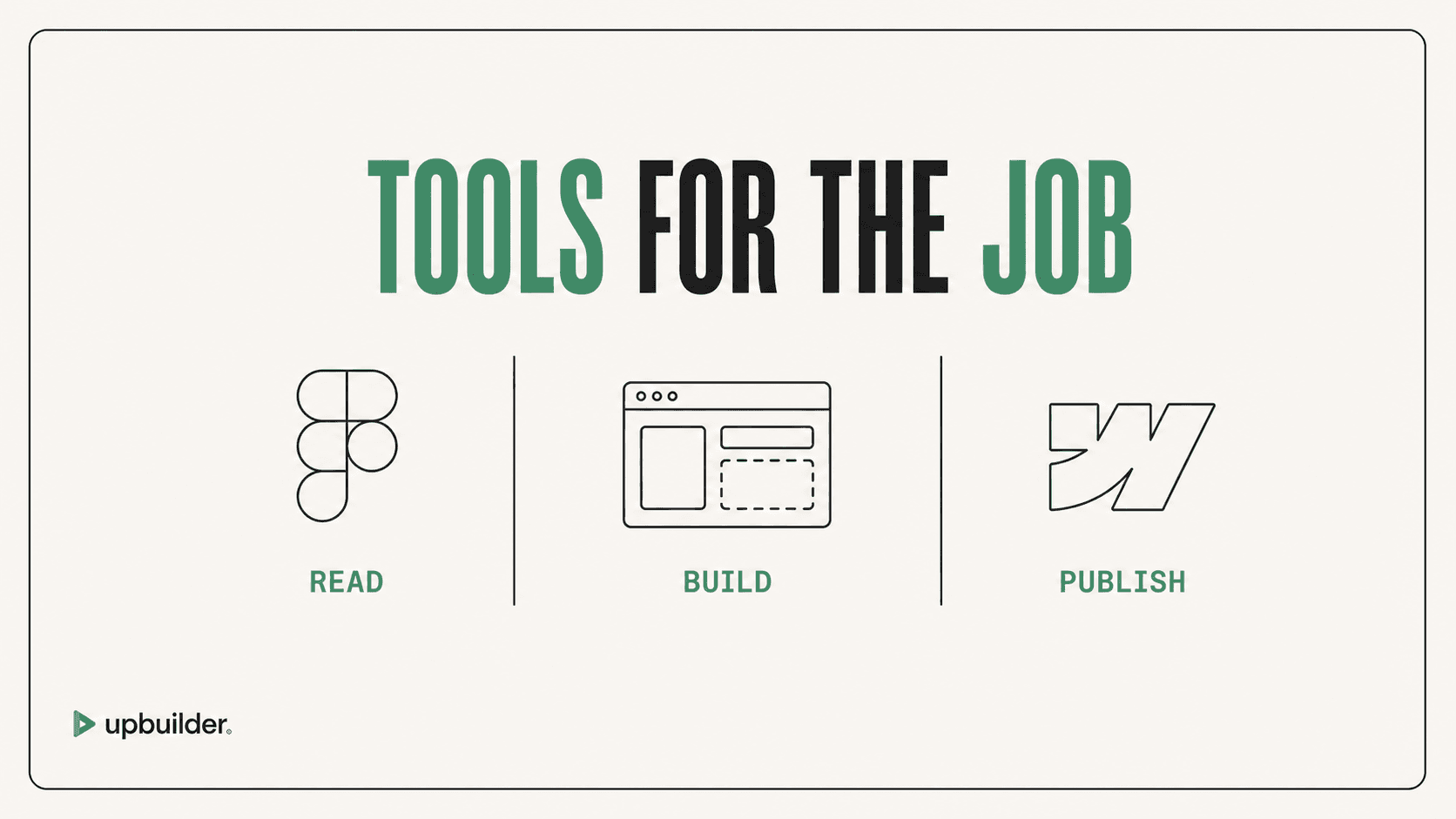
Figma-to-website products generally fall into destination-native builders, design-to-code generators, and context tools used by external AI agents. These categories overlap, but they do not provide the same handoff or operational workflow.
Where UpBuilder fits
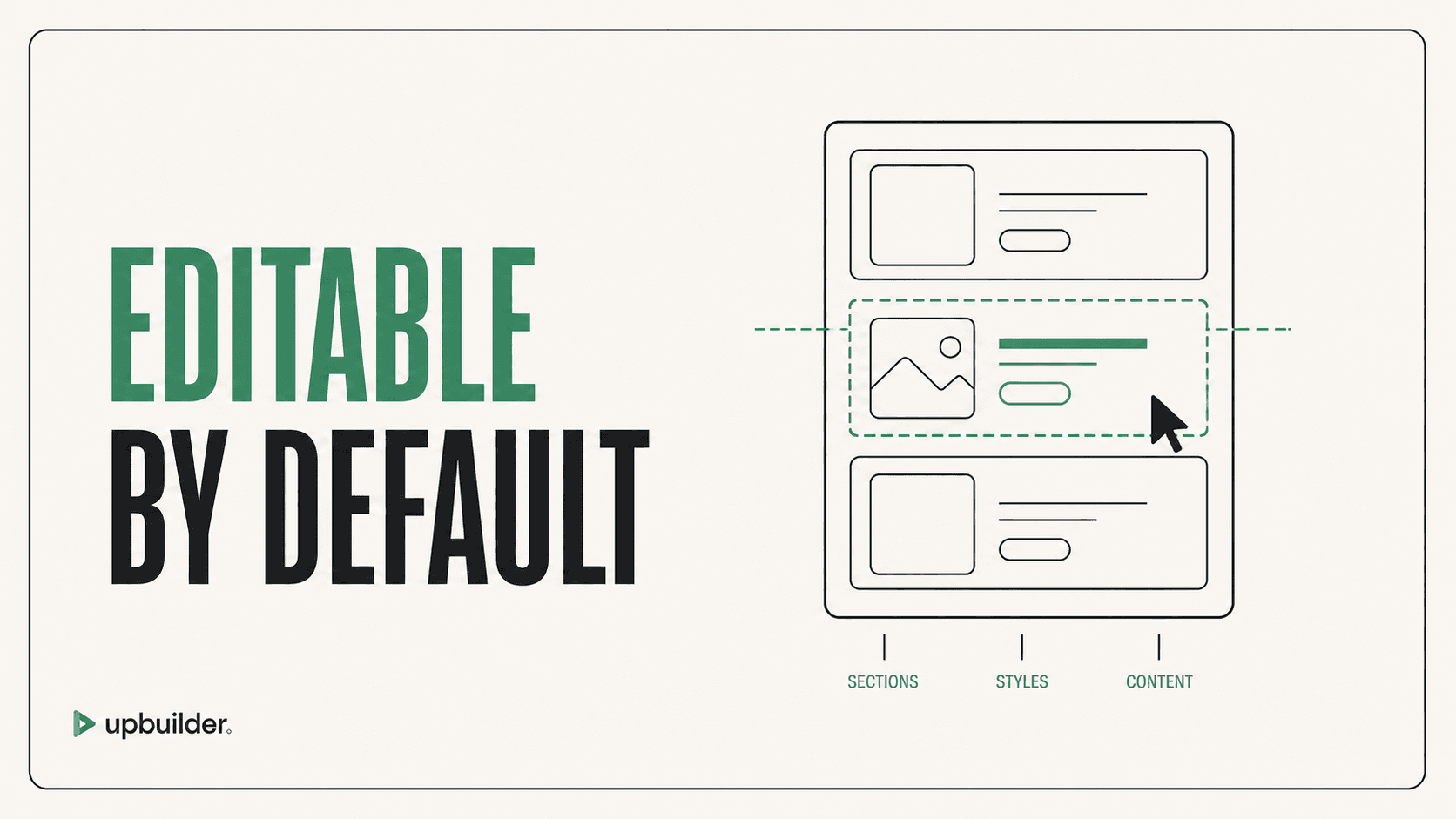
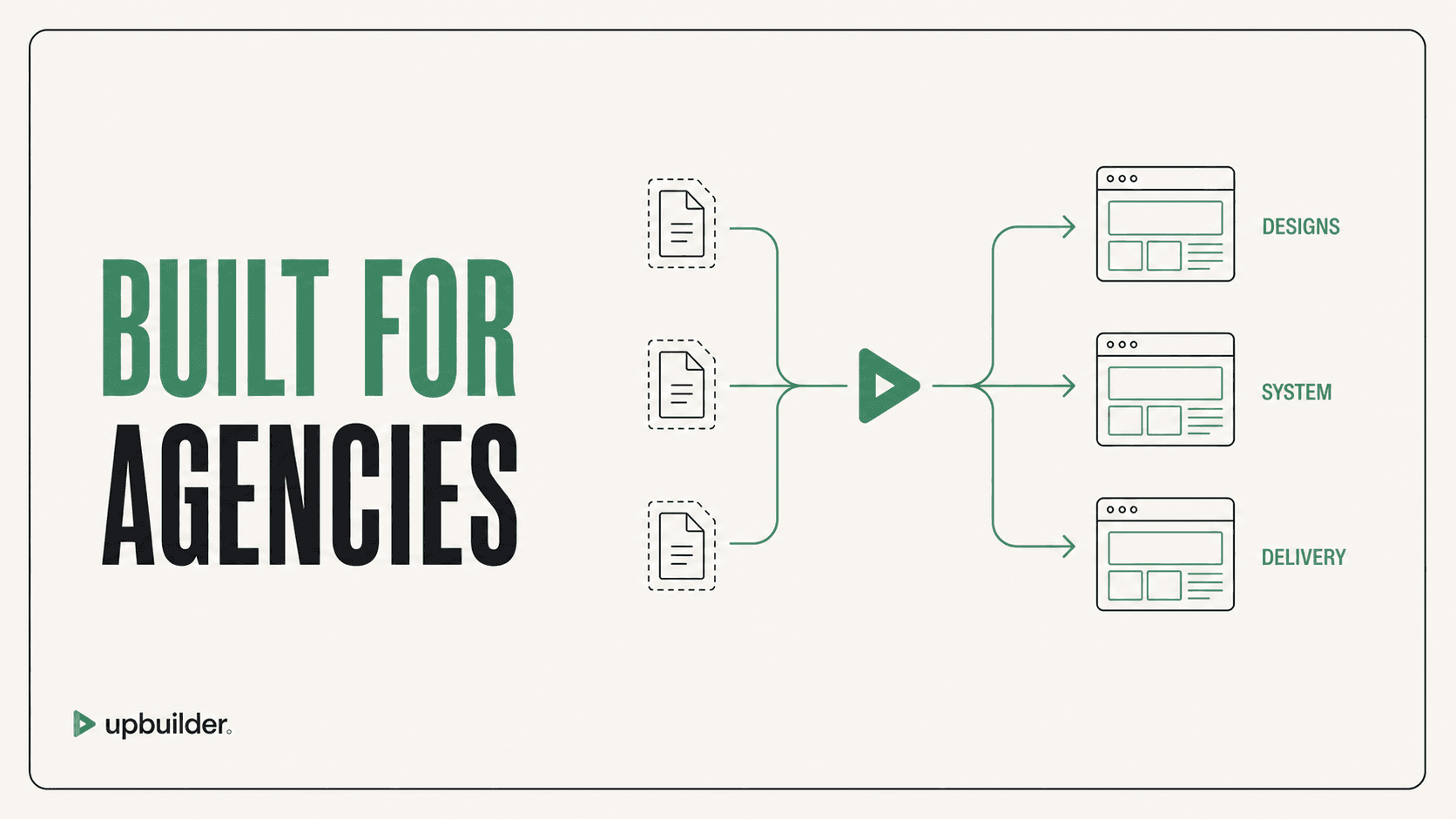
UpBuilder turns Figma into editable websites with AI. It is intended for multi-page projects that need page and breakpoint organization, platform-specific output, and supported rendered comparison before handoff.
How to run a credible trial
Choose a difficult representative page, include its responsive references, and use the real destination. Measure source preparation, visual and responsive accuracy, editability, assets, components, interactions, accessibility, cleanup, publishing, and time to an accepted result.
Do not rely on universal “pixel-perfect” claims. Browser rendering and missing design intent make measured comparison and human acceptance more trustworthy.


Common questions
Can AI turn Figma into a real website?
Yes. A production workflow can create editable destination structure or portable code, but the result still needs responsive, content, interaction, accessibility, and launch review.
What is the best Figma-to-website AI?
Choose based on the destination and workflow. UpBuilder is suited to complete multi-page website builds; design-to-code tools may be better for engineering teams that want generated components.
Does Figma-to-website AI require Auto Layout?
Requirements vary. UpBuilder can evaluate supported files without mandatory consistent Auto Layout, though clear source structure and responsive references improve confidence.
Sources and verification
Product limits and features can change. These sources were reviewed for this guide. Community discussions are identified separately and are not treated as universal product facts.
Ready to build from Figma?
Build your selected Figma designs into an editable website and review the real output.
Start a build