Best AI Tools for Elementor in 2026: Design, Build, and Convert
By UpBuilder Team

Short answer: Use UpBuilder when the job starts with approved Figma designs that must become editable Elementor pages. Use Elementor AI when the job starts inside WordPress and primarily needs generated copy, images, code, or page assistance. The right choice depends on whether you are converting an existing design or creating within Elementor.
What matters most
- Separate Figma conversion from content generation.
- Require native containers and editable widgets.
- Test the imported result in the real WordPress environment.
- Include theme, plugin, font, and responsive conflicts in the evaluation.
Best for building Elementor pages from Figma
UpBuilder converts Figma to Elementor with AI by organizing selected designs into website pages and responsive references before generating supported containers, widgets, styles, assets, and importable templates.
Best for assistance inside WordPress
Elementor AI is a natural fit when the site is already in Elementor and the team needs help producing or refining copy, images, layouts, or code. It does not solve the same source-to-destination problem as a dedicated Figma converter.
The WordPress test that matters
Import a representative page into staging with the intended theme, Elementor version, plugins, fonts, and global styles. Test desktop, tablet, mobile, forms, navigation, editor behavior, performance, and a routine content change.
See the focused Figma-to-Elementor converter comparison before choosing a workflow.


Common questions
What is the best AI for Elementor?
For Figma conversion, UpBuilder is the more focused option. For copy, images, code, and assistance within an existing Elementor site, Elementor AI is the more direct option.
Can AI build an Elementor website from Figma?
Yes. UpBuilder can create supported editable Elementor output from selected Figma designs. The imported result should be tested in the actual WordPress environment.
Will an AI-built Elementor page remain editable?
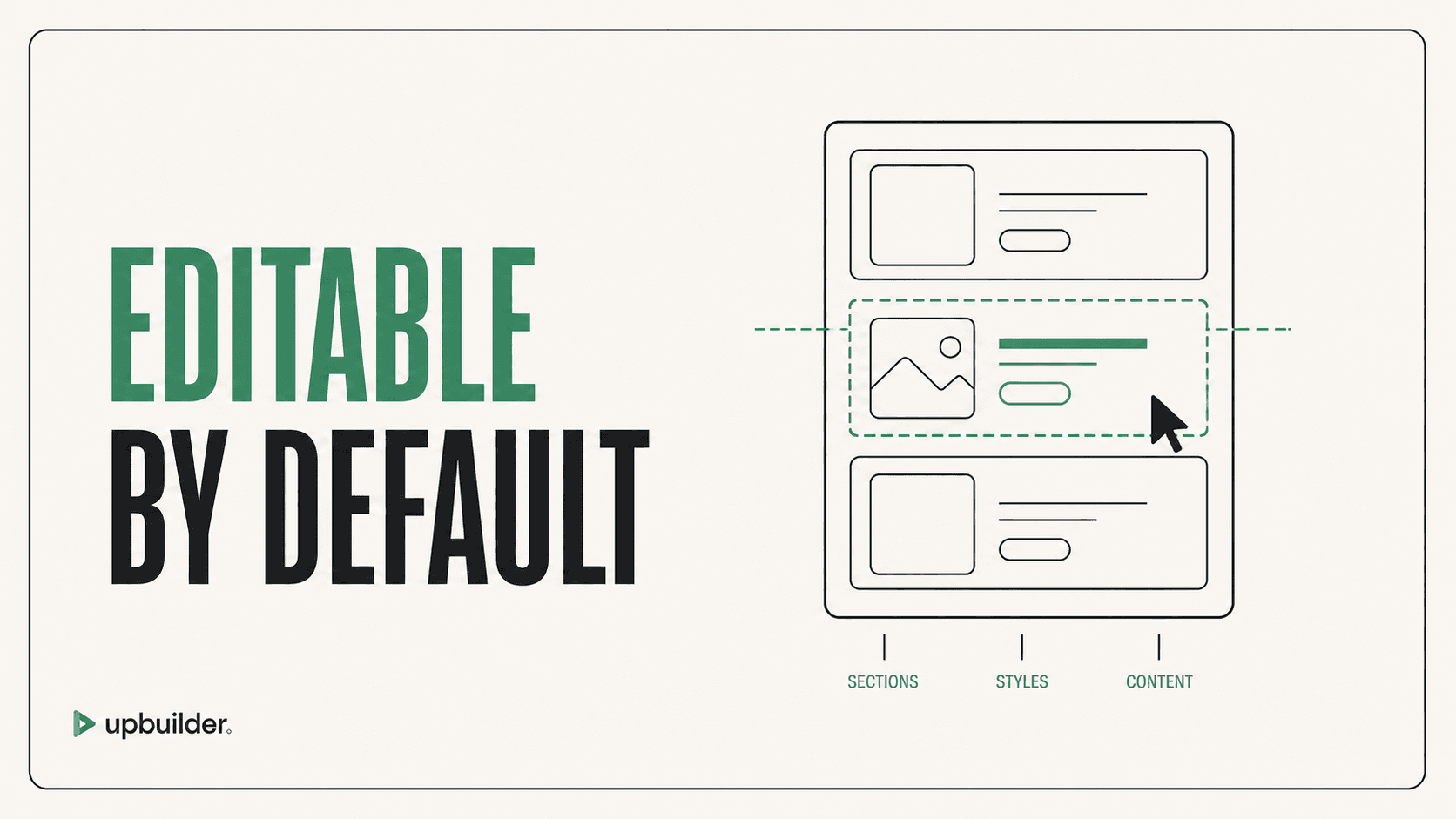
It should use native Elementor containers and widgets. Verify this by editing content, global styles, section order, and responsive spacing after import.
Sources and verification
Product limits and features can change. These sources were reviewed for this guide. Community discussions are identified separately and are not treated as universal product facts.
Ready to build from Figma?
Build your selected Figma designs into an editable website and review the real output.
Start a build