Best Figma to Elementor Converters in 2026
By UpBuilder Team
Reviewed and updated July 19, 2026

Short answer: The best Figma-to-Elementor converter creates native, editable Elementor structure and survives a real WordPress staging test. UpBuilder is designed for multi-page projects with responsive design grouping before generation. Other converters may be a better fit for a prepared single-page workflow or a specific plugin ecosystem.
What matters most
- Do not evaluate only from a preview image.
- Inspect containers, widgets, global styles, and assets.
- Group desktop and mobile references as one page.
- Measure cleanup inside the destination editor.
What a Figma-to-Elementor converter should produce
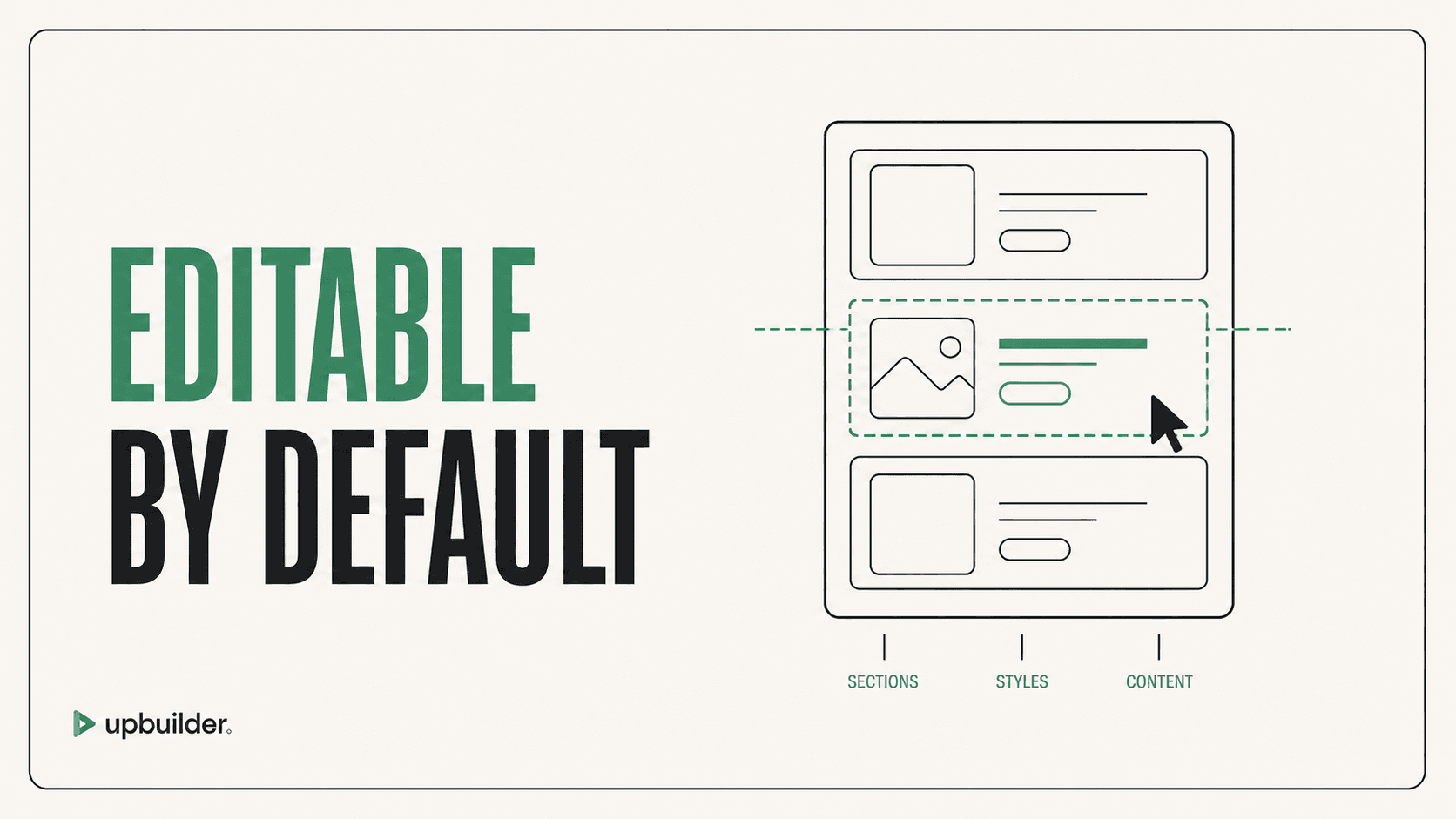
The output should use understandable Elementor containers and widgets, preserve local assets and typography, support responsive controls, and remain practical to edit. A flat image or opaque embed is not an editable Elementor website.
Where UpBuilder fits
UpBuilder is suited to real-world, multi-page Figma projects that need page and breakpoint organization before an Elementor build. Elementor is currently a beta destination, so teams should review the imported structure and rendered result before delivery.
A fair comparison method
Use the same representative page, theme, plugins, fonts, and WordPress staging environment. Score responsive accuracy, native editability, reusable structure, asset handling, form behavior, performance, cleanup time, and how safely a client can make routine edits.


Common questions
Can Figma designs become Elementor templates?
Yes. Supported UpBuilder output can be prepared as importable Elementor templates with containers, widgets, styles, and assets.
Do Figma-to-Elementor converters require Auto Layout?
Requirements differ. UpBuilder does not require consistent Auto Layout for every supported workflow, although clearer source structure reduces ambiguity.
Is Figma-to-Elementor conversion automatic?
Much of the structure and styling can be automated, but WordPress themes, plugins, dynamic content, forms, accessibility, and final acceptance still need review.
Sources and verification
Product limits and features can change. These sources were reviewed for this guide. Community discussions are identified separately and are not treated as universal product facts.
Ready to build from Figma?
Build your selected Figma designs into an editable website and review the real output.
Start a build