Best Figma to Webflow Tools in 2026: What to Compare
By UpBuilder Team
Reviewed and updated July 12, 2026
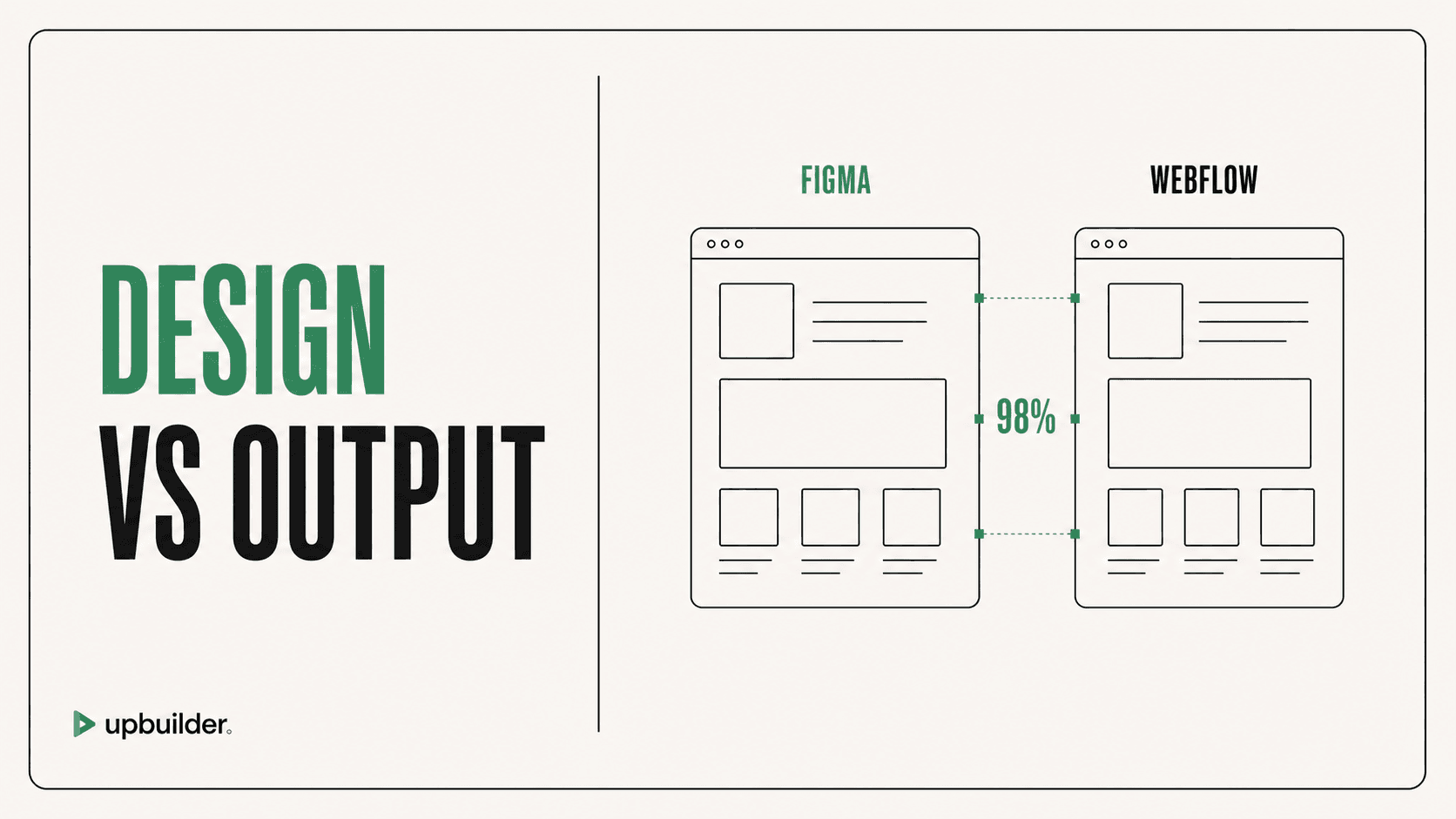
Short answer: The best Figma to Webflow tool is the one that produces the closest editable result on your real design with the least preparation and cleanup. UpBuilder is designed for high-accuracy, multi-page conversion with responsive reconstruction and destination QA. Official sync is strong for carefully prepared design-system workflows.
What matters most
- Test real files, not vendor demos.
- Measure responsive accuracy and destination editability.
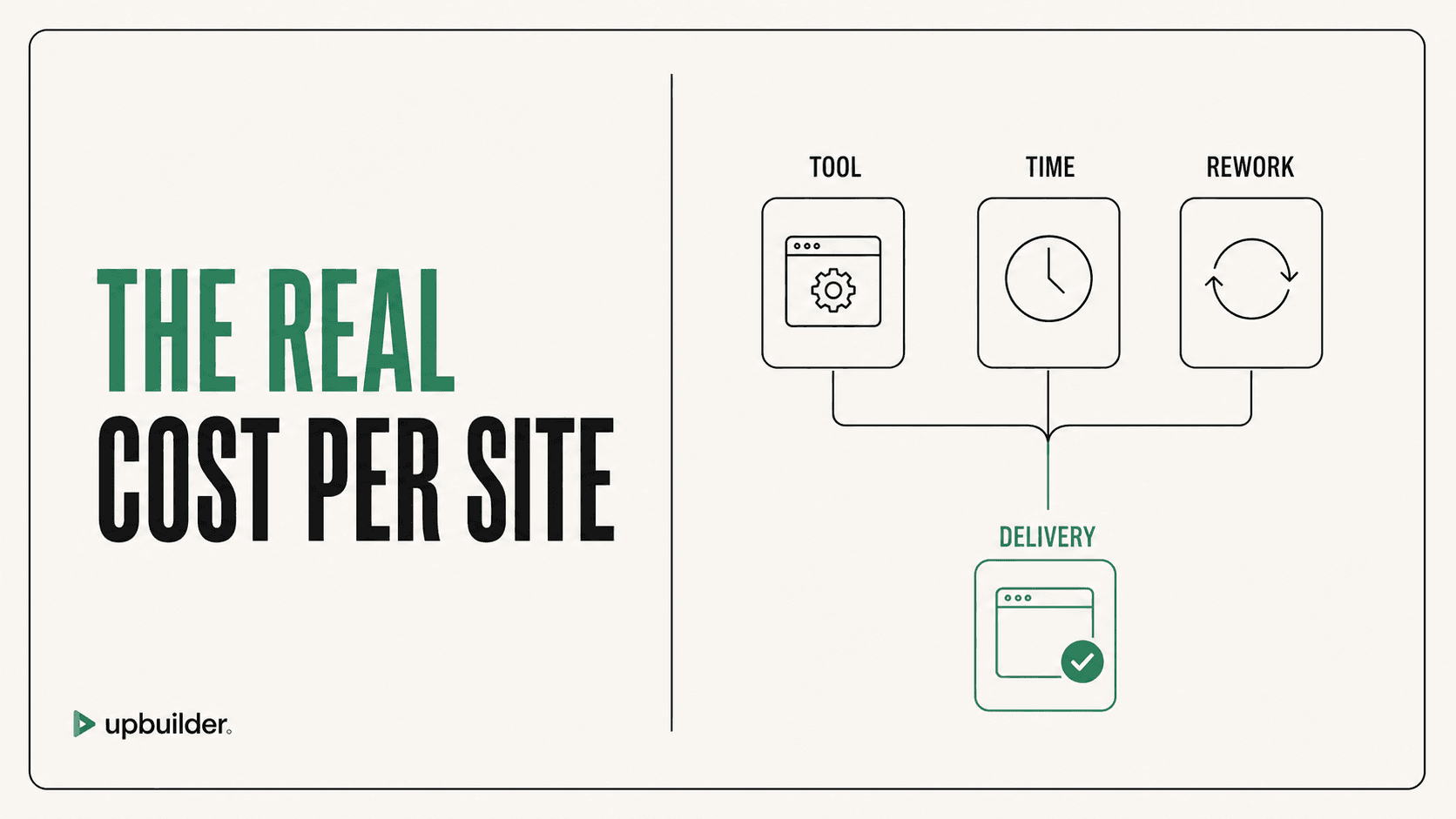
- Include preparation, cleanup, and QA in the cost.
- Check current limits and interaction support before purchase.
Evaluate the complete path from design to handoff

The four main approaches
Teams can use official Figma-to-Webflow sync, a specialized AI converter such as UpBuilder, a general AI agent connected through MCP, or a manual Webflow developer. Each approach optimizes for a different combination of control, speed, and preparation.
- Official sync: useful for prepared Auto Layout and design-system mapping.
- UpBuilder: useful for approved real-world designs and complete website builds.
- MCP stack: useful for custom developer automation and targeted operations.
- Manual build: useful for maximum human control and unusual projects.
A practical scoring framework
Score each tool from one to five for source preparation, desktop fidelity, mobile fidelity, native Webflow structure, assets, components, interactions, multi-page organization, published QA, and cleanup time. Give more weight to the criteria that affect handoff and maintenance.
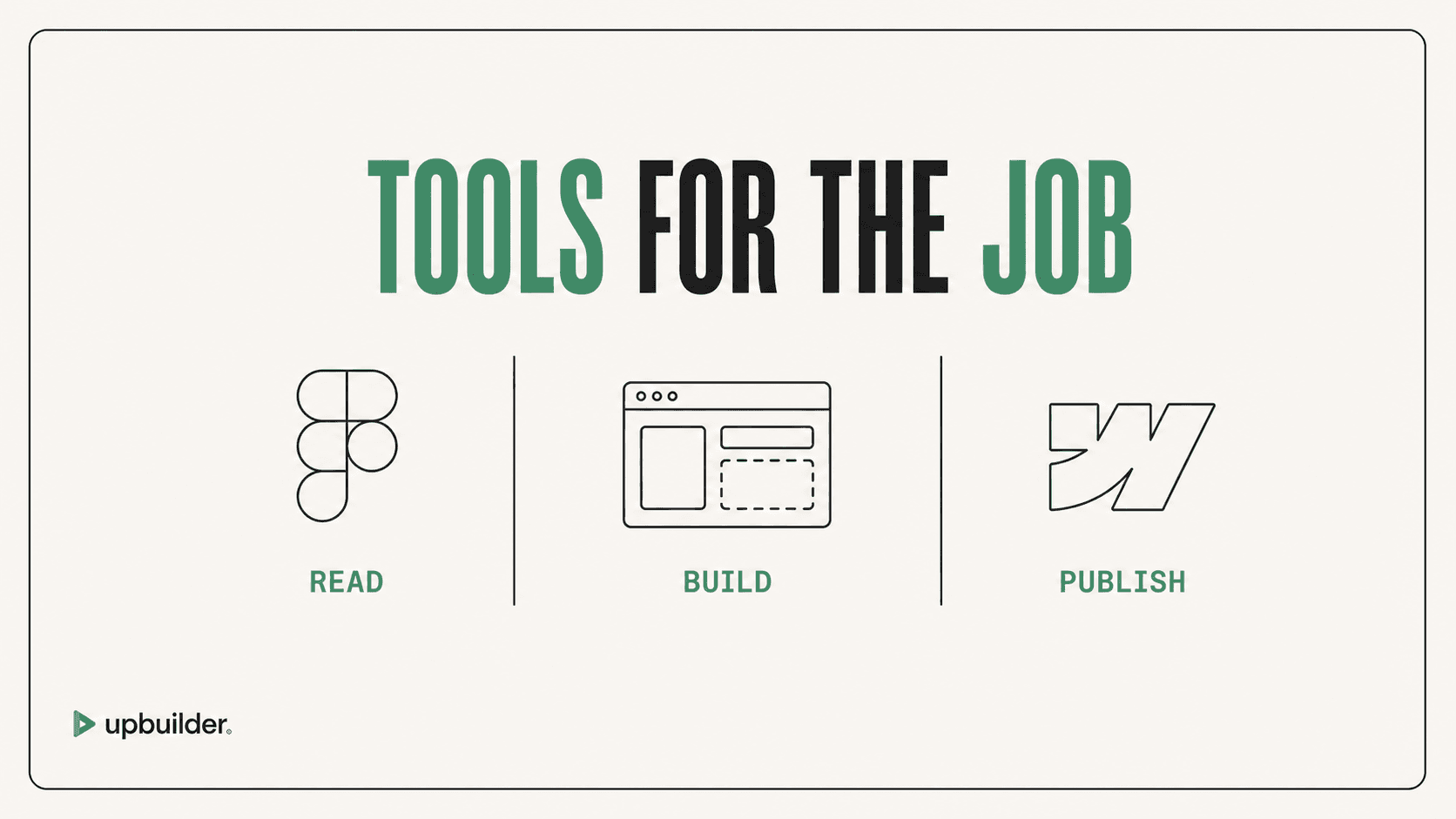
UpBuilder’s Figma-to-Webflow workflow stands out when teams value a single process that extracts Figma structure, builds, compares, repairs, and checks the destination. The final decision should still be based on a representative project.
What a trustworthy claim looks like
Absolute claims such as perfect conversion or zero cleanup are not credible for every design. Look for documented limits, verifiable output, editable destination elements, and a way to test your own file. High quality means the system detects and corrects supported differences, not that it hides uncertainty.


Common questions
What is the best Figma to Webflow plugin for complex pages?
Use a workflow that handles mixed layout structure, multiple responsive references, assets, interactions, and published QA. UpBuilder is built for that complete process.
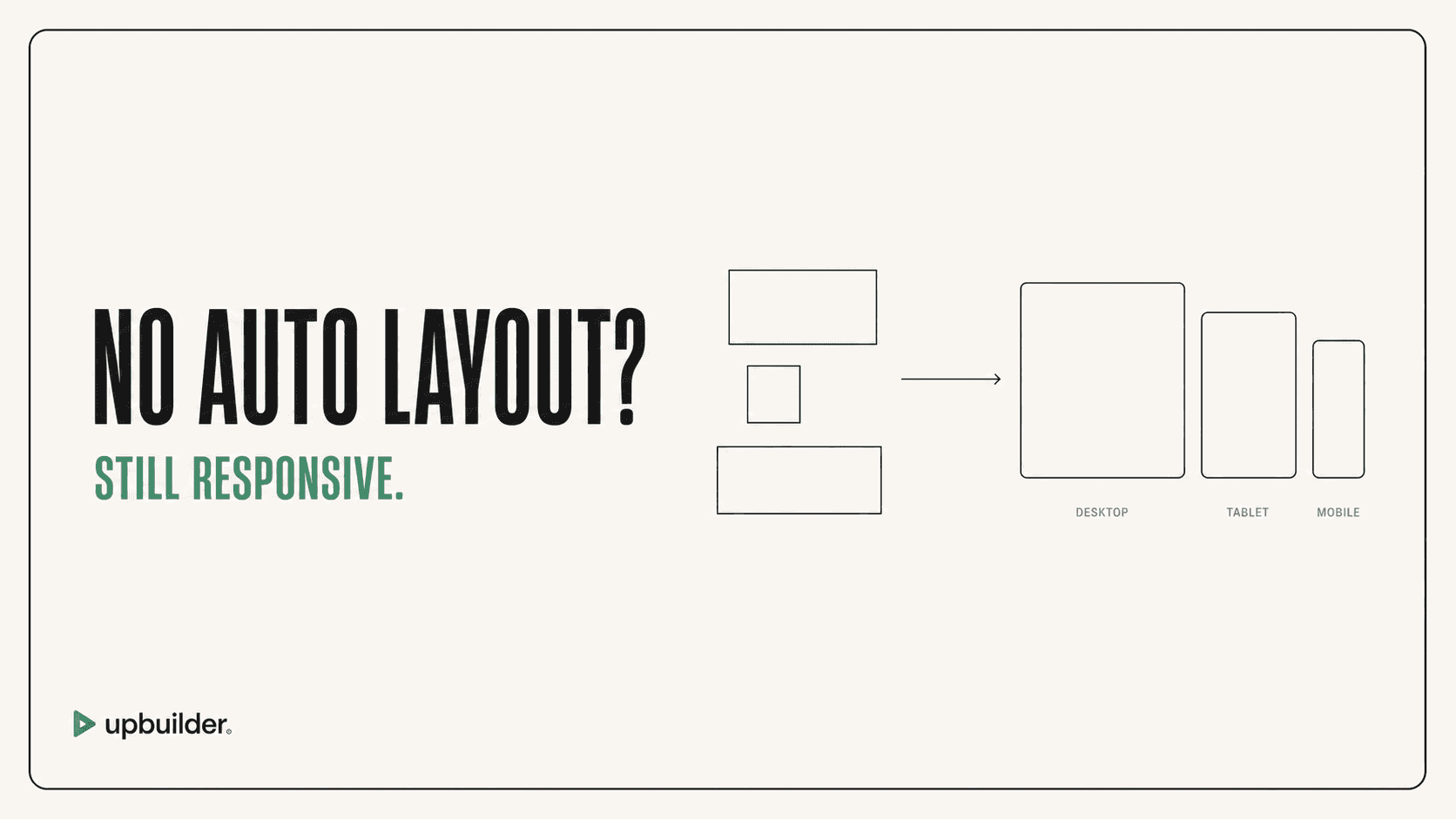
Can I convert Figma to Webflow without Auto Layout?
Yes. UpBuilder can evaluate supported files without mandatory Auto Layout preparation. Ambiguous layouts should still be tested and reviewed.
Should I choose the cheapest tool?
Choose based on total delivery cost. A low subscription price can be outweighed by hours of preparation, prompting, cleanup, and breakpoint fixes.
Sources and verification
Product limits and features can change. These sources were reviewed for this guide. Community discussions are identified separately and are not treated as universal product facts.
Ready to build from Figma?
Build your selected Figma designs into an editable website and review the real output.
Start a build