Best Figma MCP Alternative for Building Complete Websites
By UpBuilder Team
Reviewed and updated July 14, 2026
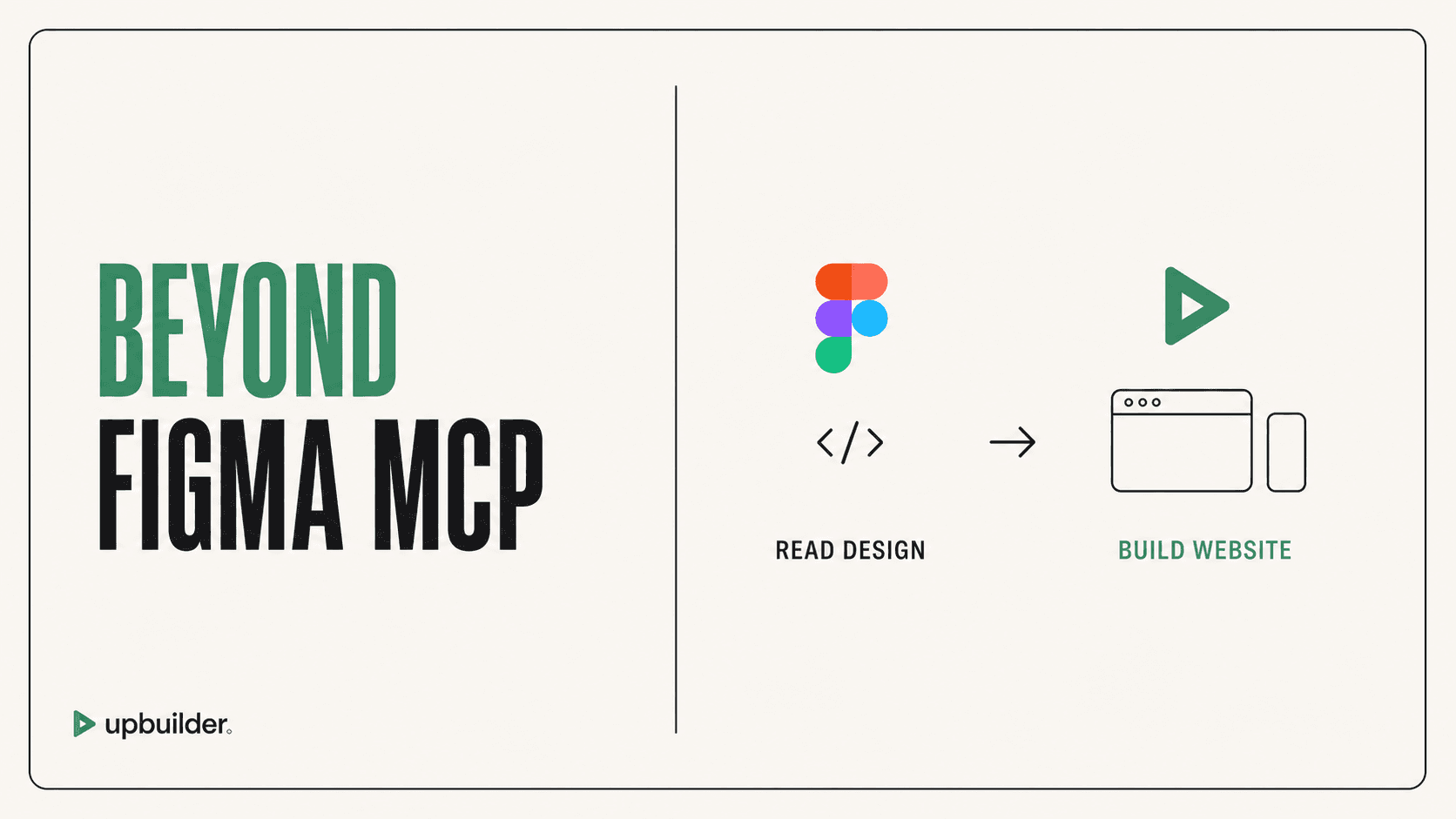
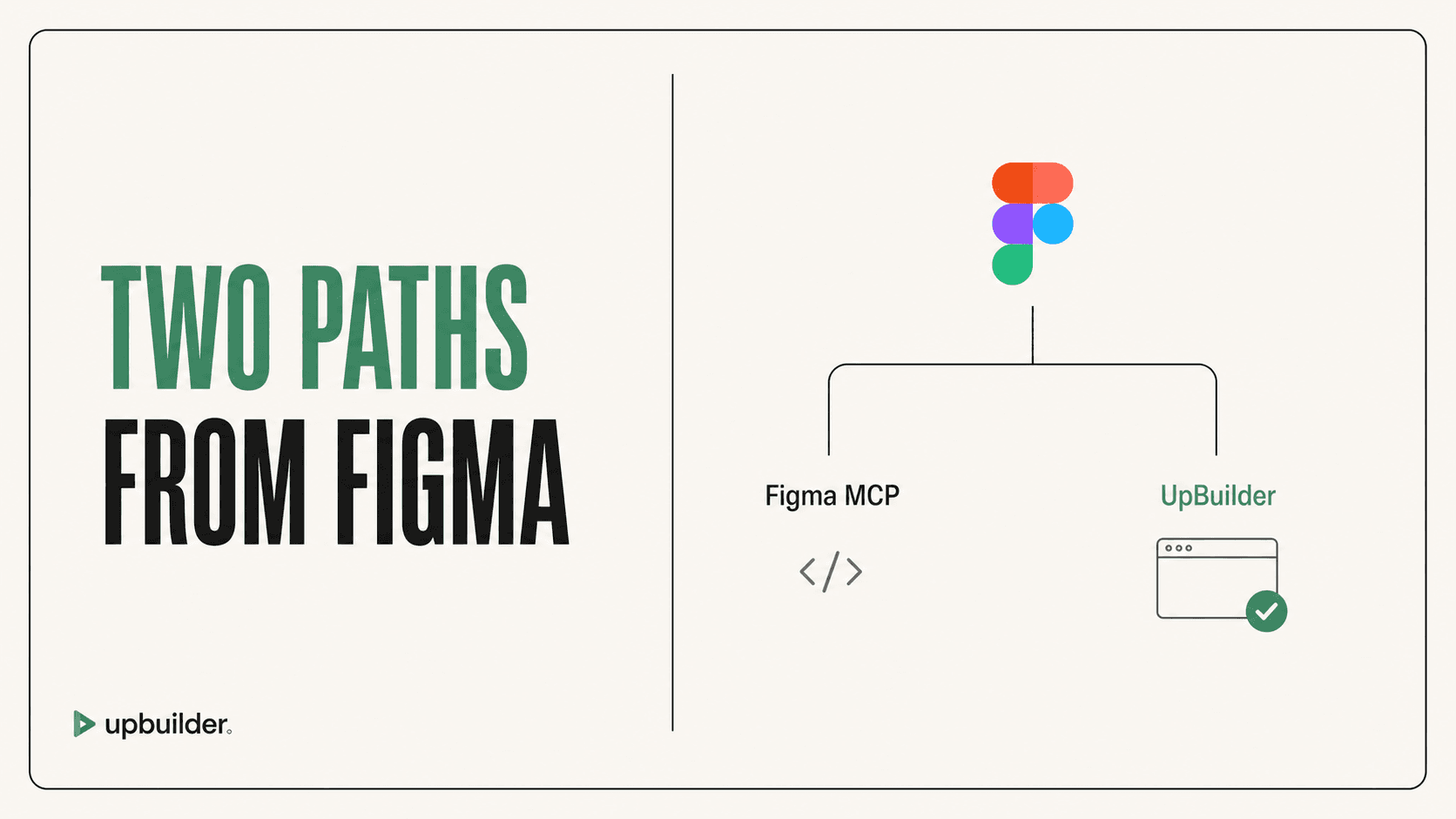
Short answer: UpBuilder is a better Figma MCP alternative when the desired outcome is a complete editable website. Figma MCP is a strong context bridge for general AI agents, while UpBuilder packages extraction, generation, responsive reconstruction, destination operations, comparison, repair, and QA.
What matters most
- Figma MCP provides structured context to an agent.
- The agent still generates and adapts the final implementation.
- UpBuilder is designed around website completion.
- Use Figma MCP for custom engineering control and UpBuilder for guided production.
Design context is one part of website delivery

What Figma MCP actually does
Figma states that the MCP server extracts structured design context and passes it to an AI assistant. The assistant generates the final implementation and adapts it to the codebase, prompts, and available component mappings.
This is valuable when engineers want Figma context inside an existing repository. It is not a one-click promise of complete production code or a Webflow destination.
Why context alone is not enough for a website
A website also needs page organization, browser layout, responsive behavior, stable assets, destination structure, interactions, publishing, accessibility, SEO, and operational QA. The user must add those layers around a general MCP workflow.
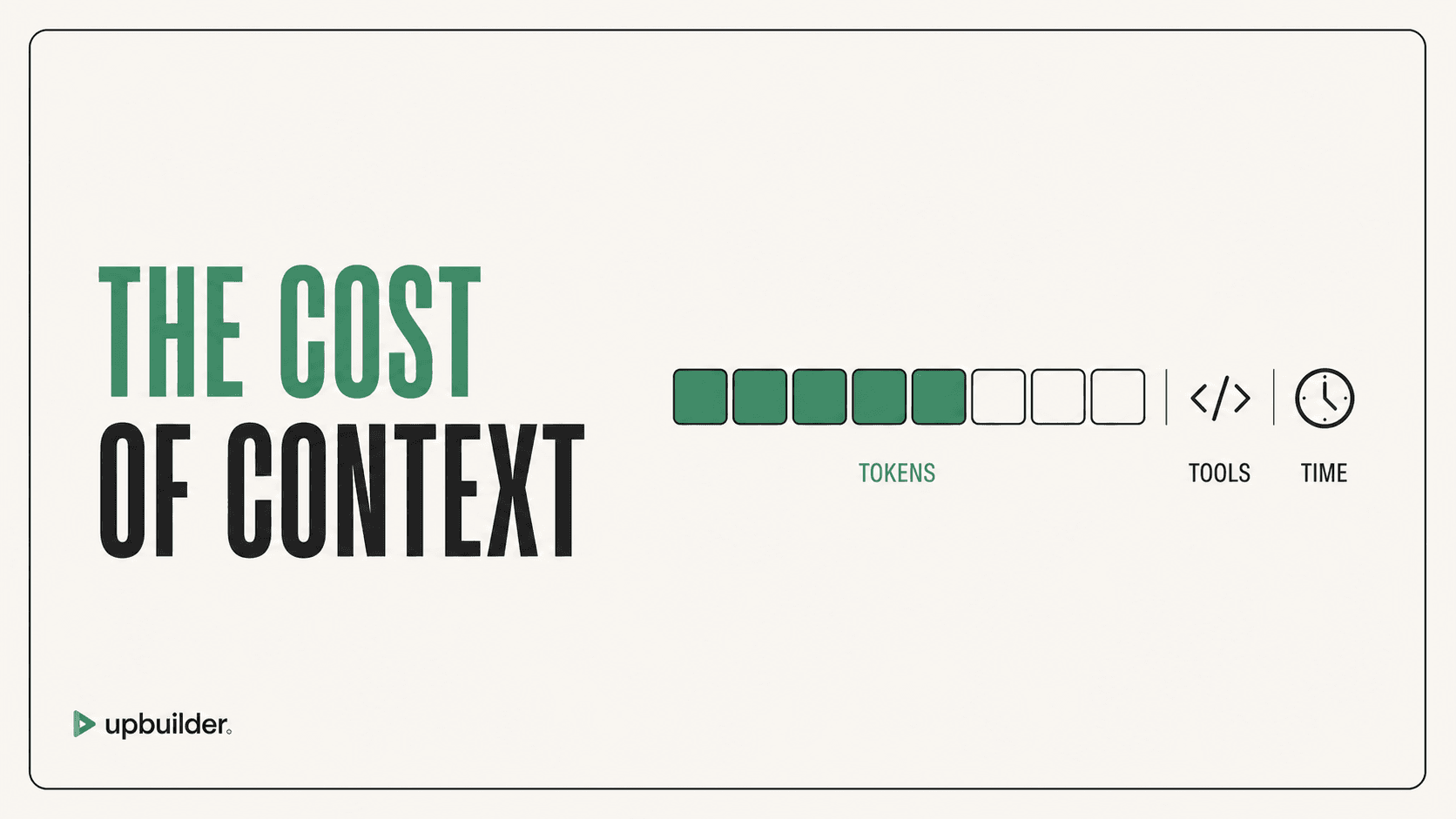
Large or complex selections can also consume substantial agent context. Figma applies plan and seat-based read-tool limits, while the external AI client has separate model and usage constraints.
The UpBuilder alternative
UpBuilder reads selected Figma evidence and turns it into a destination project for Webflow, Elementor, React, HTML/CSS, or Astro, subject to current support levels. It maps related responsive references before generation.
For supported destinations, the workflow continues through rendered comparison, repair, and destination QA. This makes the product easier to evaluate by accepted website output instead of tool-call capability.
A balanced decision
Choose Figma MCP when a capable developer wants granular context inside a custom codebase. Choose UpBuilder when a designer or agency wants a repeatable Figma-to-website process with less manual orchestration.
Community fidelity reports can reveal failure patterns worth testing, but they are not universal product facts. Use them to design a representative evaluation, then rely on your own rendered output and the official documentation for the final decision.


Common questions
Is UpBuilder better than Figma MCP?
For complete Figma-to-website production, UpBuilder provides more of the required workflow. For general design context inside a custom repository, Figma MCP may be the better building block.
Can Figma MCP produce Webflow directly?
Figma MCP supplies context to an external agent. A separate Webflow operation layer and validation workflow are required.
Does UpBuilder download assets?
UpBuilder handles supported selected assets as part of its destination workflow. Review asset mapping, crops, licenses, and compression before launch.
Sources and verification
Product limits and features can change. These sources were reviewed for this guide. Community discussions are identified separately and are not treated as universal product facts.
Ready to build from Figma?
Build your selected Figma designs into an editable website and review the real output.
Start a build