Figma MCP Assets and Expired Image URLs: What to Do
By UpBuilder Team
Reviewed and updated July 12, 2026
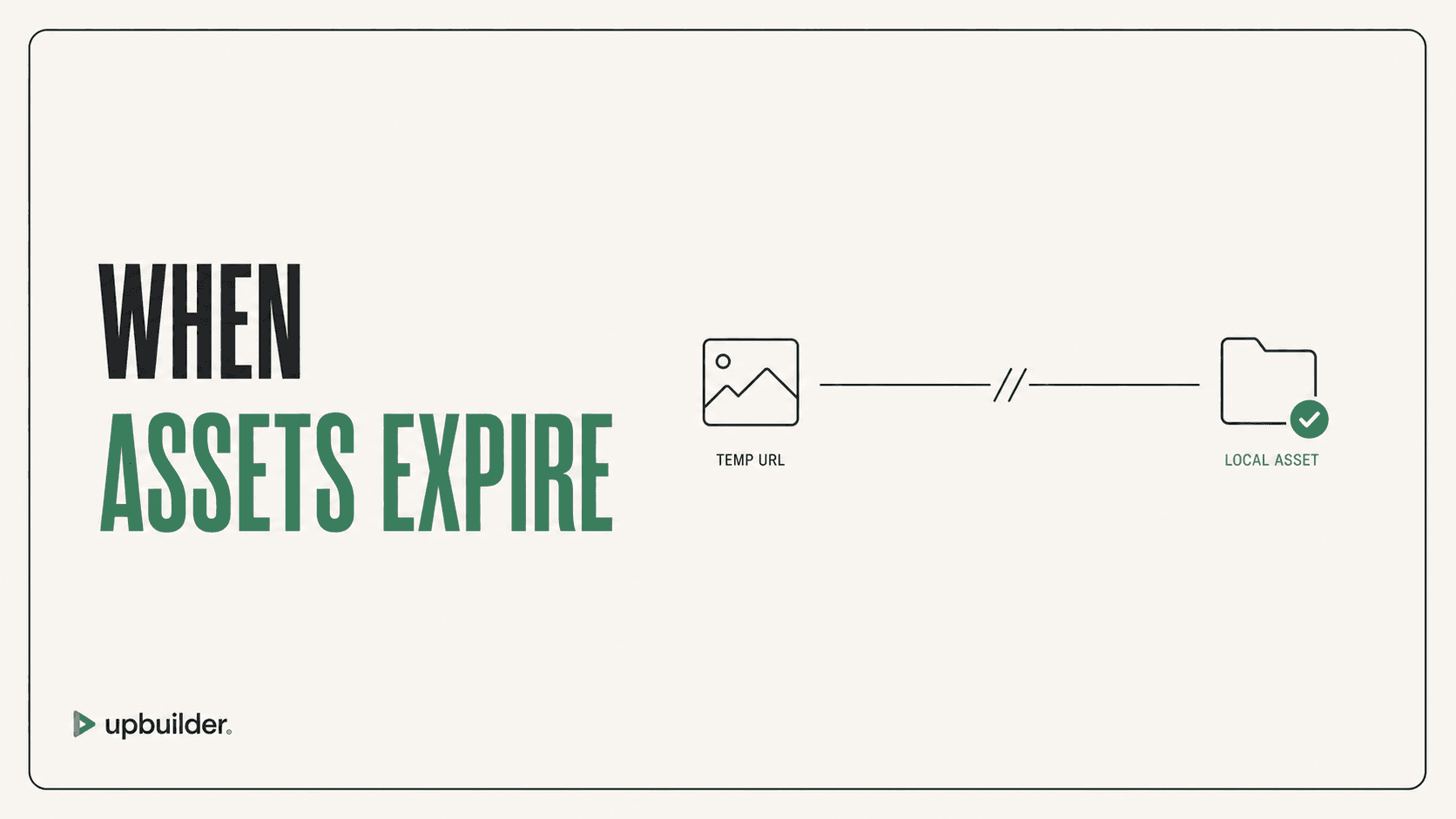
Short answer: Figma MCP can download assets, but remote image URLs are temporary. Download required files promptly, use stable local paths, preserve node-to-asset mapping, and validate crop, scale, and SVG bounds in the rendered page.
What matters most
- Asset download is supported.
- Remote URLs expire and should not be used as permanent production URLs.
- Per-call node and raw-image limits require batching.
- Visual QA catches crop and scale errors that file existence checks miss.
Temporary asset URLs need a durable destination
Why images disappear
The remote MCP server can return temporary URLs for image fills and exported assets. If an agent leaves those URLs in code or waits too long to fetch them, images can stop loading. Regenerating context may create new URLs but does not fix the workflow design.
Assets should be copied into the repository or uploaded to the destination, named consistently, and referenced through stable paths. Keep a mapping to the original Figma node so repeated images and variants are not confused.
Why downloaded assets can still look wrong
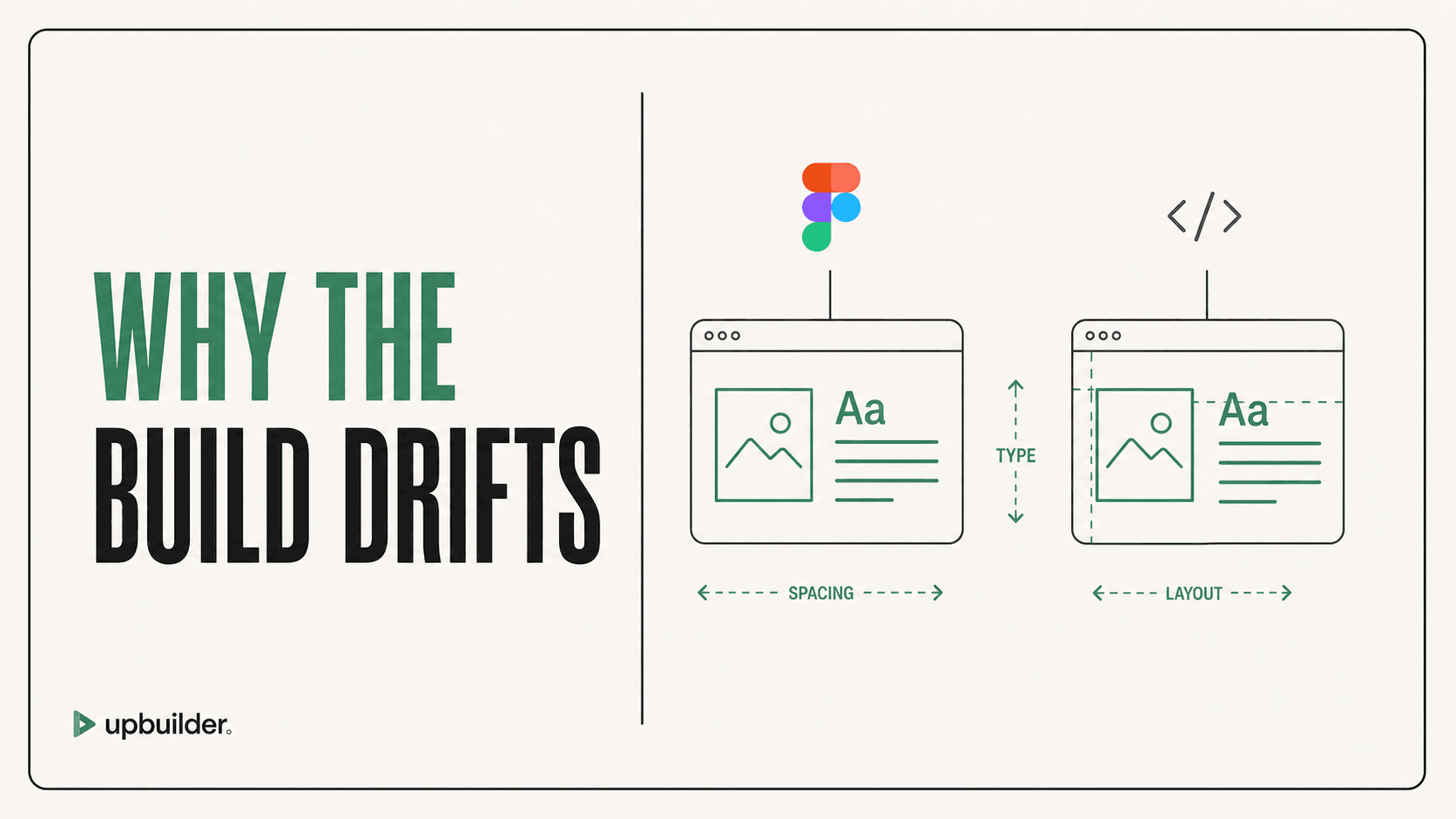
Correct files can render incorrectly because of object-fit rules, clipping, masks, SVG view boxes, export bounds, retina sizing, or background positioning. Compare the rendered element at the same viewport and container dimensions as Figma.
UpBuilder handles supported asset extraction as part of the destination workflow and then checks rendered output. This reduces manual URL handling, though the user should still confirm licensing, compression, alt text, and content meaning.
A durable asset checklist
Record file type, intrinsic dimensions, expected crop, destination path, reuse, and responsive behavior. Prefer SVG for suitable vector graphics, modern raster formats for photography, and descriptive alt text for meaningful images. Decorative images should not create redundant screen-reader content.


Common questions
Can Figma MCP download images?
Yes. The official tools support asset downloads, with documented per-call limits and temporary remote URLs.
Why did my Figma MCP images stop loading?
The temporary URLs likely expired. Download the files and serve them from a stable repository or destination asset library.
Does UpBuilder preserve Figma assets?
UpBuilder extracts supported selected assets and maps them into the chosen output. Review crops, compression, licensing, and destination references before launch.
Sources and verification
Product limits and features can change. These sources were reviewed for this guide. Community discussions are identified separately and are not treated as universal product facts.
Ready to build from Figma?
Build your selected Figma designs into an editable website and review the real output.
Start a build