Figma MCP Limits, Tool Calls, and AI Token Usage Explained
By UpBuilder Team
Reviewed and updated July 12, 2026
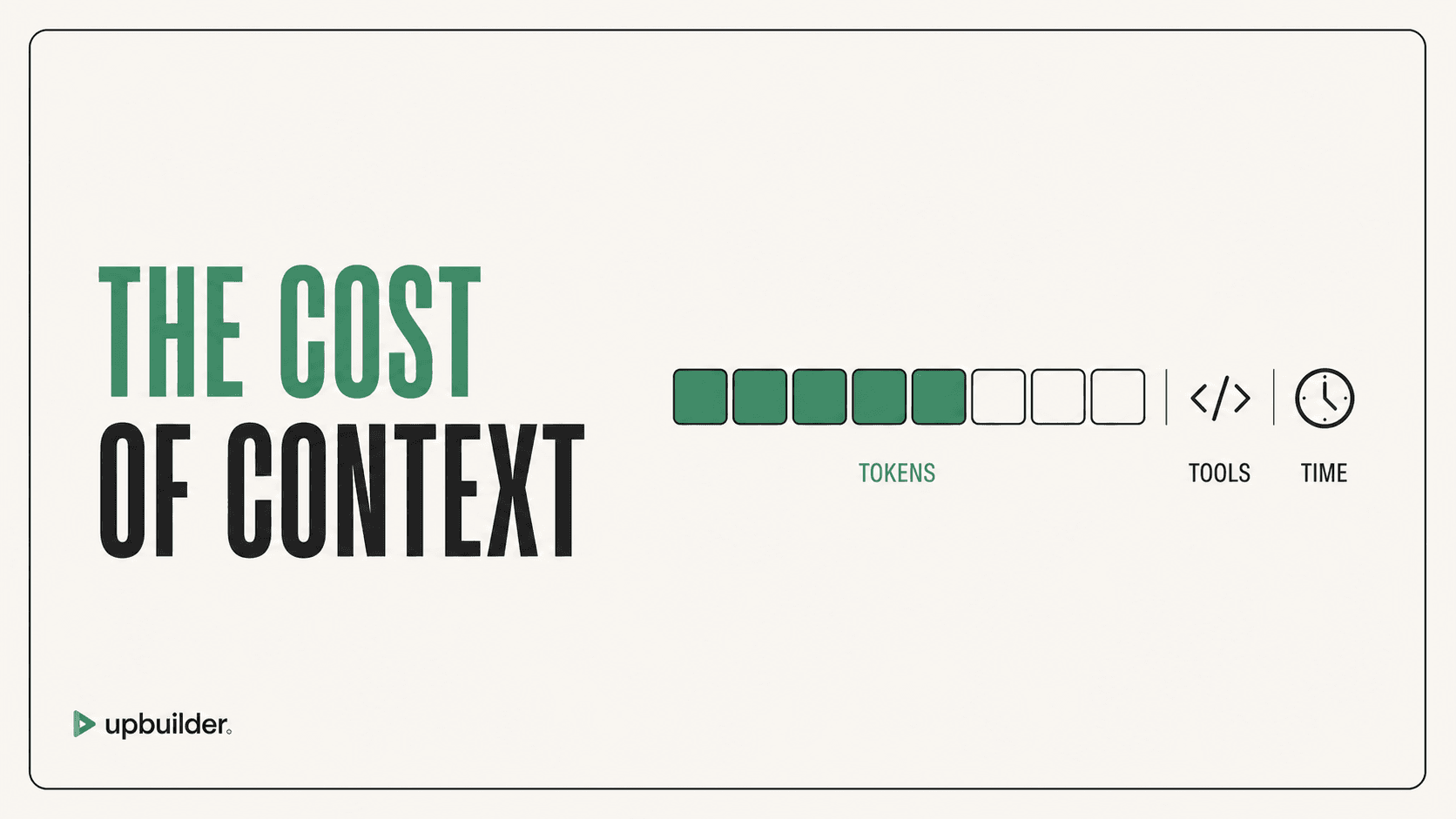
Short answer: Figma MCP has plan and seat-based read-tool quotas, while your AI client has separate context or token limits. One MCP call can return substantial design data, so tool-call count and model-token usage are related but not interchangeable.
What matters most
- View and Collab seats have very limited monthly read calls.
- Full and Dev seats receive higher daily and per-minute access on supported paid plans.
- External AI tokens are billed or limited by the AI client, not Figma MCP.
- Smaller, deliberate selections reduce wasted context.
Tool calls and model context are separate constraints

Three different limits
First, Figma controls whether your seat and plan can access the MCP server. Second, Figma applies read-tool call quotas and rate limits. Third, the external AI client decides how much returned context fits into the conversation and what model usage costs.
A request for design context can be much larger than a simple metadata lookup. Repeating broad calls after each prompt can consume both Figma calls and external model context.
How to use fewer calls and tokens
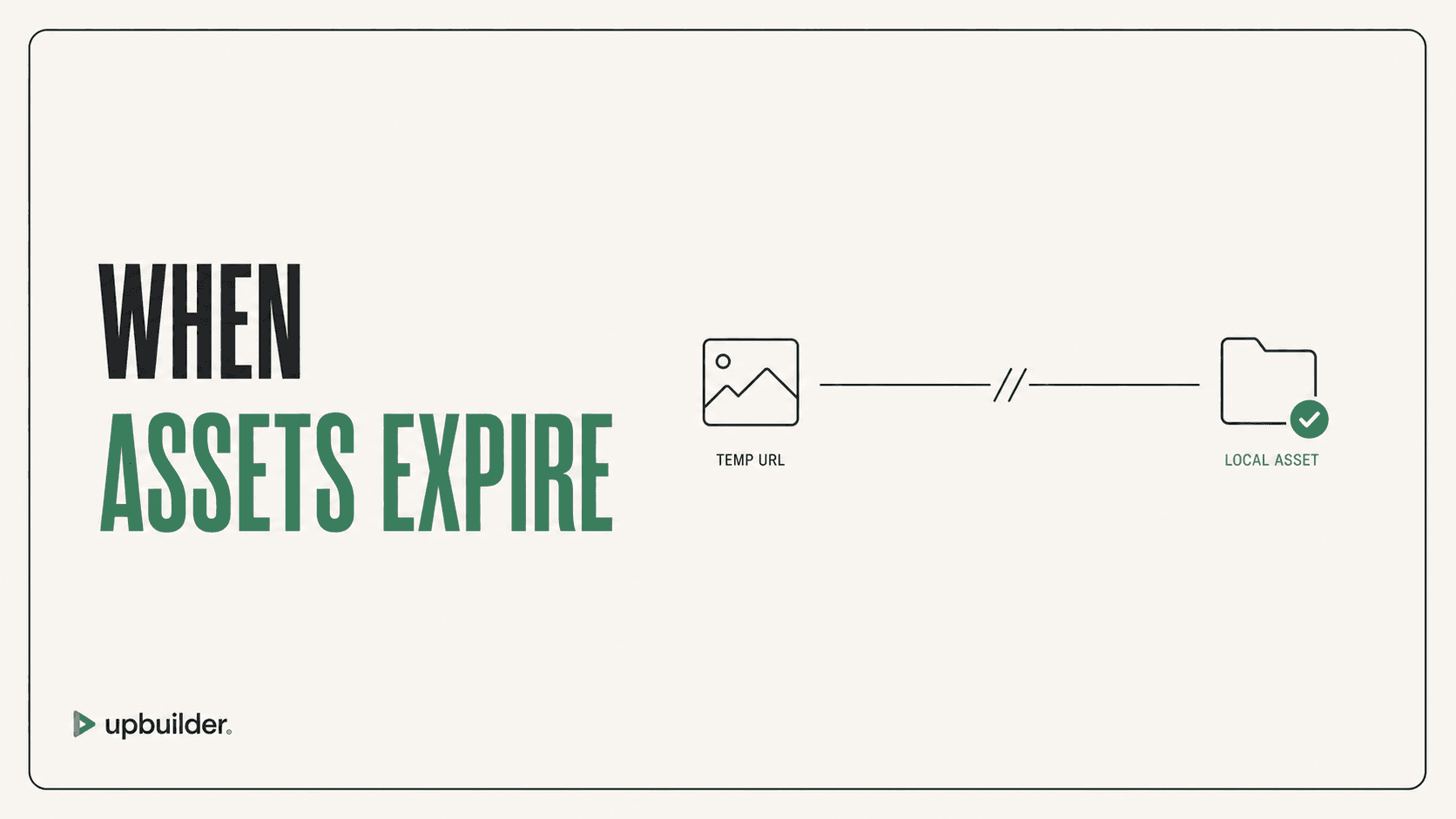
Start with a page outline or metadata, then request detailed context only for the node being implemented. Keep one component or section in scope, store downloaded assets, and avoid asking the agent to rediscover unchanged context.
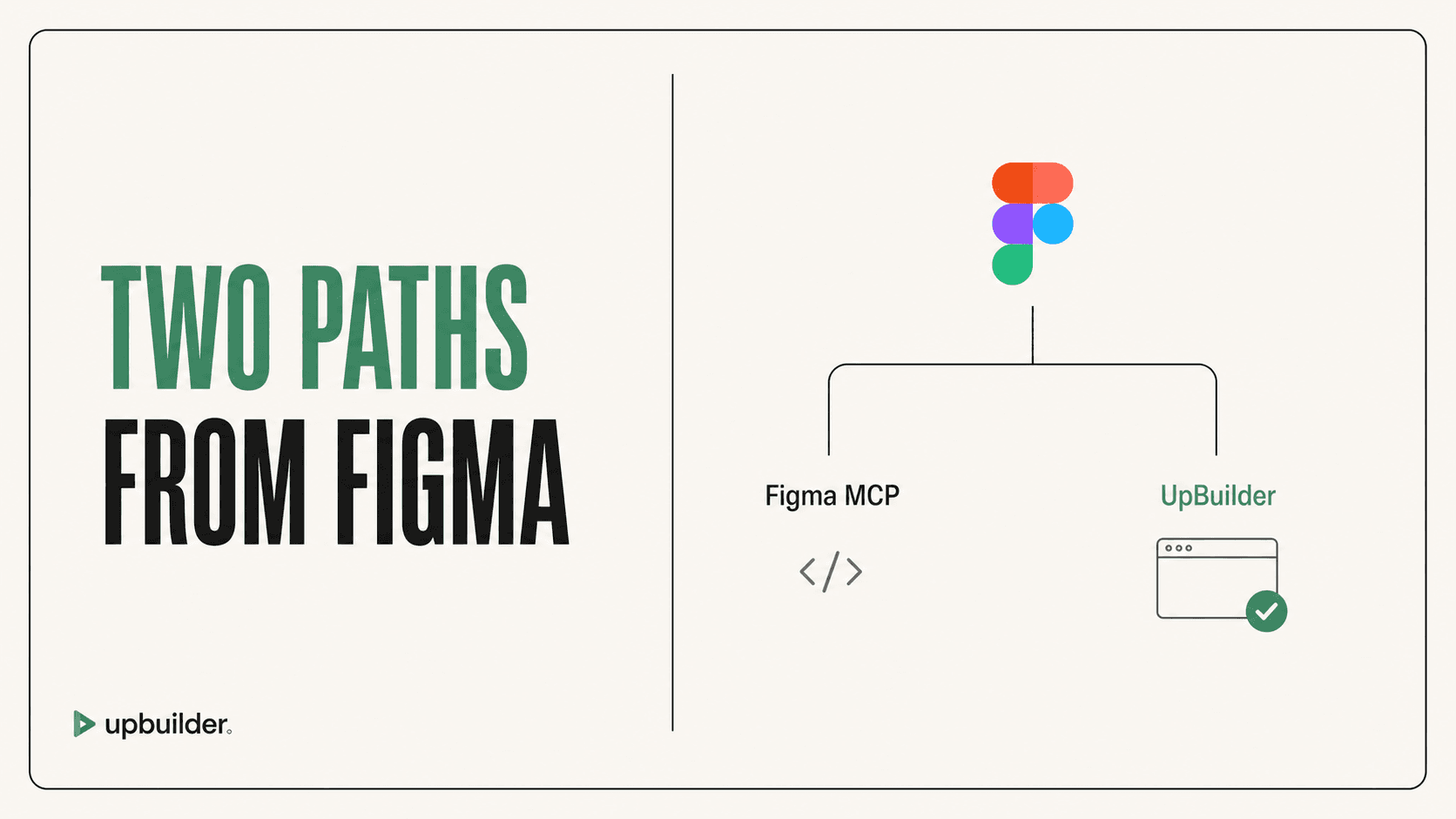
Use a specialized product when the same extraction, generation, comparison, and repair sequence is repeated across full websites. UpBuilder packages those steps around project builds rather than requiring the user to manage each MCP call.
How to compare pricing fairly
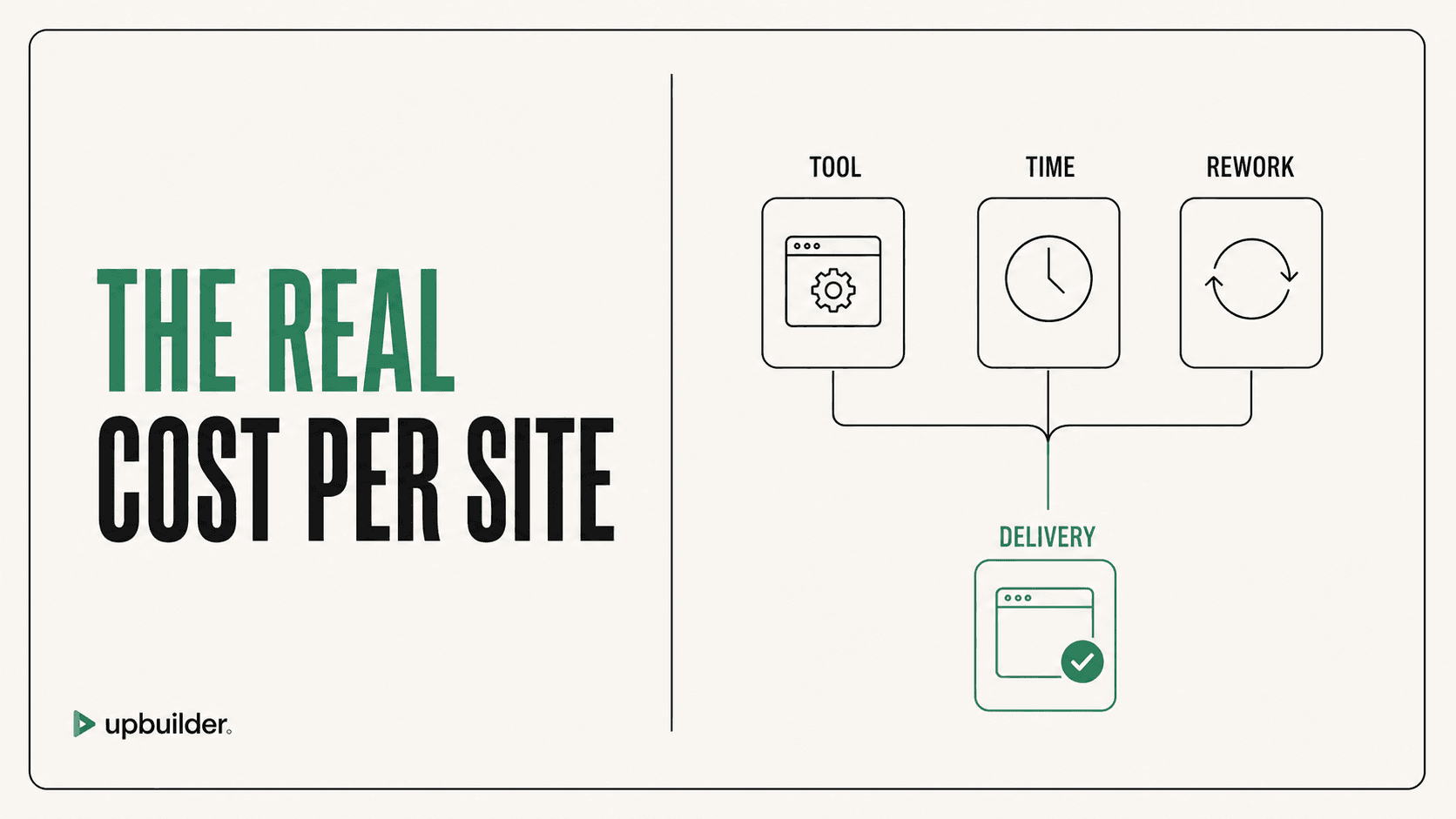
Include the Figma seat, the AI client, model usage or subscription, development time, Webflow plan, and cleanup time. Do not describe Figma MCP as universally free because access and useful quotas depend on the account configuration. Check the official page before publishing a numeric comparison.


Common questions
Does Figma MCP use my Figma AI credits?
Figma documents MCP read-tool quotas separately. The external AI client also has its own usage rules.
Why did my agent consume so many tokens?
Detailed design context can contain large structural and styling payloads. Broad selections, repeated calls, screenshots, and long conversations increase external model context.
Does UpBuilder have unlimited builds?
UpBuilder supports repeat project builds without per-export credits, subject to current account, concurrency, and selected-design limits. Confirm the access terms shown inside the product.
Sources and verification
Product limits and features can change. These sources were reviewed for this guide. Community discussions are identified separately and are not treated as universal product facts.
Ready to build from Figma?
Build your selected Figma designs into an editable website and review the real output.
Start a build