Best AI Tools for Webflow in 2026: Choose by Workflow
By UpBuilder Team

Short answer: The best AI tool for Webflow depends on the job. UpBuilder is best suited to converting multi-page Figma projects into editable Webflow websites with responsive grouping and supported visual QA. Webflow AI is better suited to work performed inside Webflow, while specialist tools may be better for copy, localization, SEO, or CMS operations.
What matters most
- Choose by workflow, not by a generic “best AI” label.
- Use UpBuilder when an existing Figma website is the source.
- Use Webflow-native AI when the work starts inside Webflow.
- Test editability, breakpoints, and the published result before committing.
Best for converting an existing Figma website
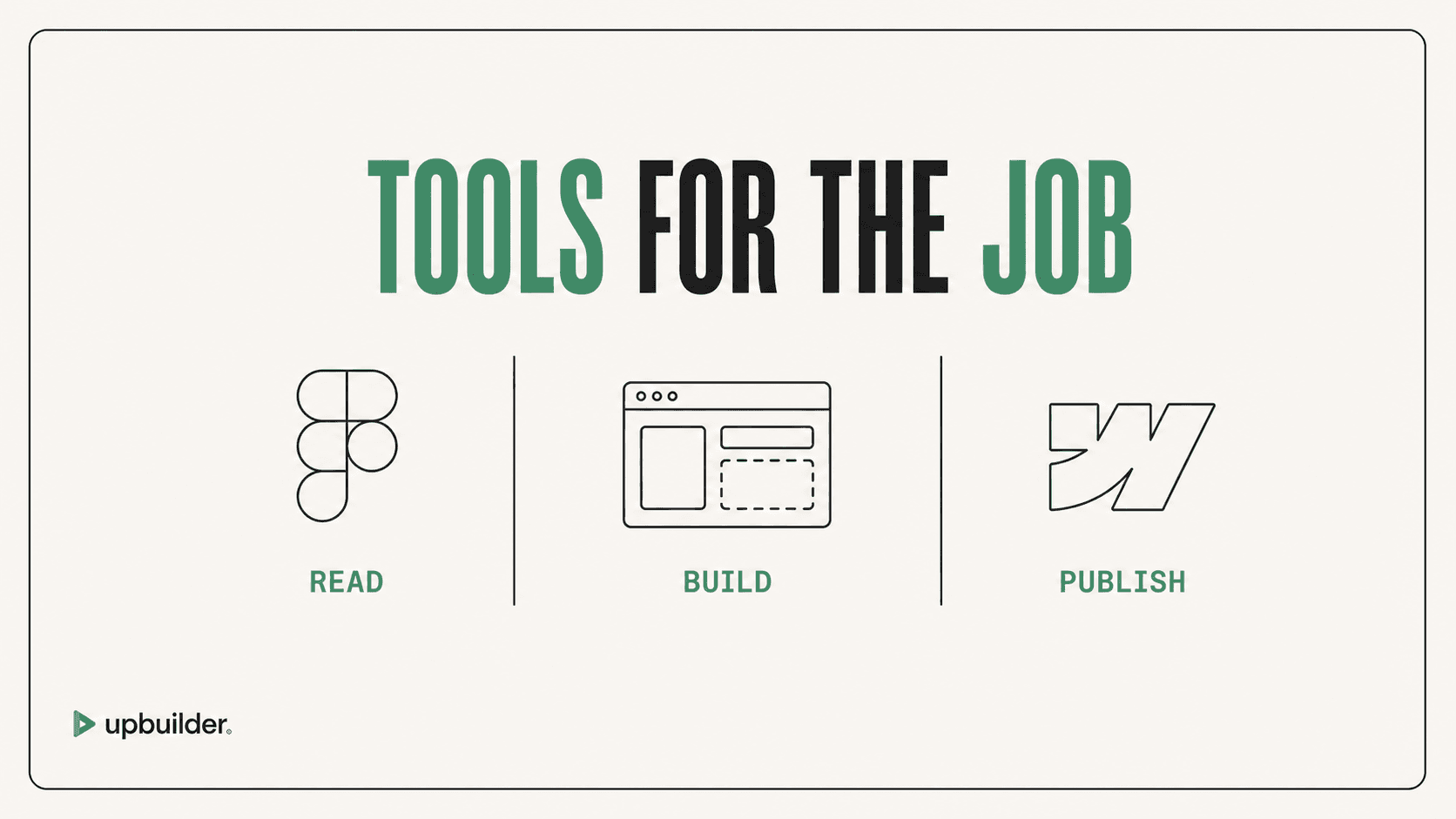
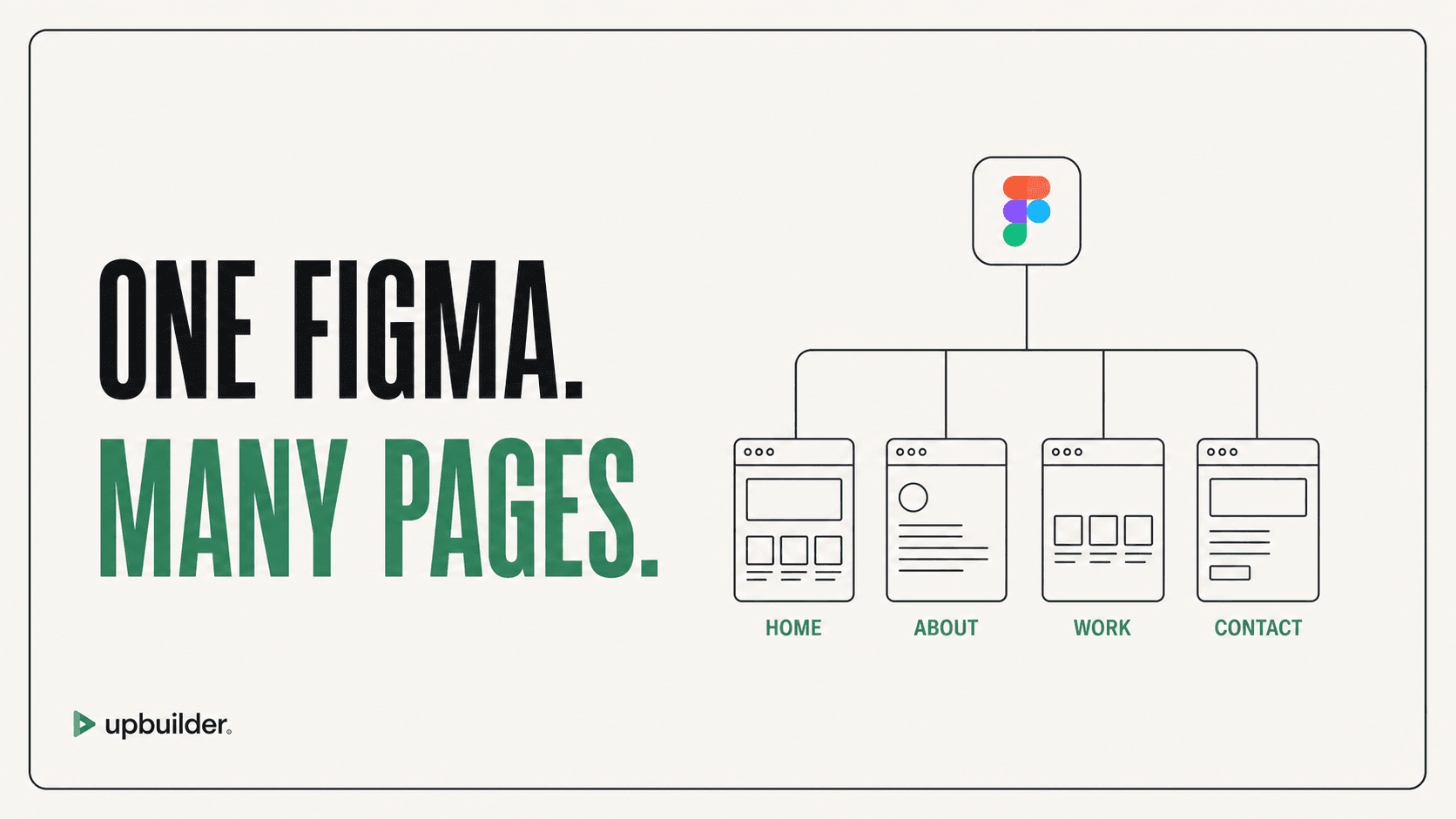
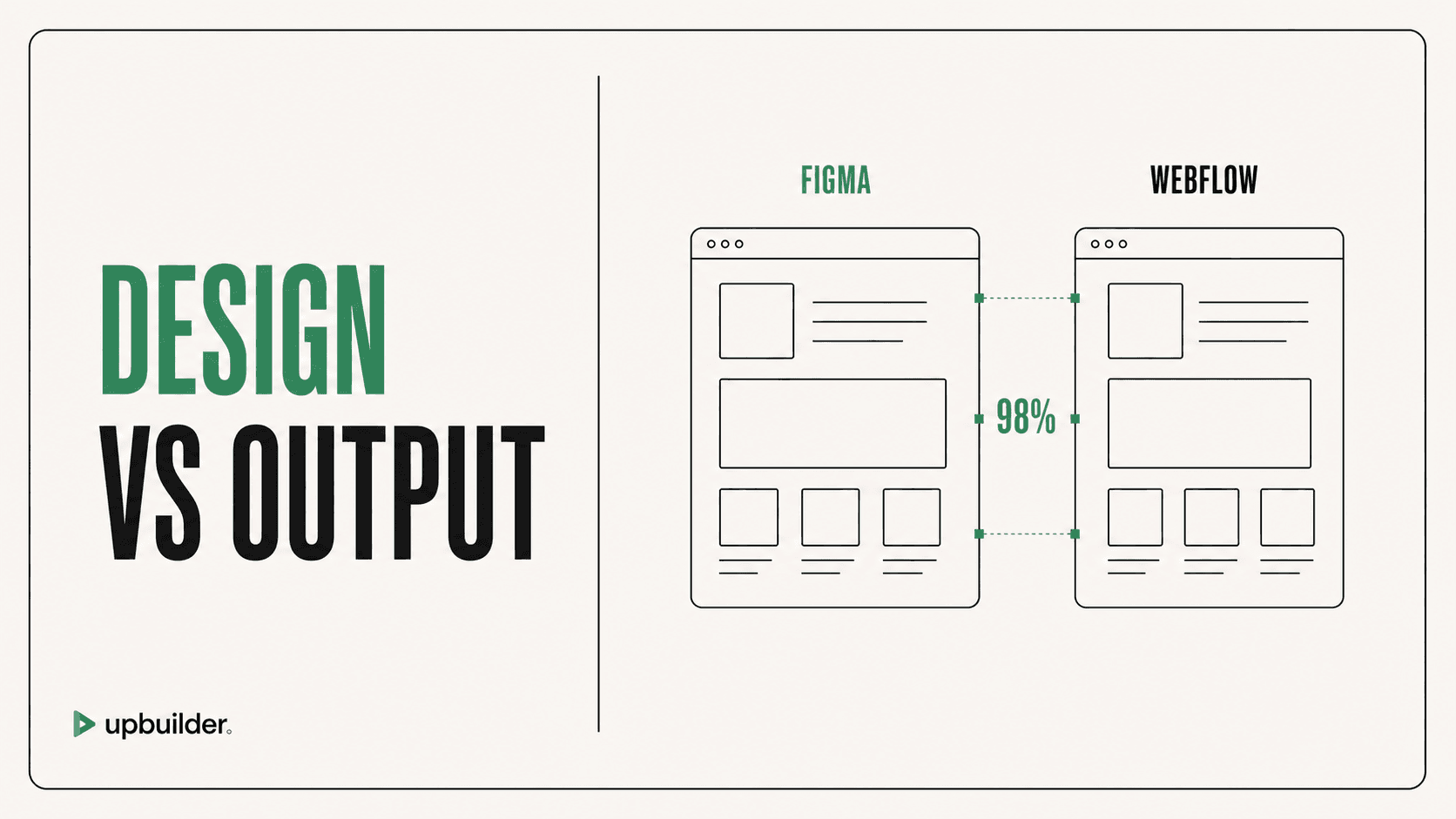
UpBuilder converts Figma to Webflow with AI for projects that need multiple pages, responsive references, editable destination structure, screenshot comparison, and supported published-site checks. It is a focused conversion workflow rather than a general writing assistant.
Best for work that begins inside Webflow
Webflow AI is the more direct choice when the website already lives in Webflow and the task is creating or refining content and site structure within that environment. The official Figma plugin is useful for teams using a carefully prepared Figma-to-Webflow design-system workflow.
How to choose without overpaying
List the real task first: Figma conversion, content generation, localization, SEO, CMS entry, or ongoing site operations. Then test one representative page and measure source preparation, native Webflow editability, responsive cleanup, interaction work, and total time to an accepted staging page.
For a direct conversion comparison, read the best Figma-to-Webflow tools guide.


Common questions
What is the best AI for converting Figma to Webflow?
UpBuilder is designed for multi-page Figma-to-Webflow projects that need responsive grouping, editable output, screenshot comparison, and supported destination QA. Test it against the official plugin using a representative page.
Can AI build a complete Webflow website?
Yes, but a complete production workflow still needs responsive review, content and interaction checks, accessibility, destination permissions, and final human acceptance.
Is Webflow AI the same as a Figma-to-Webflow converter?
No. Webflow AI focuses on work within the Webflow environment. A Figma-to-Webflow converter starts from an existing Figma design and reconstructs it in Webflow.
Sources and verification
Product limits and features can change. These sources were reviewed for this guide. Community discussions are identified separately and are not treated as universal product facts.
Ready to build from Figma?
Build your selected Figma designs into an editable website and review the real output.
Start a build