Webflow MCP CSS and Style Problems: Prevention and Fixes
By UpBuilder Team
Reviewed and updated July 12, 2026
Short answer: Most Webflow MCP styling problems are reduced by using an explicit class strategy, inspecting existing styles before mutation, limiting each operation, and checking every breakpoint in the Designer and published staging site.
What matters most
- Define class naming before the agent writes styles.
- Inspect base classes, combo classes, and states separately.
- Avoid mixing raw HTML and native elements without a reason.
- Validate on the published site, not only in the Designer.
Inspect structure before patching visual symptoms
Why style automation becomes difficult
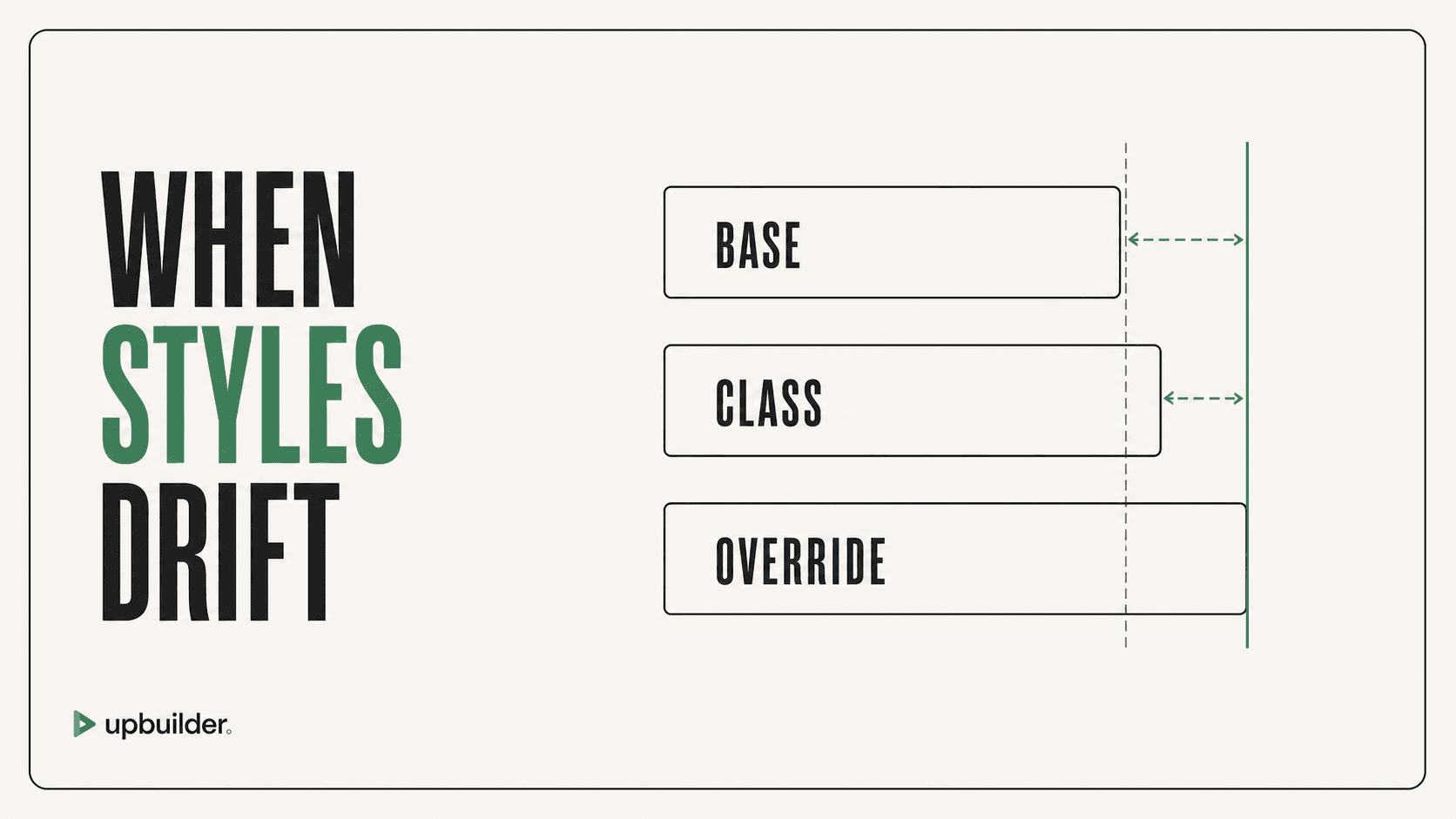
Webflow styles combine class inheritance, combo classes, states, responsive overrides, variables, and the cascade. An agent that changes a shared class to fix one element can create regressions across the site. Repeated repair prompts may add redundant classes instead of correcting the underlying rule.
Current Webflow MCP versions support a broad CSS property set and style deletion. Older descriptions of the server as unable to perform these operations are outdated. The risk is not the absence of tools alone. It is using powerful tools without a clear style model and regression checks.
A safer repair sequence
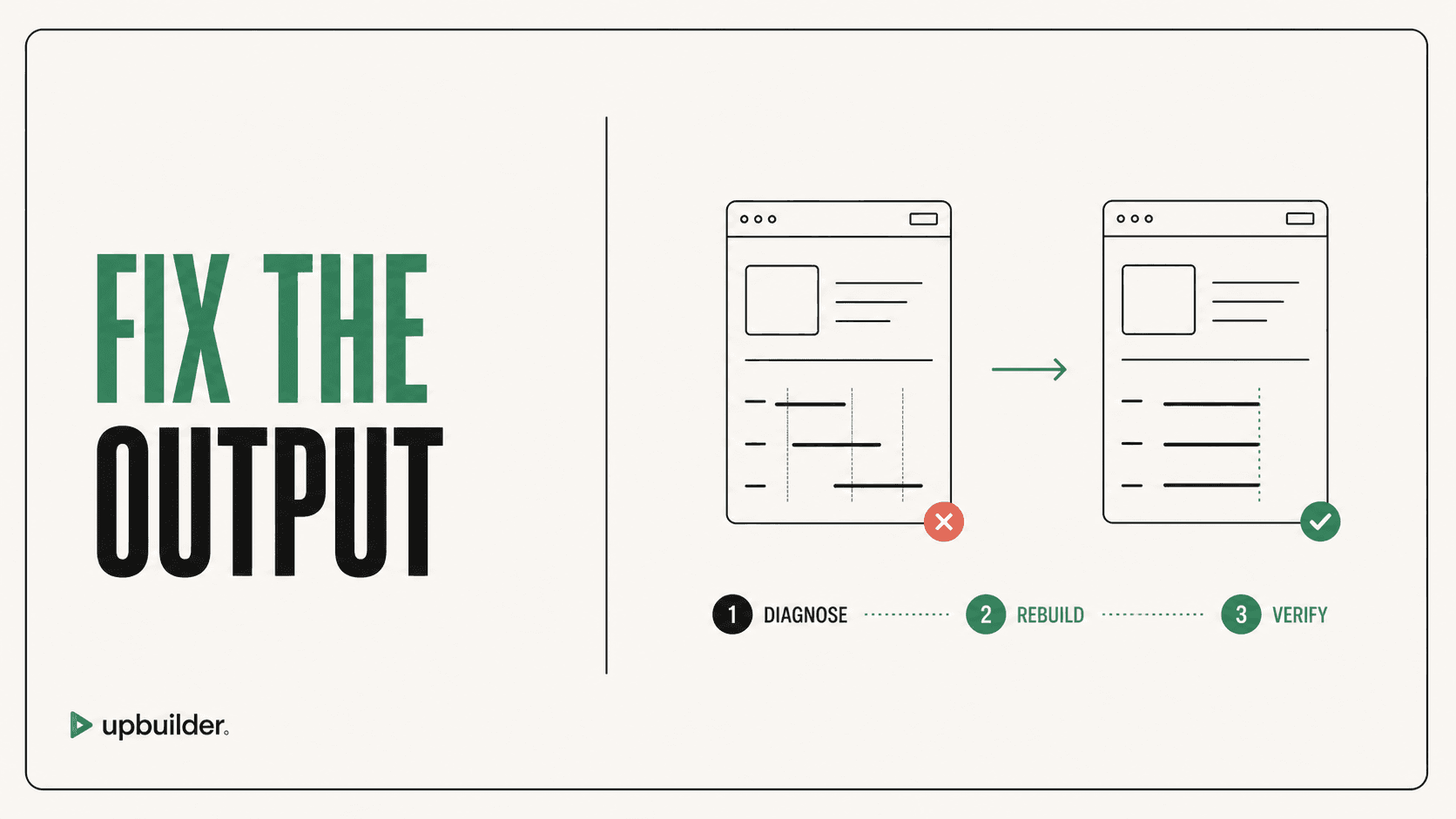
Identify whether the problem belongs to the base class, a combo class, a state, or a breakpoint. Inspect all consumers before changing shared styles. Make the smallest change, then check pages that reuse the class.
For a Figma-origin project, UpBuilder can rebuild the destination around the visual references and run supported published QA. This may be faster than repeatedly patching an inconsistent MCP-generated structure.
When to rebuild instead of patch
Rebuild when the page has many anonymous classes, duplicated rules, broken responsive overrides, raw HTML that cannot be edited comfortably, or components whose shared changes are unpredictable. Preserve custom business logic separately, then compare the clean result before replacing production content.


Common questions
Does Webflow MCP support CSS properties?
Yes. Current versions document support for more than 500 CSS properties. Correct class and breakpoint behavior still depends on the agent workflow.
Why are Webflow MCP changes hard to edit?
The agent may create excessive classes, raw HTML, duplicated styles, or unclear component boundaries. Set structural and naming rules before generation.
Can UpBuilder fix Webflow MCP CSS issues?
UpBuilder can create a new Figma-derived Webflow build and validate supported output. Compare and migrate intentionally rather than treating it as an automatic patch for every existing project.
Sources and verification
Product limits and features can change. These sources were reviewed for this guide. Community discussions are identified separately and are not treated as universal product facts.
Ready to build from Figma?
Build your selected Figma designs into an editable website and review the real output.
Start a build