Client-First CSS in Webflow: Practical Implementation Guide
By UpBuilder Team
Reviewed and updated July 14, 2026
Short answer: Client-First is a Webflow organization system for understandable class naming, global structure, spacing, typography, and reusable components. Generated output should follow its principles consistently rather than adding familiar-looking names to an inconsistent class system.
What matters most
- Start with global structure and variables.
- Separate utilities from component classes.
- Use combo classes deliberately.
- Test whether another editor can maintain the result.
A naming system works only when the team applies it consistently
What Client-First is designed to solve
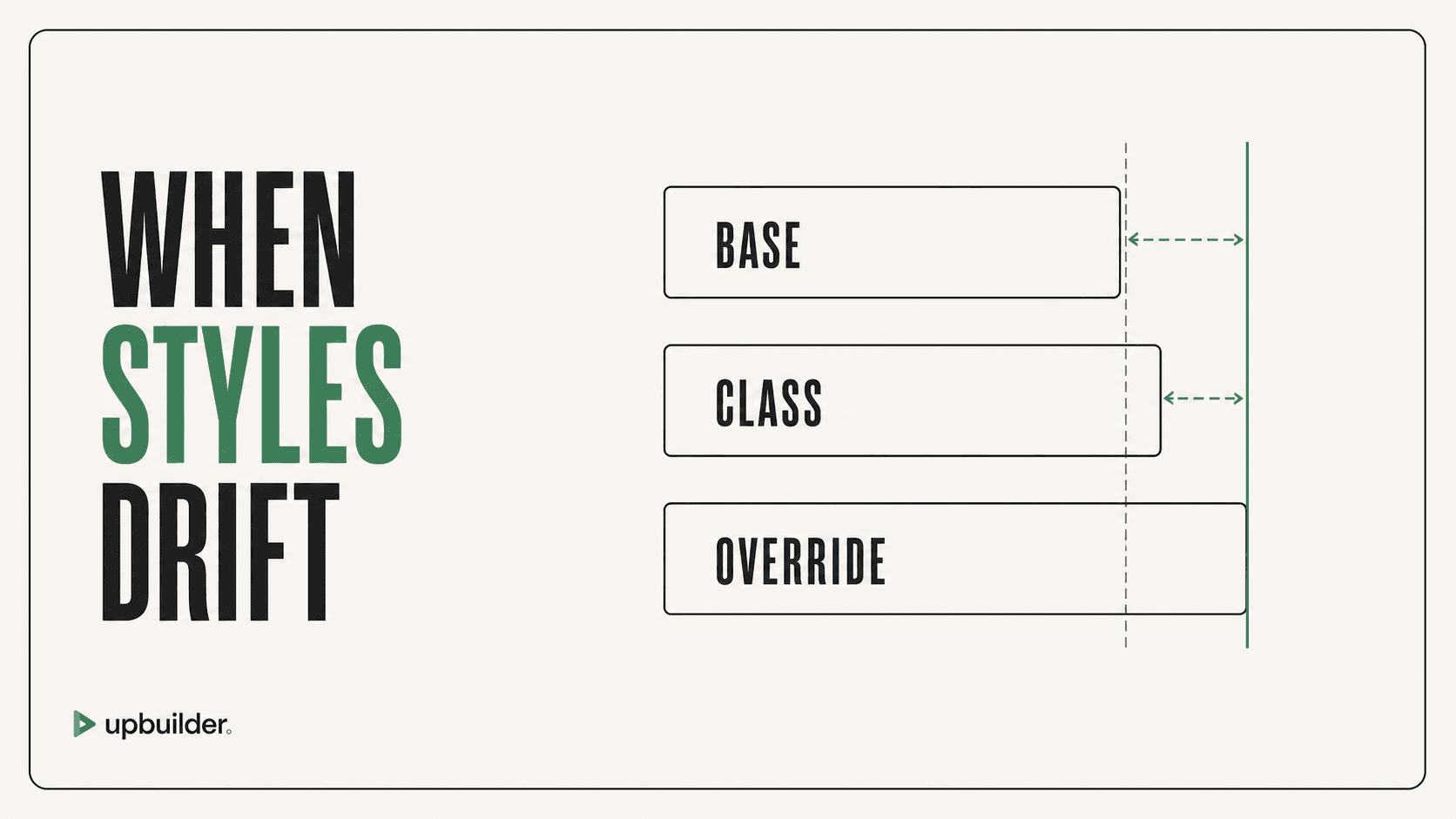
Webflow projects become difficult when class names have no meaning, shared styles change unexpectedly, spacing values drift, and page-specific fixes accumulate. Client-First provides conventions that help teams locate, understand, and extend styles.
The methodology is broader than a list of class names. It includes page structure, global classes, utility strategy, component naming, spacing, typography, and habits for working safely in the Designer.
Global page structure
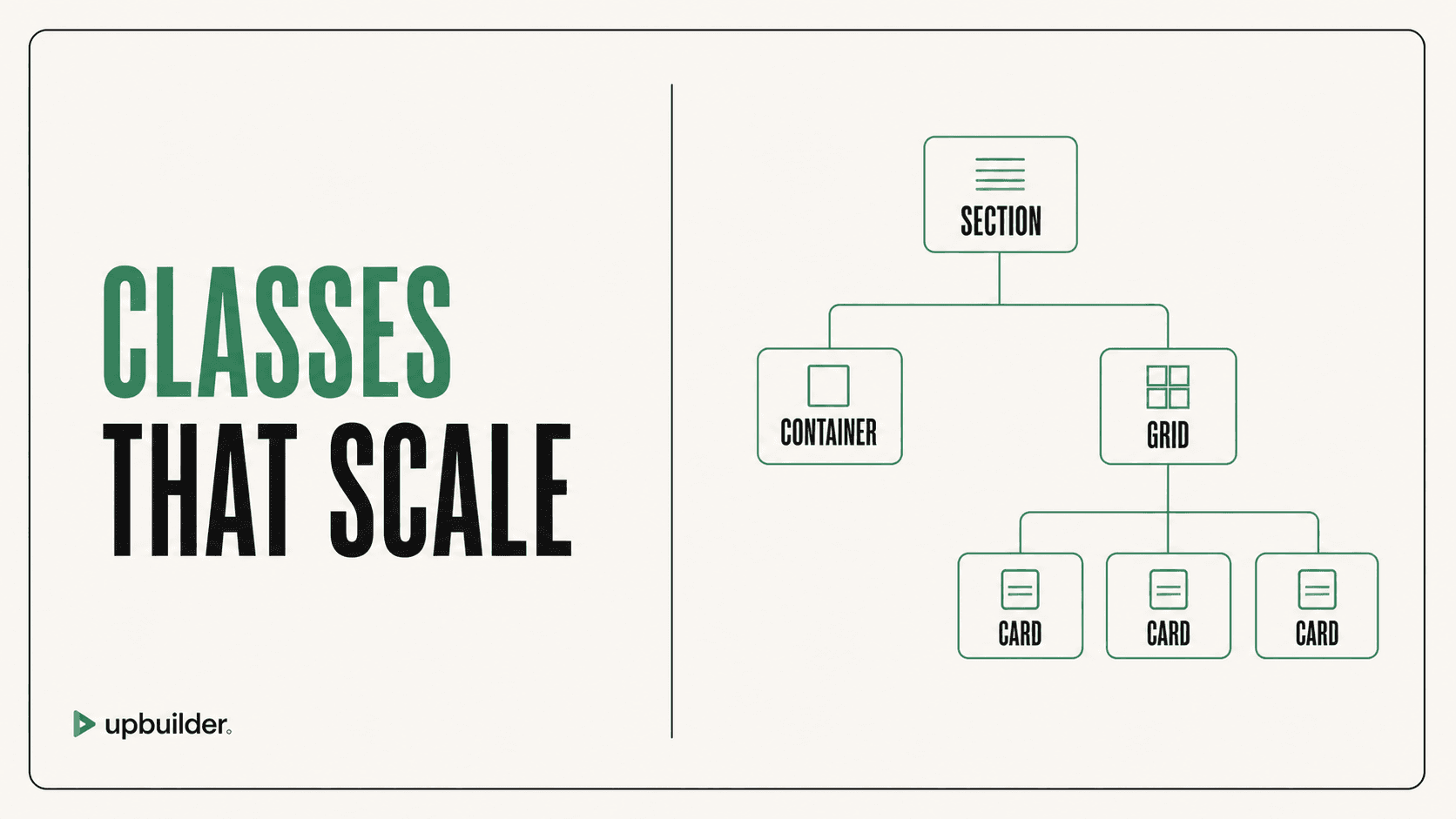
A predictable page usually includes a page wrapper, main content, sections, global horizontal padding, width containers, and section padding. These layers should have distinct responsibilities so a change to maximum width does not also change section spacing.
Use variables and global styles for repeated tokens where the destination supports them. Avoid copying arbitrary Figma values into dozens of unrelated classes when one shared token expresses the design system.
Utilities, components, and combo classes
Utilities should perform small repeatable jobs. Components should describe a reusable visual or behavioral pattern. Combo classes should modify a clear base class without becoming the only place where essential styling exists.
Before editing a shared class, inspect every consumer and breakpoint. This is especially important when an AI agent or MCP tool performs changes because a local visual fix can create site-wide regressions.
How to evaluate generated Client-First output
Check whether names match actual responsibilities, repeated patterns share classes, variables are reused, components have stable boundaries, and responsive overrides are understandable. Look for duplicate utilities, long chains of combo classes, and one-off styles that should be shared.
UpBuilder can create a maintainable Webflow starting point for supported output. The team should still perform the five-minute edit test and compare the structure with the current Client-First documentation before handoff.
Handoff checklist
Ask a new editor to change typography, spacing, a global color, a repeated card, and one mobile layout. Document the global classes, variables, components, custom code, and exceptions. A naming system succeeds when it reduces future uncertainty.


Common questions
Does Client-First guarantee clean Webflow CSS?
No. It provides conventions. Clean output still requires consistent application, reuse, testing, and restraint.
Should every style be a utility class?
No. Use utilities for genuinely reusable single-purpose styling and component classes for coherent reusable patterns.
Does UpBuilder always produce perfect Client-First structure?
No universal guarantee is appropriate. Review generated naming, reuse, variables, components, and responsive behavior before handoff.
Sources and verification
Product limits and features can change. These sources were reviewed for this guide. Community discussions are identified separately and are not treated as universal product facts.
Ready to build from Figma?
Build your selected Figma designs into an editable website and review the real output.
Start a build