How UpBuilder Builds and Validates Figma-to-Webflow Projects
By UpBuilder Team
Reviewed and updated July 14, 2026
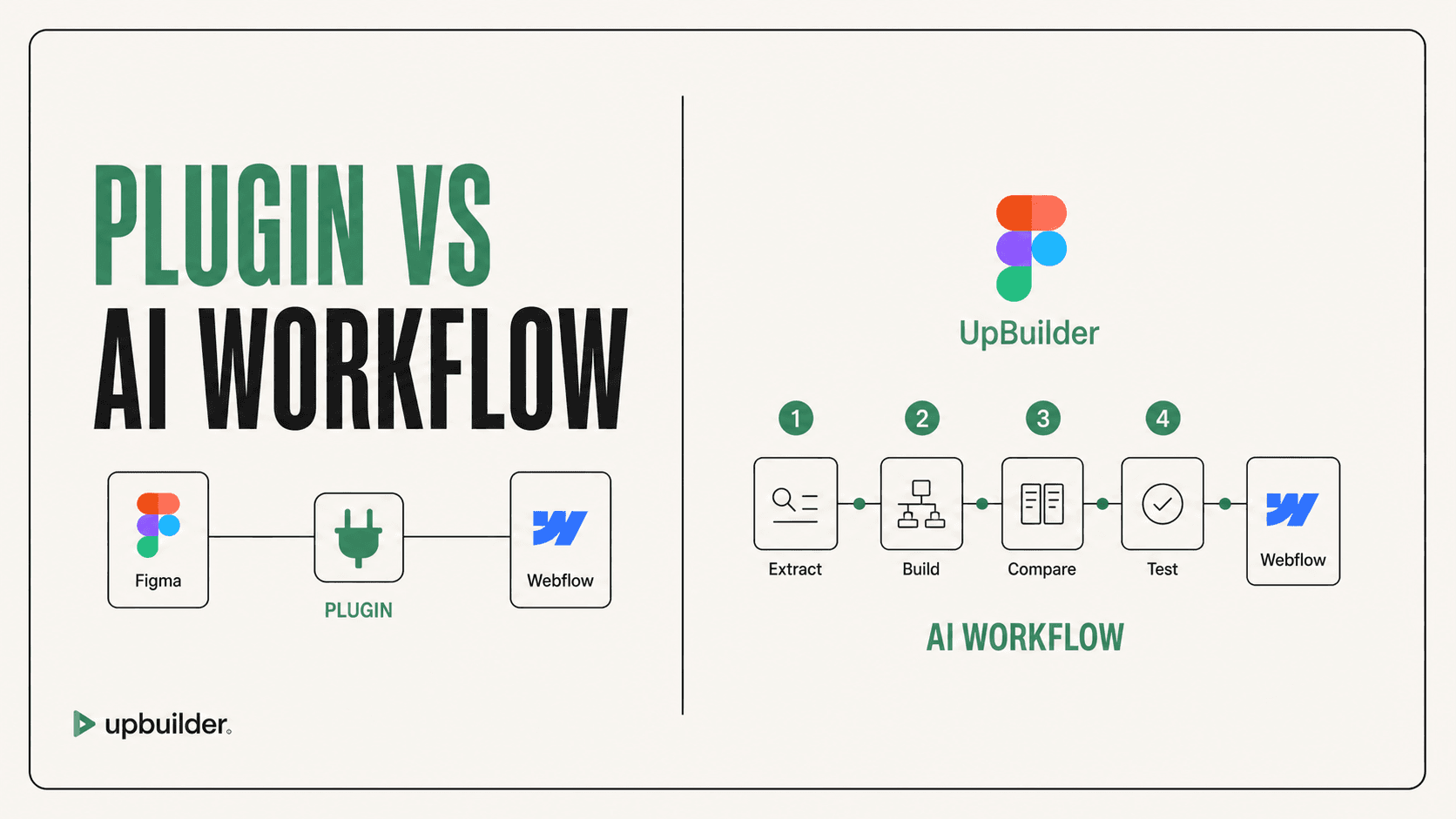
Short answer: UpBuilder is not only a code prompt. It is a staged workflow that extracts selected Figma evidence, organizes pages and responsive variants, builds editable output, compares the rendered result, repairs supported differences, and verifies the destination.
What matters most
- Extraction preserves source evidence.
- Page mapping prevents responsive variants from becoming duplicate pages.
- Generation is followed by comparison and repair.
- Published destination QA checks the real Webflow result.
UpBuilder connects setup, generation, and validation

Stage 1: extract the selected design evidence
UpBuilder reads selected nodes, layers, text, styles, assets, geometry, hierarchy, and layout relationships. It can evaluate supported files with mixed structure and without mandatory Auto Layout preparation.
The selection matters. Complete page frames provide more useful context than disconnected decorative elements. Responsive variants provide evidence about stacking, order, visibility, cropping, and spacing.
Stage 2: organize pages and variants
Desktop, tablet, and mobile references should map to one logical page rather than three unrelated pages. Shared navigation, footers, buttons, and repeated content patterns should also be recognized before generation.
The current workflow supports up to 15 selected designs per project build. The setup review lets the user correct mapping assumptions before expensive build work begins. Confirm current capacity inside the product.
Stage 3: build editable destination output
UpBuilder uses AI-assisted interpretation and destination-specific tools to reconcile visual evidence, source hierarchy, browser behavior, and platform constraints.
The value is the complete workflow: reliable extraction, destination operations, deterministic checks, and repair loops turn generation into a repeatable website build.
Stage 4: compare and repair
High Quality Mode does not stop at the first plausible result. It renders the output, compares supported visual evidence with available Figma references, identifies important differences, and attempts corrections within the workflow.
No automated comparison understands every subjective decision. The user should define blocking errors, acceptable differences, and any intentional destination-specific adaptation.
Stage 5: verify the real Webflow destination
Supported Webflow QA uses published staging URLs, responsive viewport evidence, runtime probes, screenshots, and repair attempts. This catches differences caused by destination fonts, assets, styles, and runtime behavior.
Before launch, the team still owns content accuracy, accessibility, analytics, consent, SEO fields, redirects, custom scripts, integrations, and final acceptance.


Recommended workflow
- Select complete Figma pages and responsive references.
- Review page mapping and destination settings.
- Build the editable Webflow project.
- Compare rendered output with the source references.
- Repair supported visual and responsive differences.
- Publish to staging and complete functional and launch QA.
Common questions
What does AI do in the UpBuilder workflow?
AI assists with design interpretation, generation, and supported repairs. The product also relies on extraction, destination operations, rendering, comparison, and QA.
Does High Quality Mode guarantee perfection?
No. It adds repeated comparison, repair, and final verification, but ambiguous design intent and unsupported behavior still require human review.
What makes UpBuilder different from an MCP workflow?
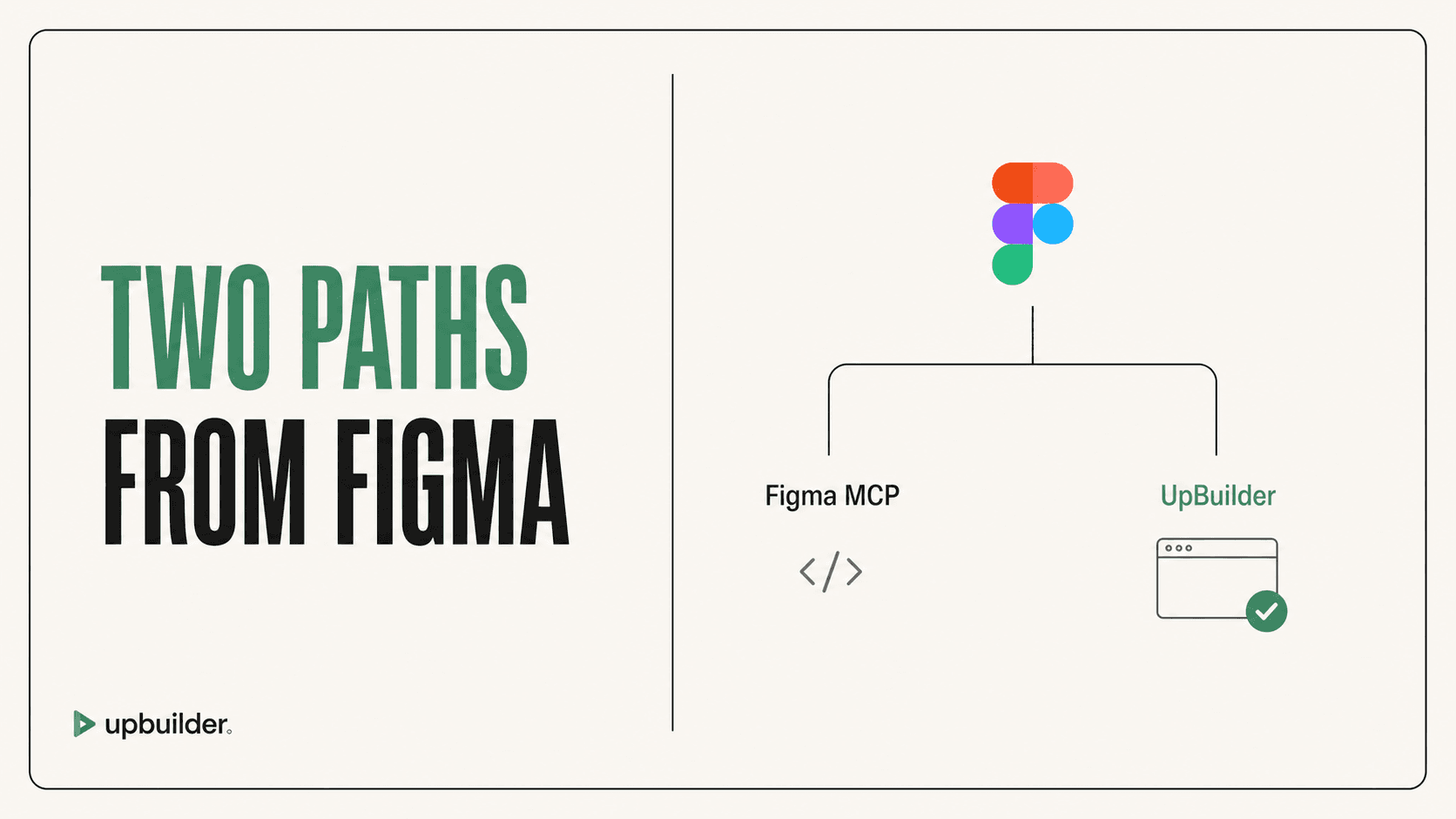
MCP servers expose design or destination operations to an external agent. UpBuilder packages the complete website objective into a guided extraction, build, comparison, repair, and QA workflow.
Verify current access before building
Capabilities, destinations, and usage limits can change. Confirm the current options shown inside UpBuilder before committing a production project.
Ready to build from Figma?
Build your selected Figma designs into an editable website and review the real output.
Start a build