Free Figma to Webflow Tools: What You Can Test
By UpBuilder Team
Reviewed and updated July 14, 2026
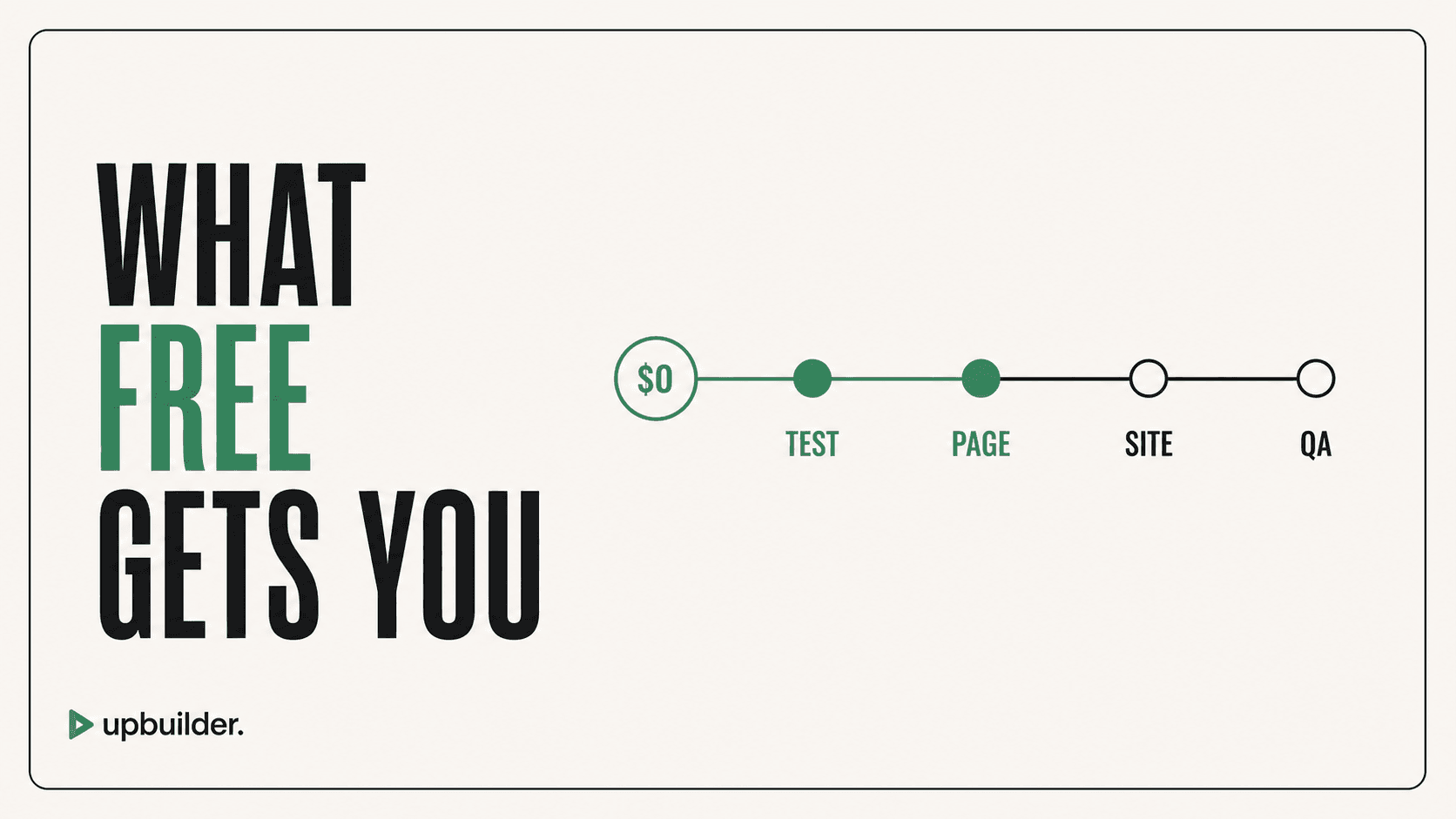
Short answer: A no-cost evaluation is most useful for testing one representative page. Compare source preparation, responsive accuracy, native Webflow structure, assets, interactions, cleanup, and destination requirements before choosing a production workflow.
What matters most
- Free does not mean zero total cost.
- Plan limits change and should be checked at the source.
- Use the same difficult page for every test.
- Measure accepted output, not generated frames.
Use free access to test the difficult parts
Option 1: official Figma to Webflow sync
Official sync can be an effective evaluation path when the Figma source follows supported preparation patterns. Test how styles, components, variables, assets, and responsive behavior arrive in the destination.
Include preparation time in the comparison. A free tool may still be expensive if a team must restructure an approved file or perform extensive breakpoint cleanup.
Option 2: UpBuilder evaluation access
UpBuilder may provide evaluation access so a user can test the current workflow before production use. Availability and usage limits can change, so confirm the options shown inside the product.
Use evaluation access to test the hardest representative page, not the easiest marketing section. Evaluate the source mapping, destination editability, responsive behavior, assets, supported interactions, and remaining manual work.
Option 3: MCP and general AI clients
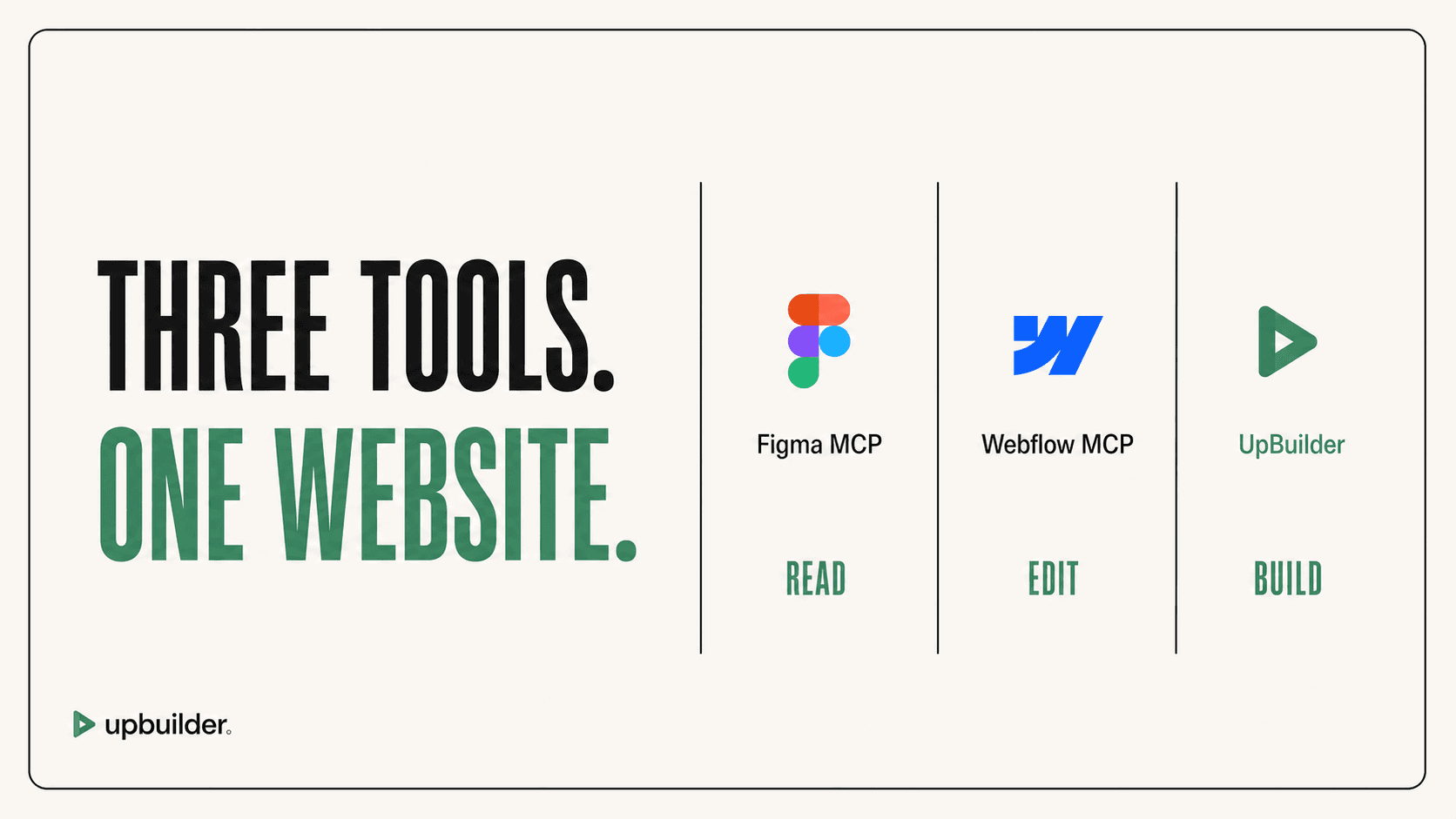
Figma MCP can provide design context to an external AI client, while Webflow MCP can perform supported destination operations. Total cost can include eligible seats, the AI client, model usage, Webflow access, and developer supervision.
This approach offers flexibility but requires the user to coordinate scope, prompts, assets, class strategy, responsive decisions, and validation. It is not directly comparable to a complete specialized project workflow.
Option 4: manual Webflow development
Manual building requires no separate conversion subscription, but it consumes skilled production time. It may be the best choice for unusual interactions, highly custom CMS architecture, or teams that want total human control.
Do not use a universal speed multiplier. Track actual preparation, build, cleanup, QA, revisions, and handoff time for your team.
A fair evaluation scorecard
Score each option for preparation, desktop accuracy, mobile accuracy, intermediate widths, class quality, assets, components, interactions, editability, QA evidence, and total hours. Keep screenshots and notes so the purchase decision remains auditable.


Common questions
Is UpBuilder free?
Evaluation availability and usage limits can change. Confirm the current access options shown inside UpBuilder before planning production work.
Is Figma MCP a free Figma-to-Webflow converter?
No. It provides Figma context to an external AI client. Useful access and total cost depend on seats, plans, the client, model usage, and destination tooling.
What should I test first?
Choose a page with real typography, assets, repeated components, responsive variants, and at least one interaction. Easy hero sections do not reveal workflow risk.
Sources and verification
Product limits and features can change. These sources were reviewed for this guide. Community discussions are identified separately and are not treated as universal product facts.
Ready to build from Figma?
Build your selected Figma designs into an editable website and review the real output.
Start a build