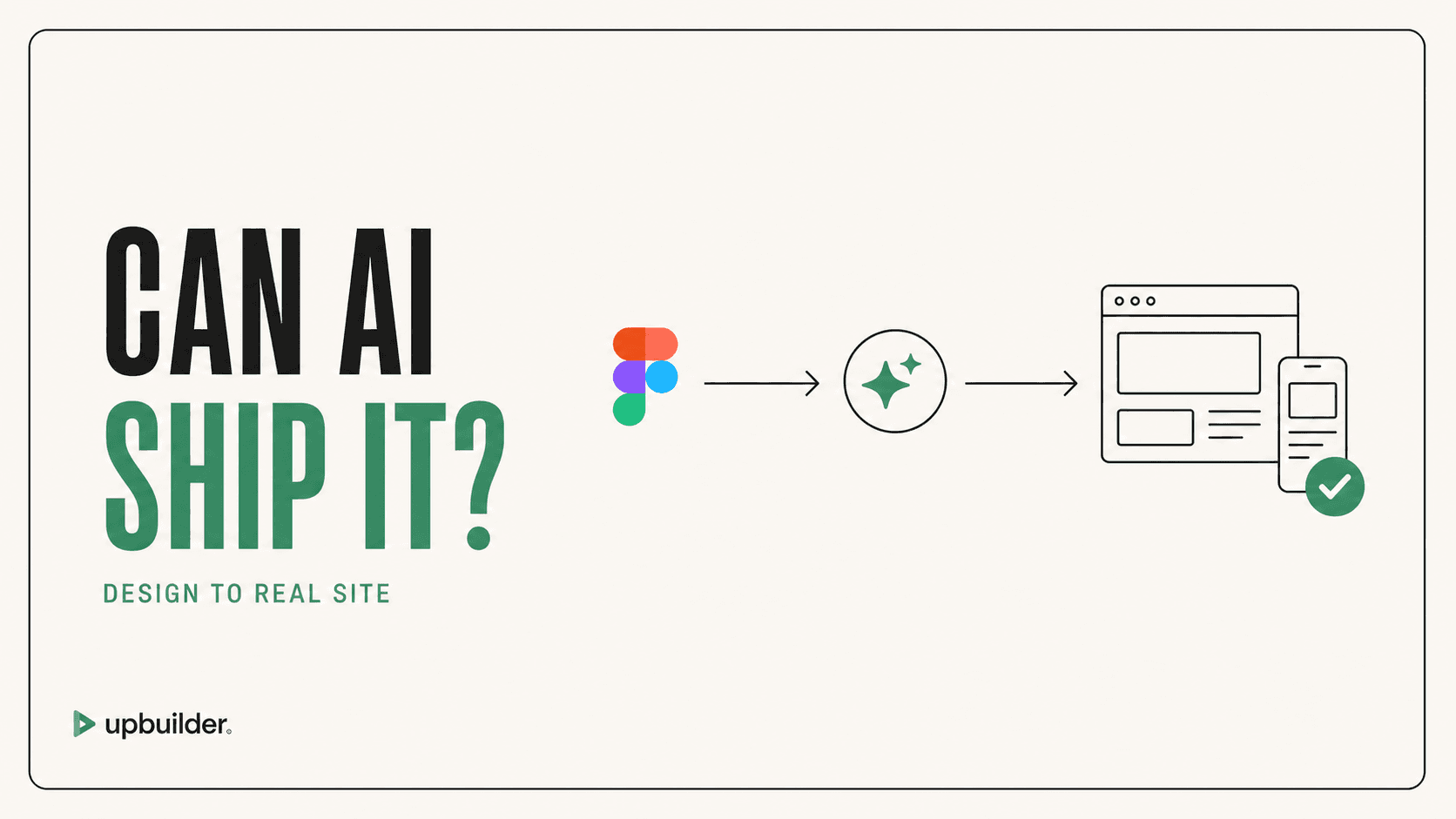
Design to Code vs Design to Website: What Is the Difference?
By UpBuilder Team
Reviewed and updated July 12, 2026
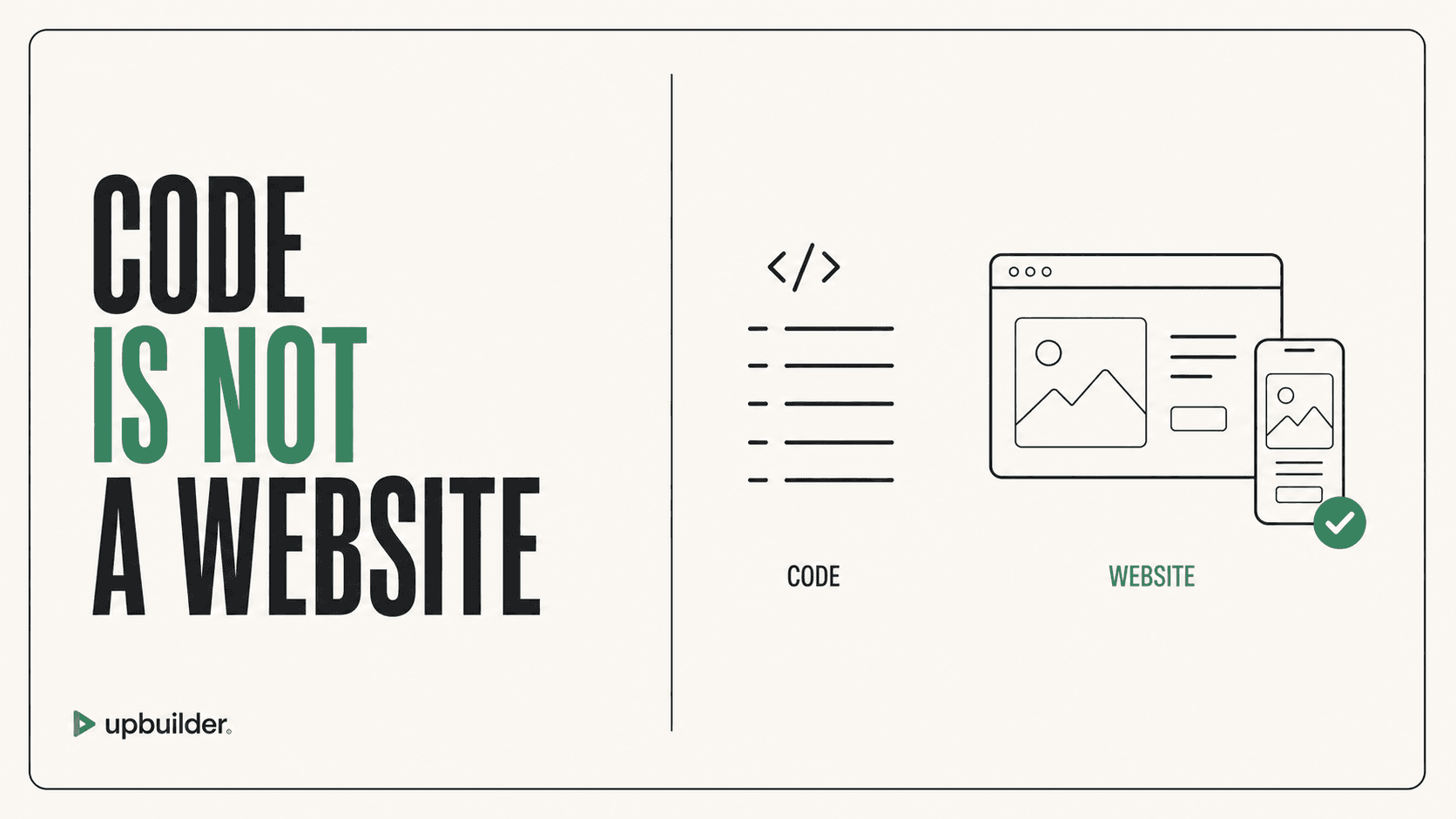
Short answer: Design-to-code creates implementation files or components. Design-to-website includes destination integration, routes, assets, responsive behavior, interactions, publishing, QA, and an editing or maintenance workflow.
What matters most
- A code preview is not a deployed website.
- Destination-native output reduces integration work.
- Publishing reveals real runtime differences.
- Maintenance and handoff are part of production quality.
Code output and website delivery are not the same result
Design-to-code output
A design-to-code tool may generate HTML, CSS, React, or other component files. The team still needs repository integration, routing, content, state, APIs, tests, deployment, monitoring, analytics, and maintenance. This is appropriate when engineers want code as a starting point.
Design-to-website output
A design-to-website workflow aims at a real destination such as Webflow, Elementor, React, Astro, or hosted HTML/CSS. It organizes pages, integrates assets, creates responsive behavior, and verifies the actual rendered result.
UpBuilder spans both categories because it can produce visual-builder destinations and portable code outputs. Its strongest distinction is the multi-stage validation process rather than generation alone.
Which should you buy?
Choose design-to-code when an engineering team owns integration and wants maximum repository control. Choose design-to-website when designers or agencies need a complete editable destination and a faster handoff. Ask vendors to demonstrate the final destination, not only a preview.
Ownership after generation
For code output, identify who reviews pull requests, maintains dependencies, deploys releases, monitors errors, and handles security updates. For visual builders, identify workspace ownership, editor permissions, plan billing, backups, and custom-domain control.
The best workflow is the one the receiving team can operate six months later. Include maintenance, not only initial fidelity, in every evaluation scorecard.


Common questions
Is Figma MCP design to code?
Figma MCP supplies design context. An external AI client can use that context for design-to-code work.
Is UpBuilder design to website?
Yes. UpBuilder is organized around producing and validating website destinations, including visual builders and portable code.
Why does destination QA matter?
Fonts, assets, platform styles, runtime behavior, breakpoints, and integrations can differ after import or publishing.
Verify current access before building
Capabilities, destinations, and usage limits can change. Confirm the current options shown inside UpBuilder before committing a production project.
Ready to build from Figma?
Build your selected Figma designs into an editable website and review the real output.
Start a build