Can AI Convert Figma into a Real Website?
By UpBuilder Team
Reviewed and updated July 12, 2026
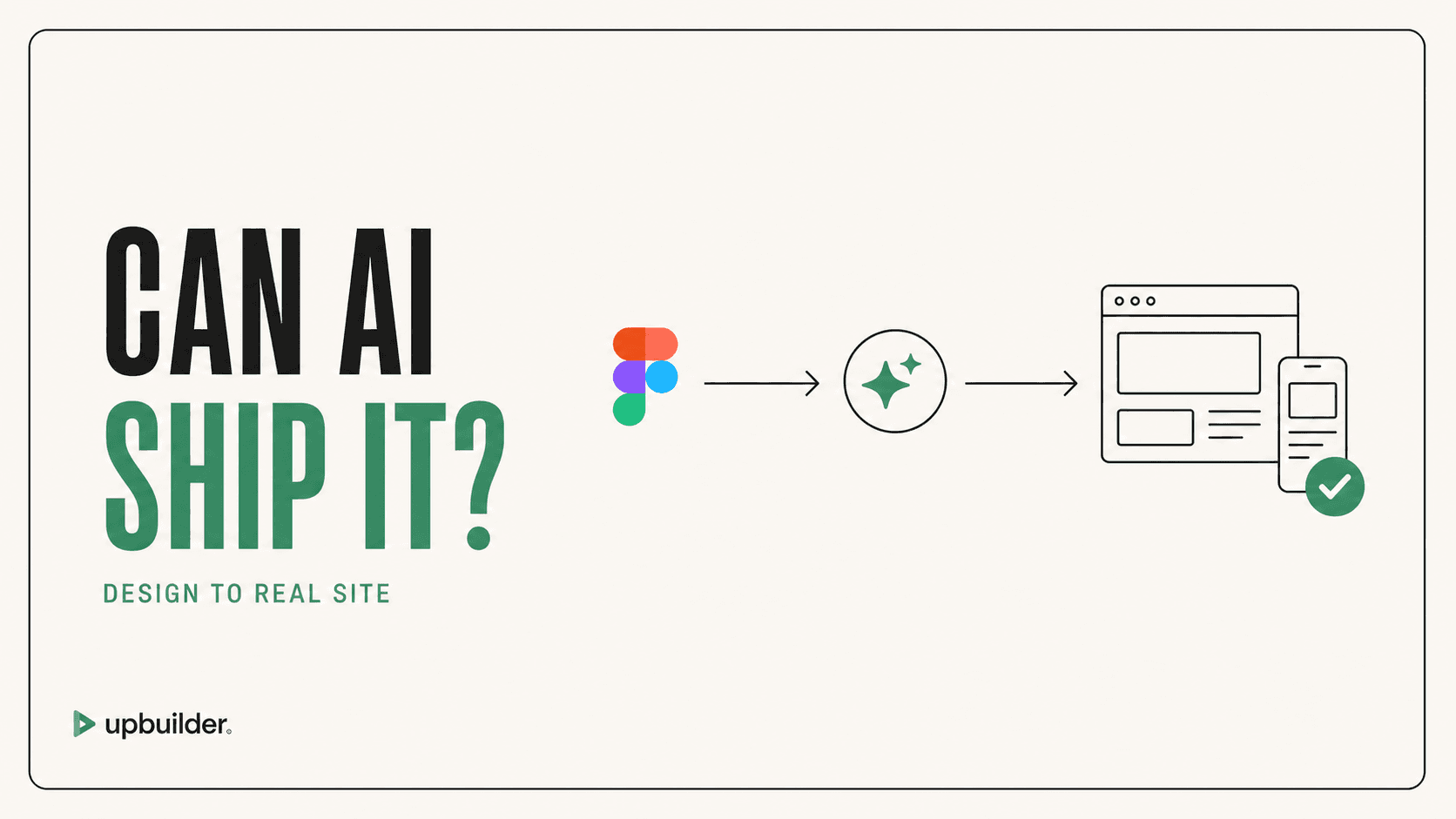
Short answer: Yes. AI can interpret selected Figma designs and create responsive, editable websites or code. Production readiness still requires destination access, real assets, responsive evidence, interaction testing, accessibility, content review, and human acceptance.
What matters most
- AI can automate structure, styling, assets, responsiveness, and repair.
- Static designs do not specify every browser behavior.
- Real destination testing is essential.
- Human review remains responsible for business meaning and launch approval.
AI can build the draft, but the workflow completes the site
What AI does well
Capable models can identify page sections, repeated patterns, typography, spacing, visual hierarchy, likely layout rules, and component opportunities. Specialized tools can then generate for Webflow, Elementor, React, HTML/CSS, or Astro.
UpBuilder places AI-assisted interpretation inside a larger workflow that extracts, organizes, builds, compares, repairs, and verifies. Destination tools and QA turn generation into a repeatable website process.
What Figma does not fully specify
A design may omit intermediate widths, keyboard behavior, loading and error states, data integration, content extremes, reduced motion, SEO metadata, analytics, consent, redirects, and operational ownership. The build team must define these requirements.
How to recognize a real website
Inspect destination elements or code, change content, resize the browser, use the keyboard, submit forms, follow navigation, reload routes, inspect assets, check metadata, and publish to staging. If the result only works as a static preview, it is not ready.
What humans still need to decide
People remain responsible for content accuracy, brand judgment, privacy, legal requirements, accessibility acceptance, analytics, conversion strategy, security, data behavior, and launch risk. Those decisions are not fully encoded in a design frame.
A strong AI workflow makes uncertainty visible and provides evidence for review. It should reduce repetitive production work without pretending that every missing product decision can be inferred safely.


Common questions
Can AI convert a complex Figma file?
Yes, but complexity raises the need for representative testing, responsive references, visual comparison, and human acceptance.
Do I need Auto Layout?
Not for every UpBuilder workflow. Supported files can be evaluated without mandatory Auto Layout preparation, though clear structure reduces ambiguity.
Which AI model is best for Figma to website?
Model capacity matters, but the best result also requires reliable extraction, destination operations, visual QA, and repair. Evaluate the complete product workflow.
Verify current access before building
Capabilities, destinations, and usage limits can change. Confirm the current options shown inside UpBuilder before committing a production project.
Ready to build from Figma?
Build your selected Figma designs into an editable website and review the real output.
Start a build