
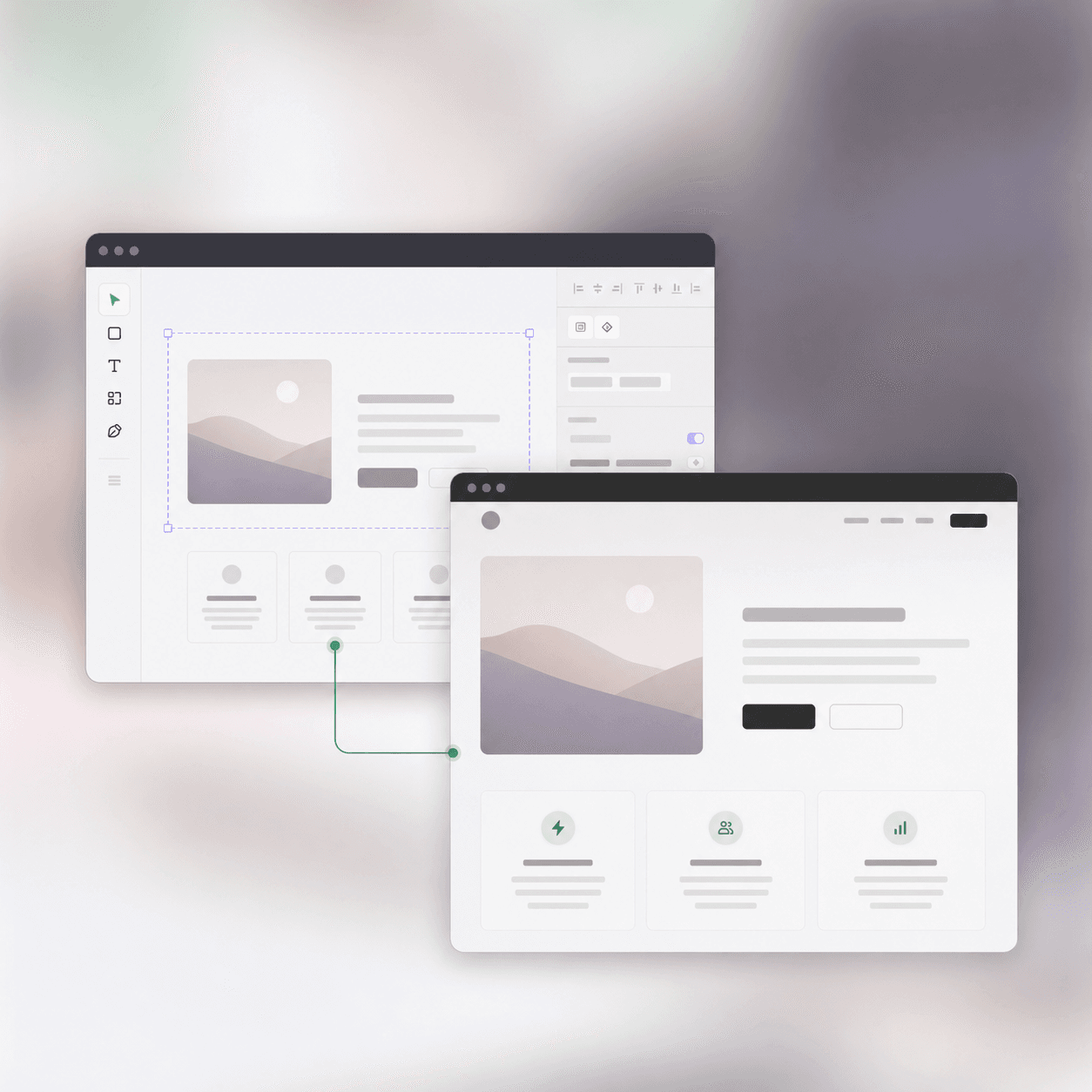
Framework-free landing pages
Turn approved Figma layouts into portable HTML and CSS for any host.
Generate inspectable semantic HTML, responsive CSS, local assets, and supported JavaScript behavior from real-world Figma files.
Framework-free output your team can inspect and own.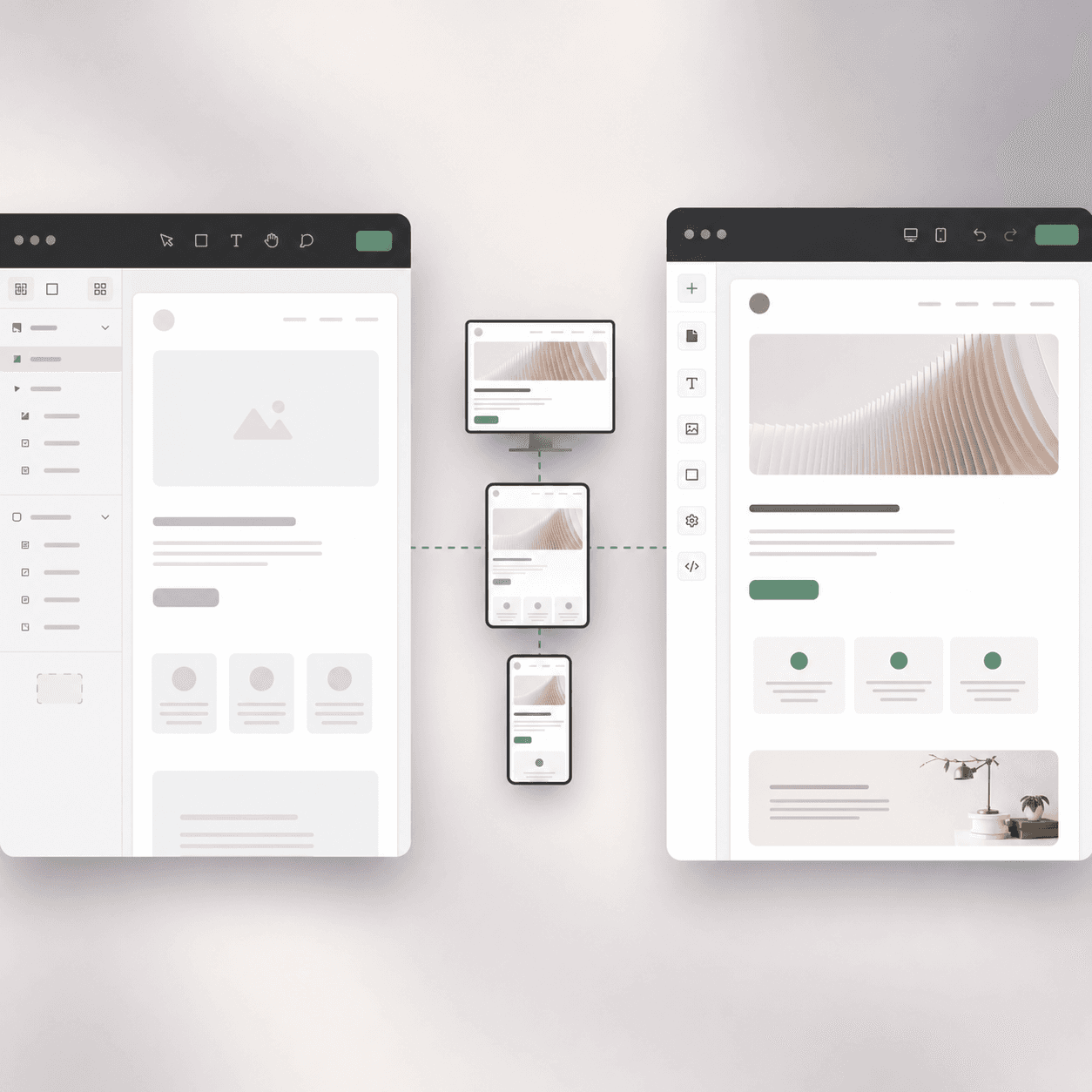
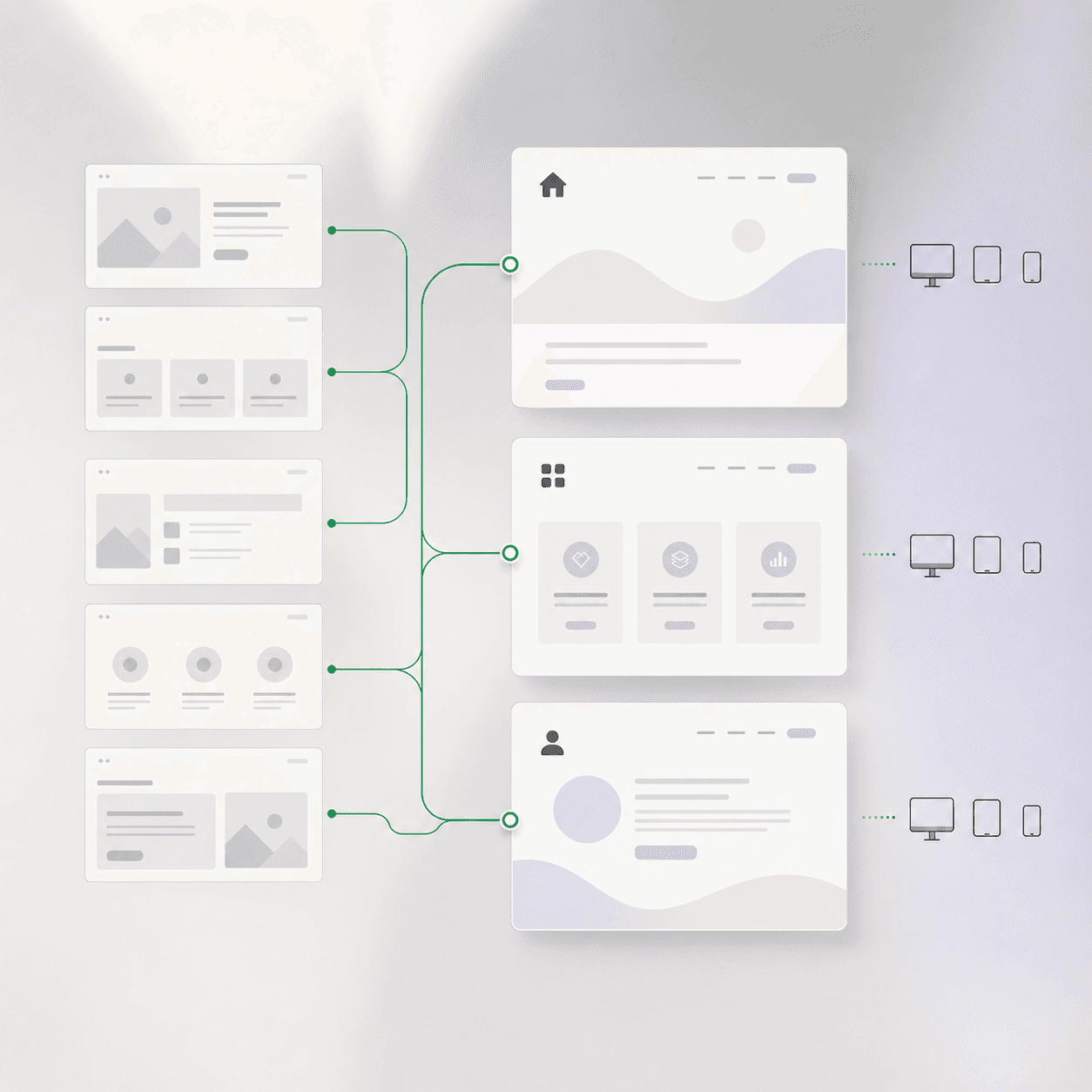
UpBuilder organizes the designs, creates page structure and styles, then produces a project that can run on standard web hosting.
Continue editing the generated HTML and CSS directly, without depending on a proprietary visual builder.
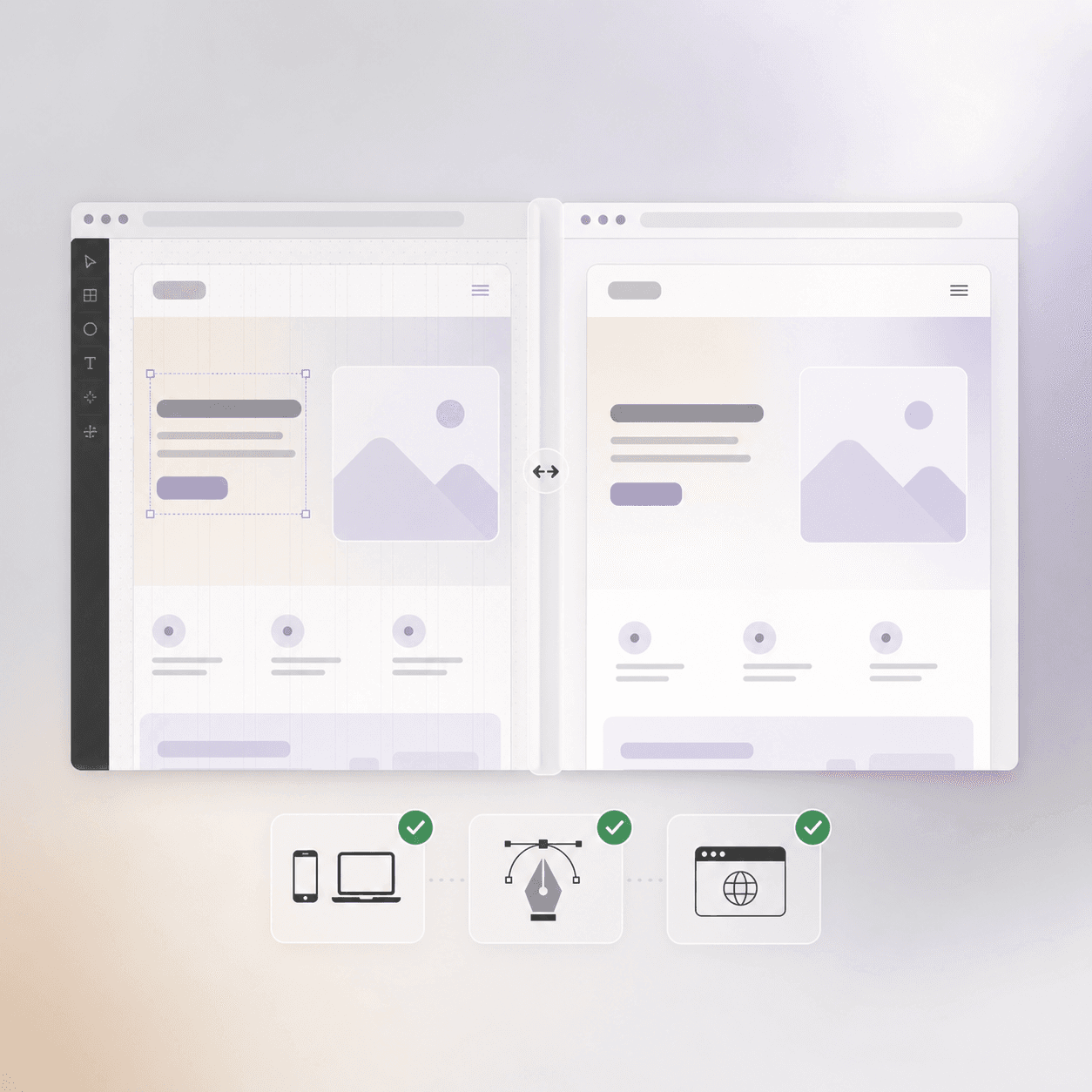
Build the project, render each page, and compare the result at the screen sizes represented in Figma.
Start with approved design direction, keep the final output editable, and use responsive references to make the handoff clearer.
Turn approved Figma layouts into portable HTML and CSS for any host.
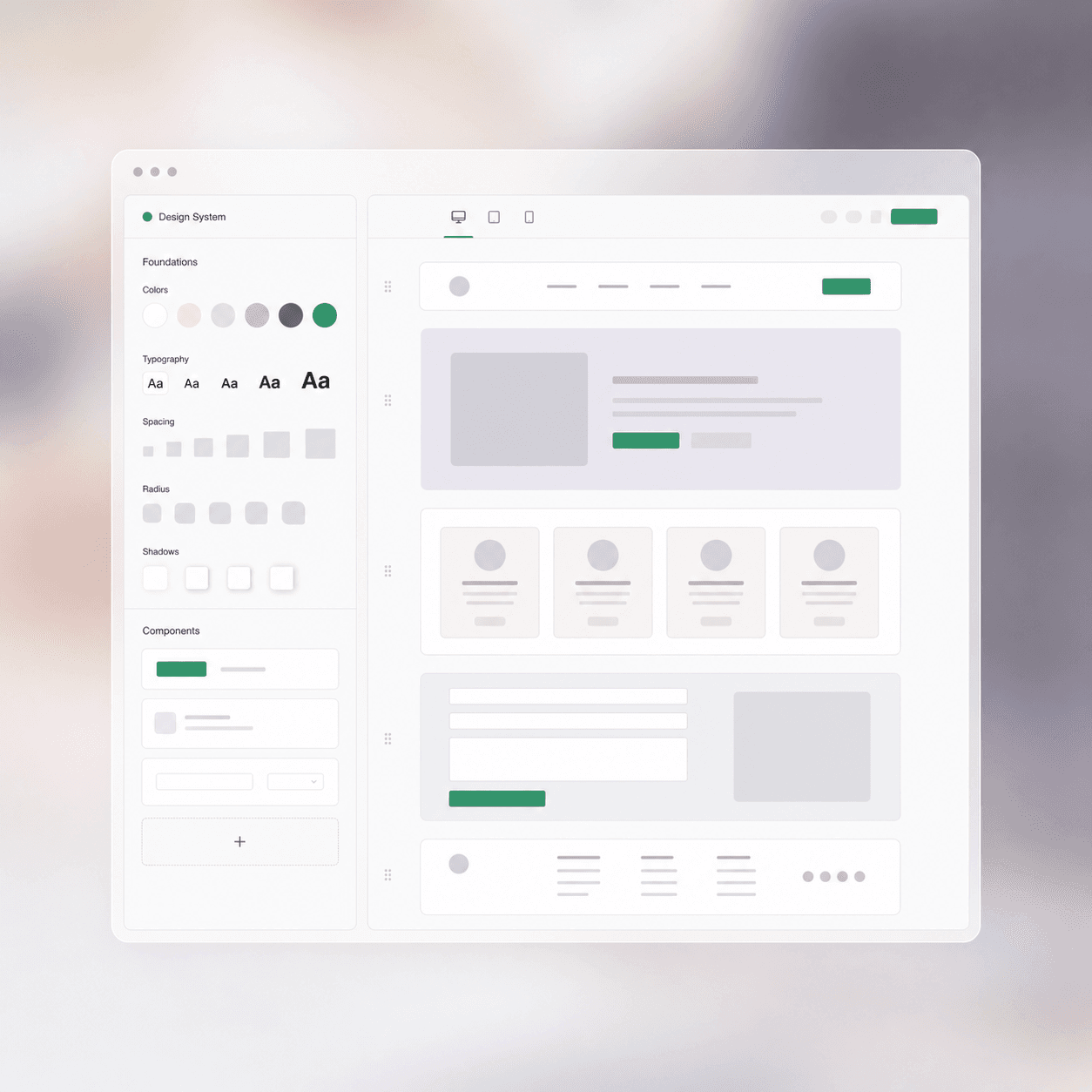
Create maintainable sections and styling from repeated design patterns.
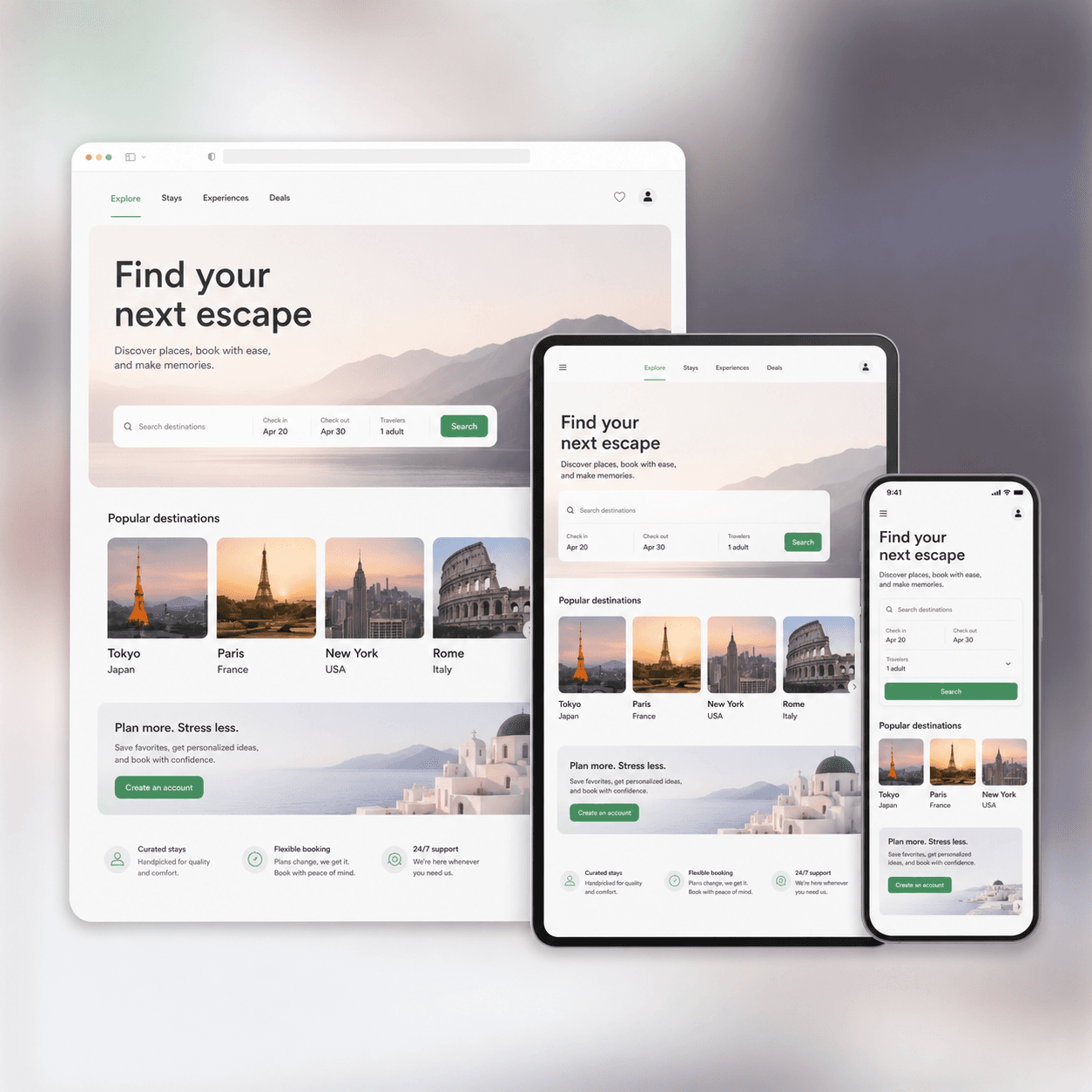
Use all supplied desktop, tablet, and mobile designs as visual references.
Customer stories
“Before this, we relied on a Webflow designer just to get landing pages live. Now we are building 10–15 landing pages a day using UpBuilder.”
“I love your product. You have the best product on the market regarding Figma conversion.”
“I like the way it validates and checks over its own work, rather than producing something that does not work.”
Before you build
It means using selected Figma designs as the source for inspectable html, css, assets, and supported javascript behavior. UpBuilder organizes the pages and responsive references before creating the destination output.
Yes. Inspectable HTML, CSS, assets, and supported JavaScript behavior. The output is intended to remain inspectable and editable after the initial build.
Yes. You can group desktop, tablet, mobile, and additional Figma designs into the same page before building. Those references guide responsive output and screenshot comparisons.
No. Auto Layout can help communicate intent, but UpBuilder is designed to work with real-world Figma files, including frames that do not use Auto Layout consistently.
Rendered-page and responsive checks. When Figma screenshot comparison is enabled, UpBuilder can also compare rendered pages with the matching Figma designs at selected dimensions.
UpBuilder automates page organization, destination output, and supported checks, but it does not remove the need for final review. Ambiguous design intent, unsupported interactions, content systems, fonts, and destination permissions may require human decisions.
Organize the designs, choose the responsive references, and let UpBuilder create the editable first build.
Start building